Mobile Version
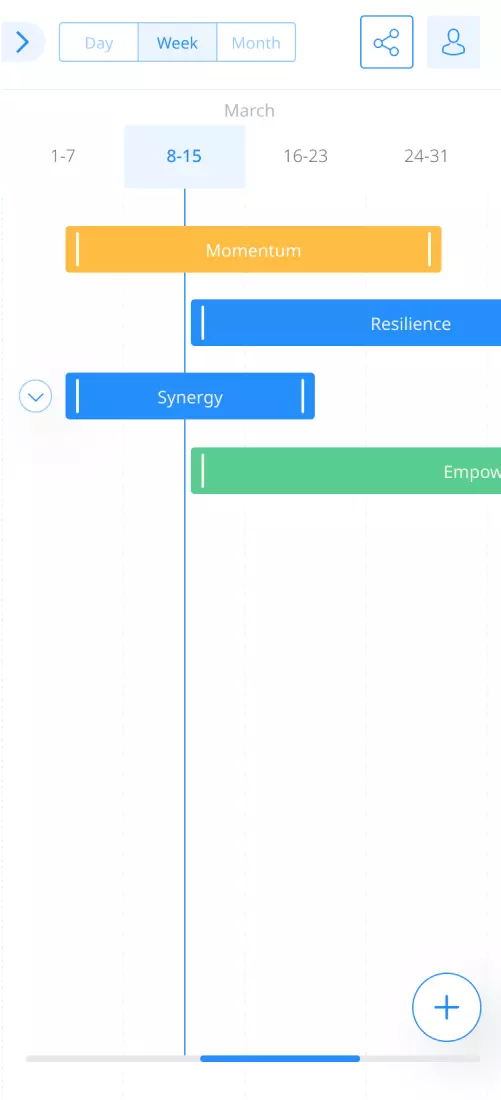
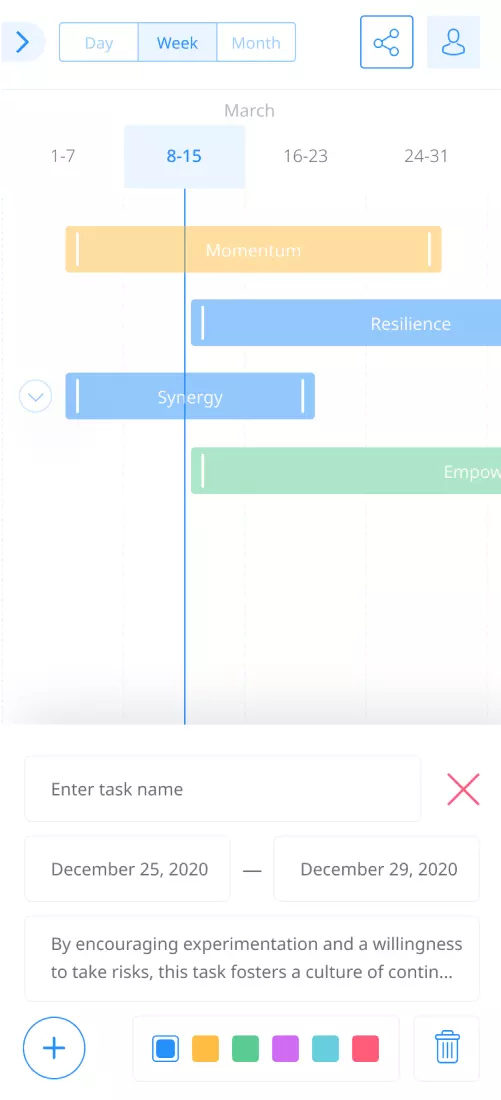
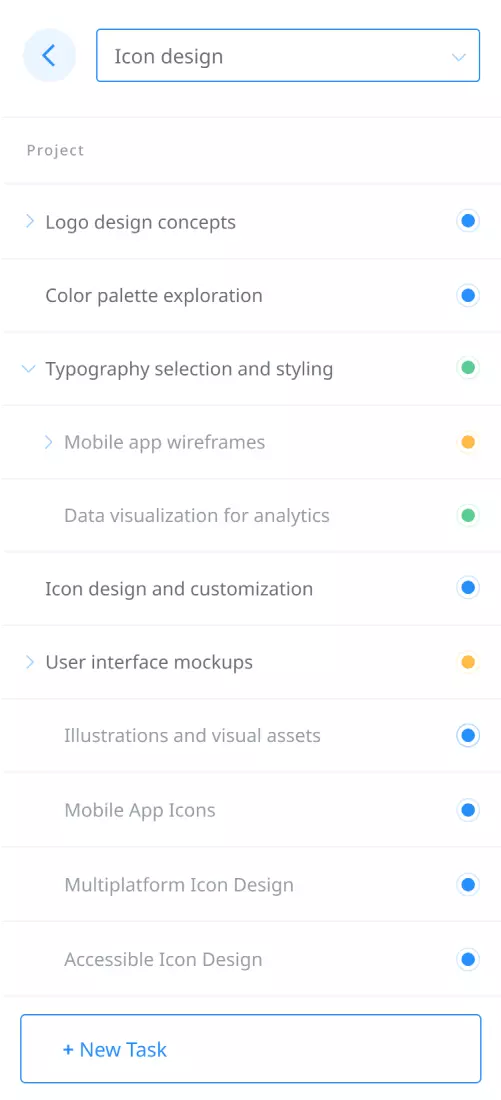
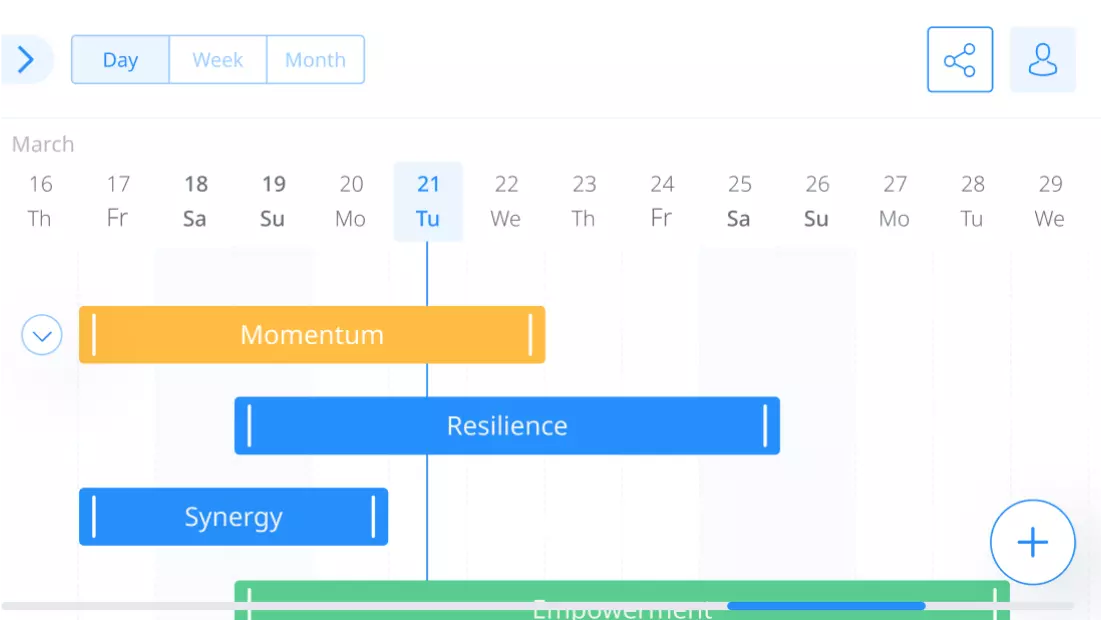
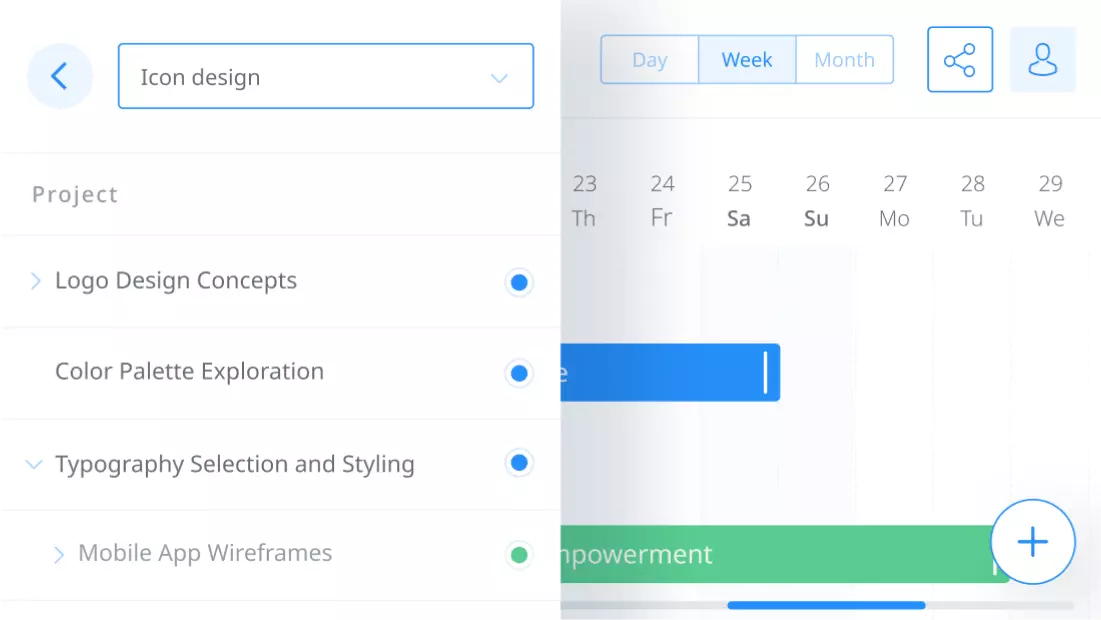
Responsive mobile screens make the Gantt chart easy to navigate on smartphones: users can toggle between day, week, and month views, expand the task tree, edit deadlines, and share project links on the go.
service
Challenge
Design the UX/UI and responsive mobile views for a minimalist task manager featuring an interactive Gantt chart for visual project planning.
Scope
Design
Adaptives
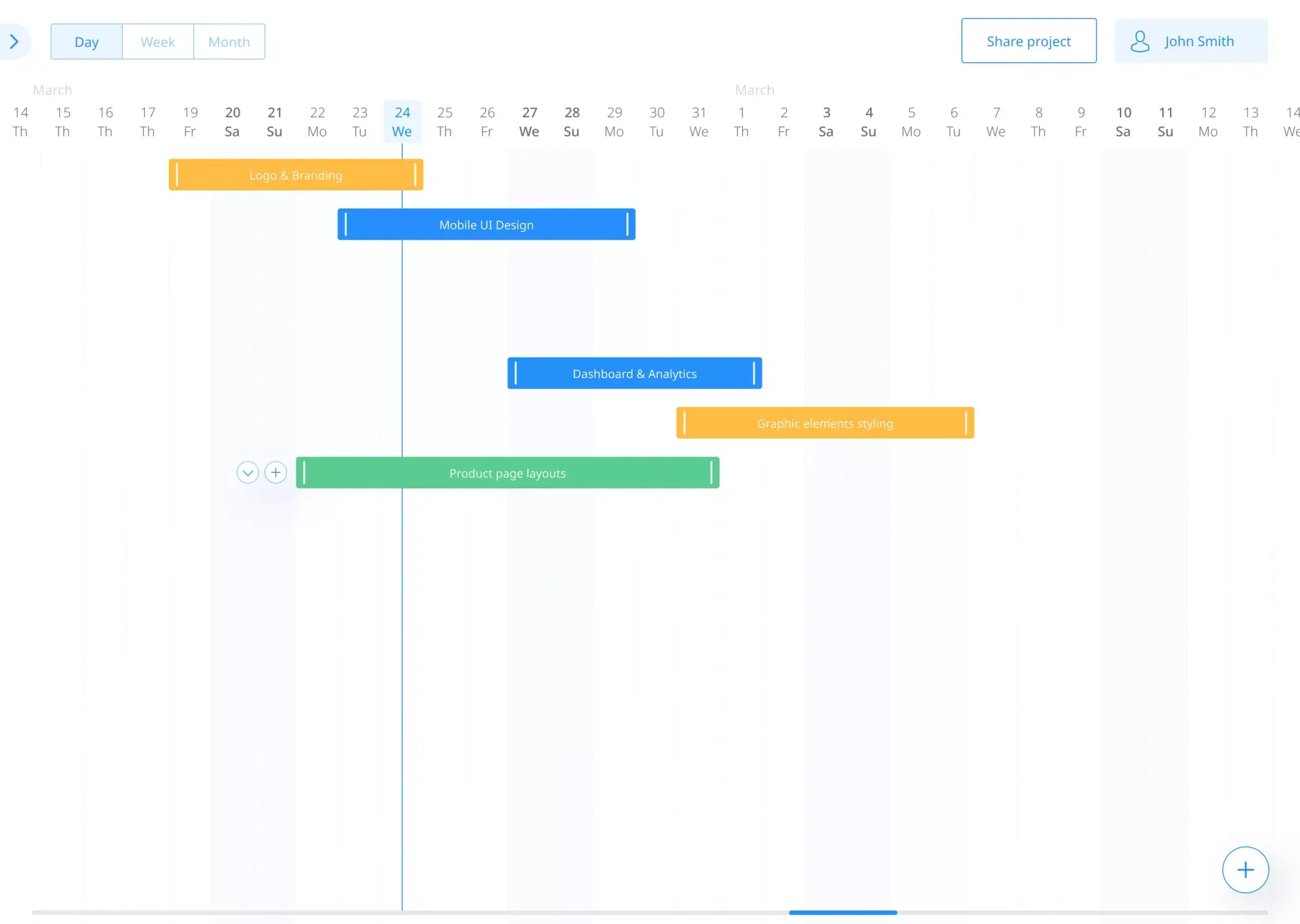
Full-width Gantt timeline view with the task sidebar collapsed, maximizing screen space across day, week, and month scales. Hovering over color-coded task bars reveals quick action buttons for expanding subtasks or adding a nested item.
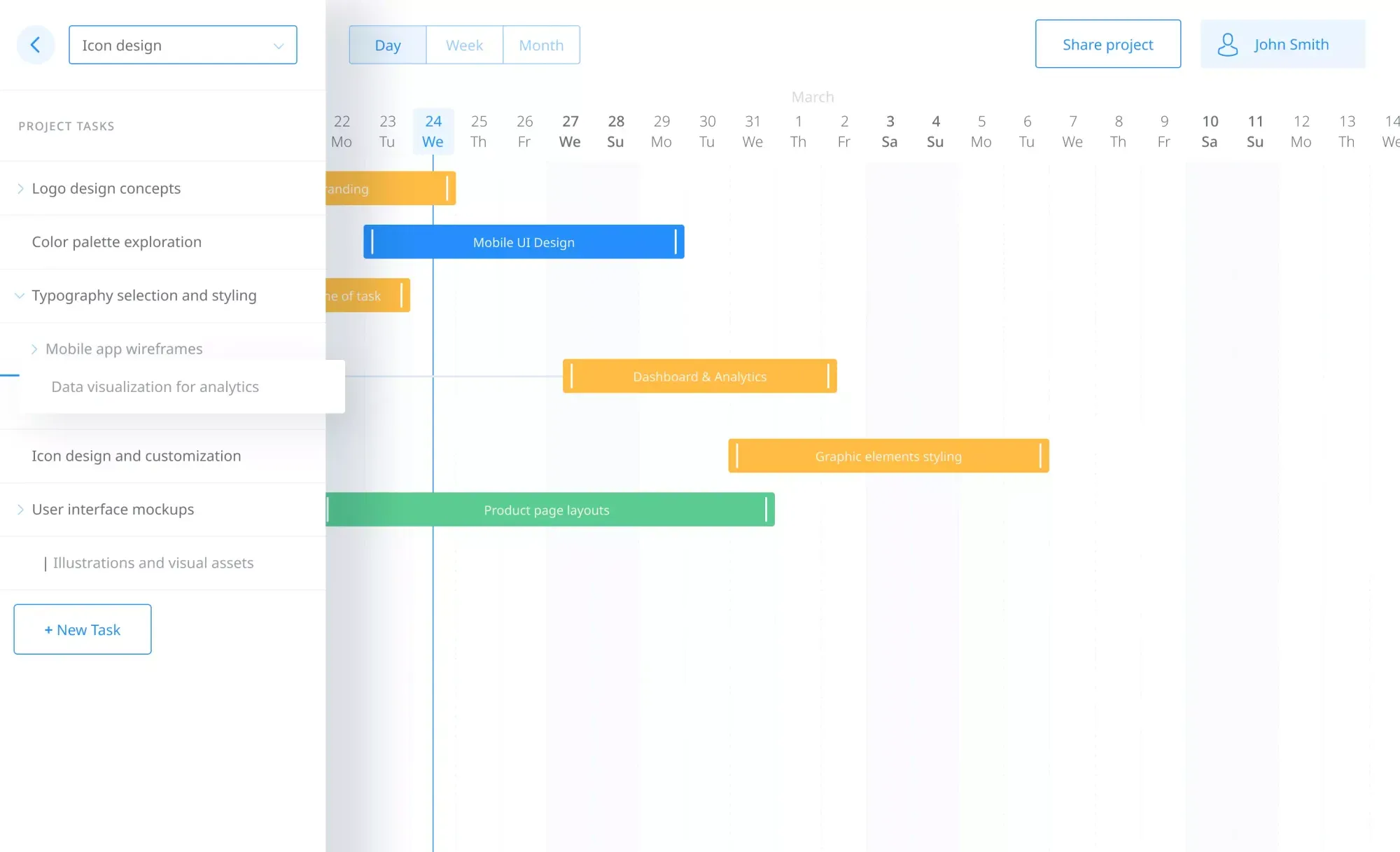
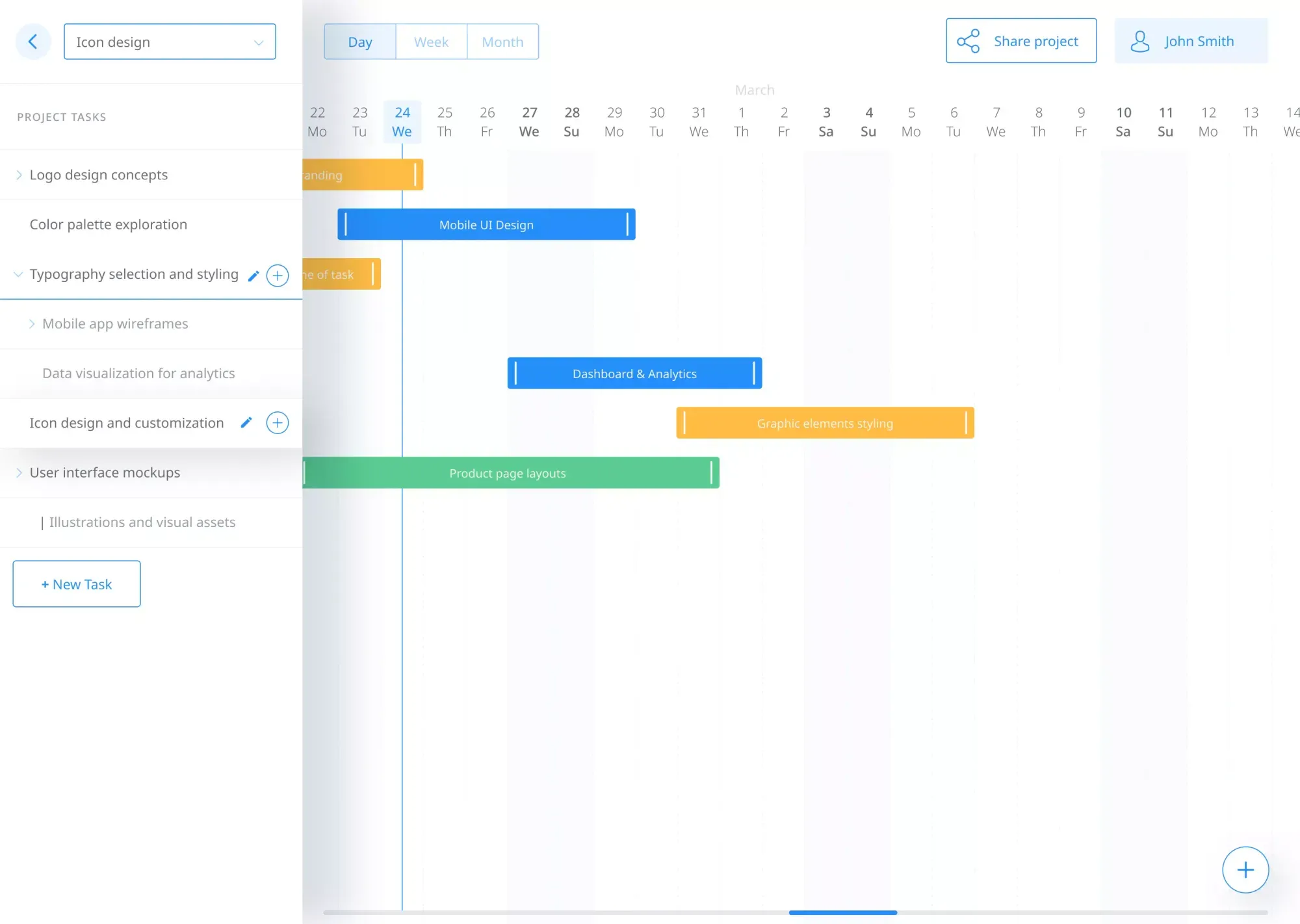
The main workspace with the left sidebar expanded displays a hierarchical tree of tasks and subtasks aligned with their timeline bars. Users can rename items inline, reorder tasks via drag-and-drop, or add subtasks in a single click.
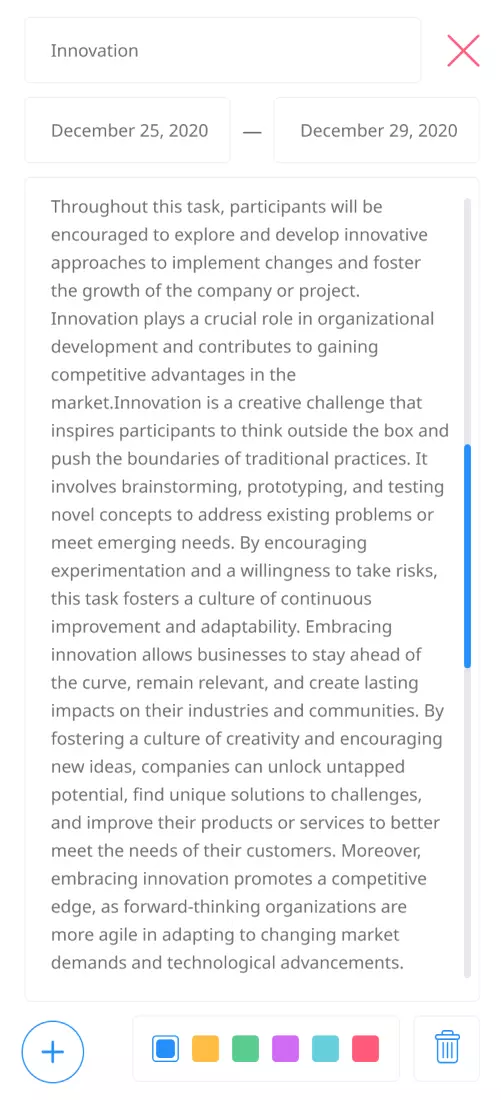
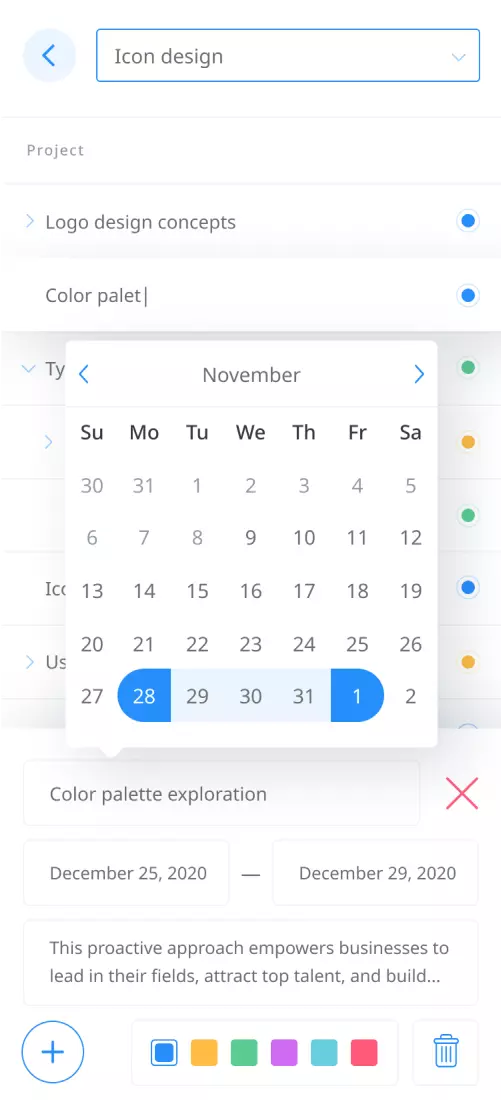
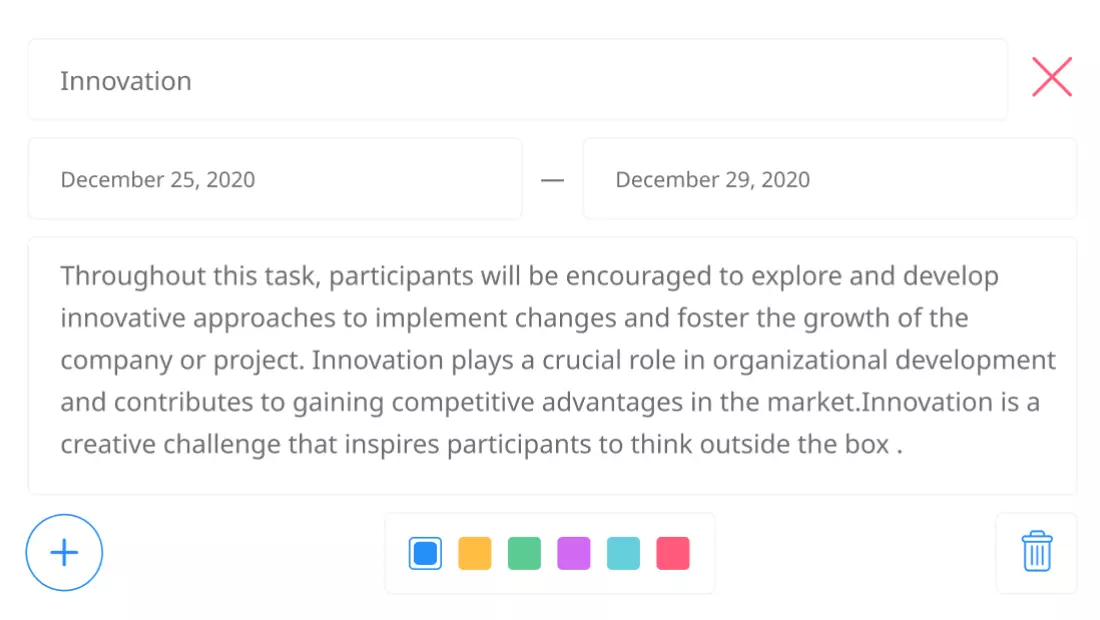
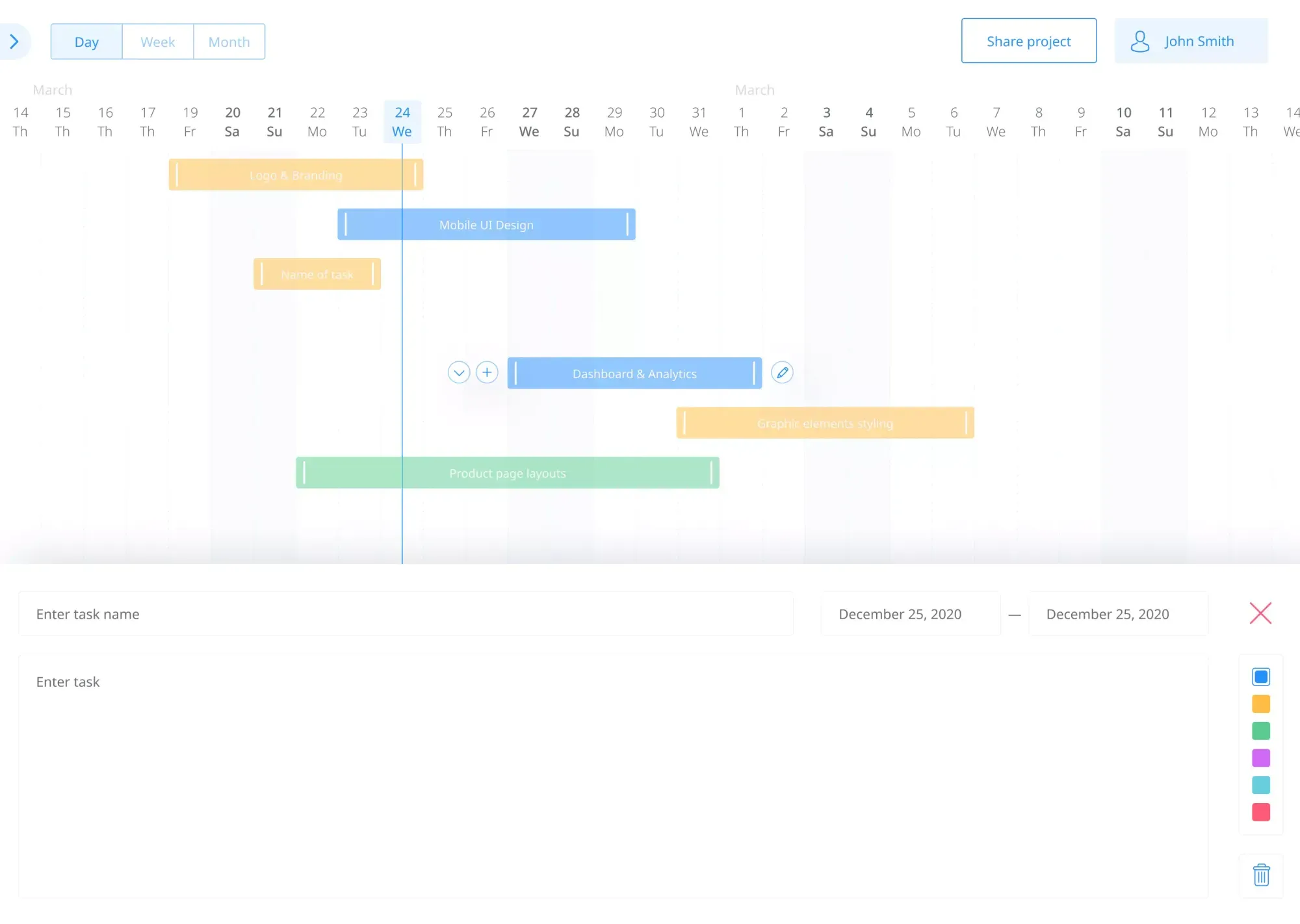
Clicking a task opens a compact bottom editing drawer containing the task title, description field, start and end dates, and a 6-color picker for the timeline bar. This layout lets users edit task details while keeping the overall project schedule visible.
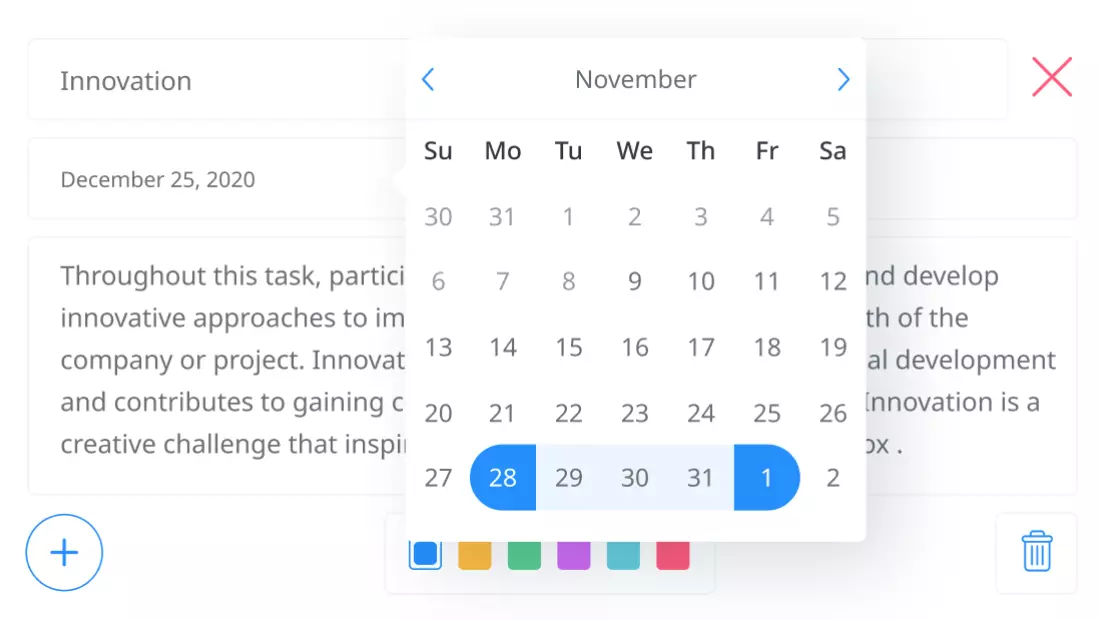
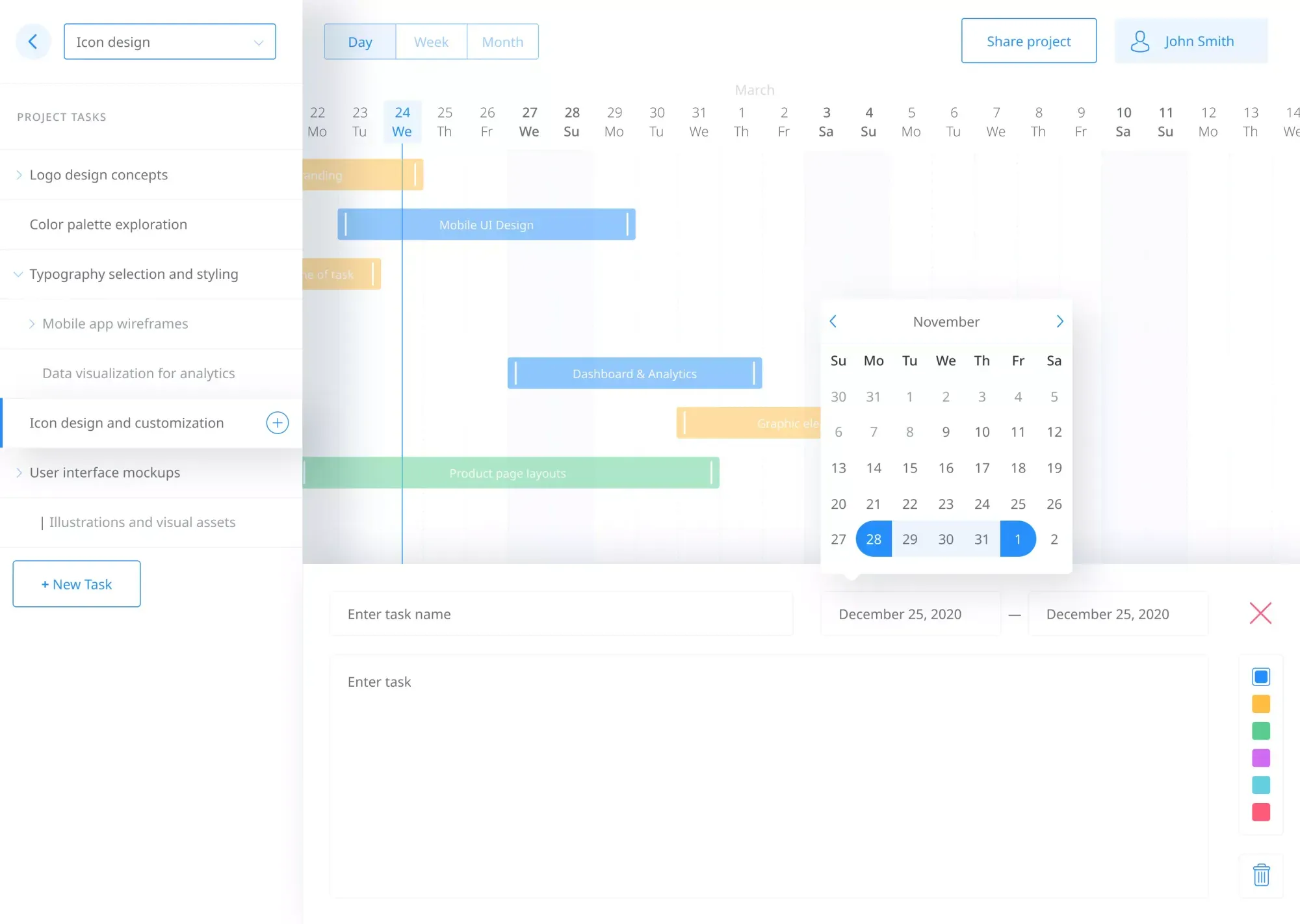
Interactive popup calendar for selecting task start and end date ranges directly from the bottom editing bar. Updating dates in the picker immediately adjusts the length and position of the corresponding bar on the Gantt chart.
Ready to bring your vision to life? Let's team up on your next project and create something unforgettable together.
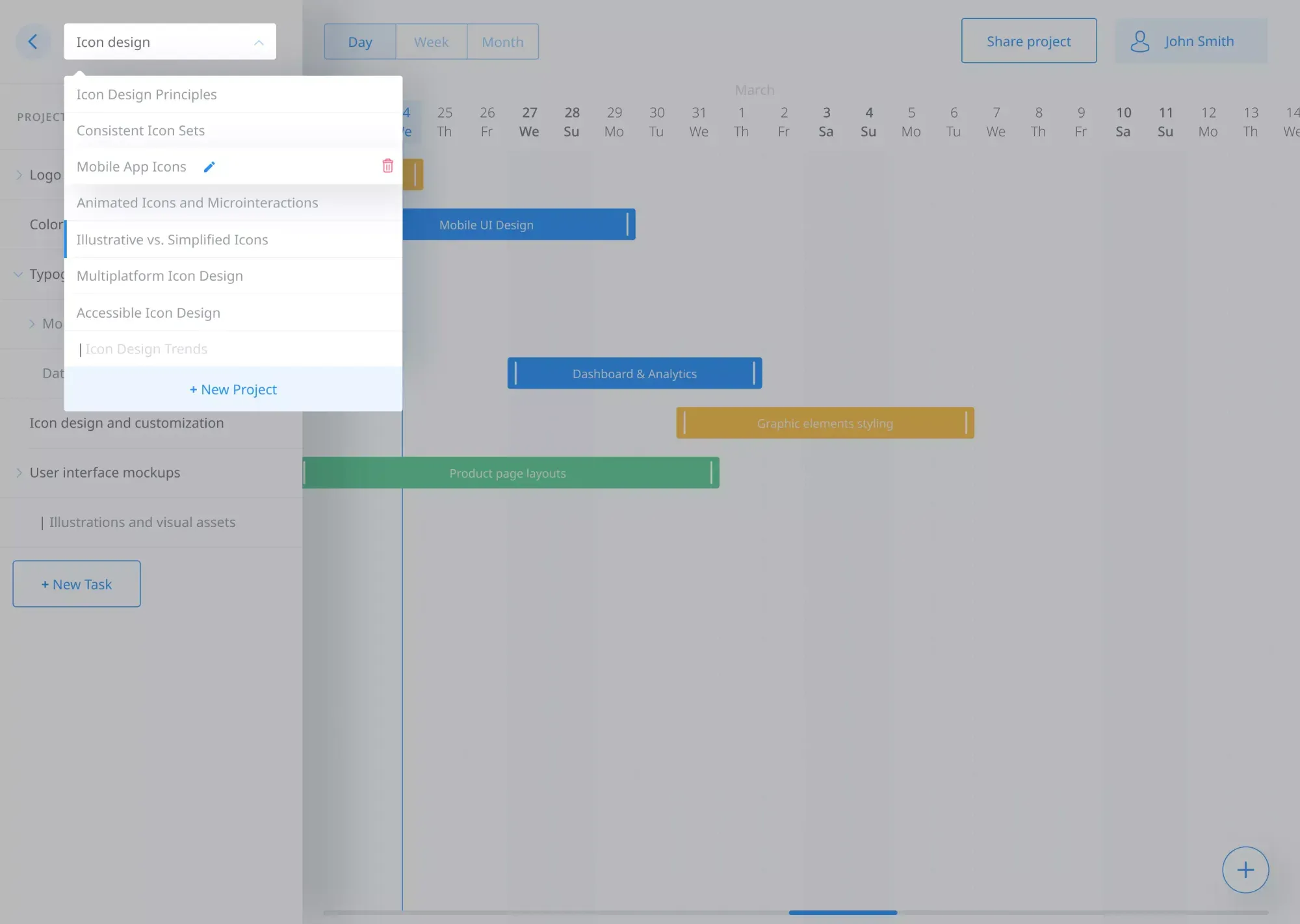
The dropdown menu in the sidebar header provides quick switching across all user projects. Users can rename or delete existing projects inline or create a new project workspace in one click.
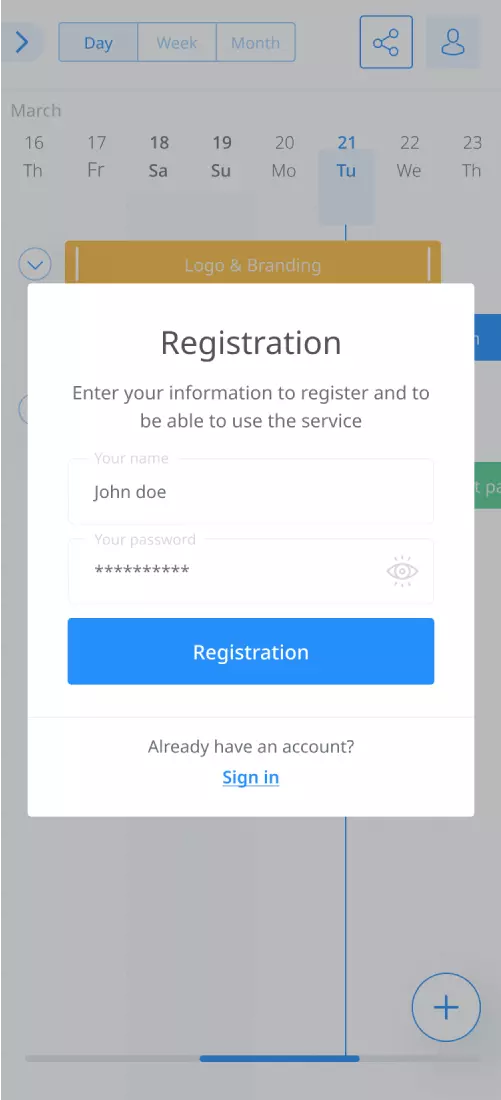
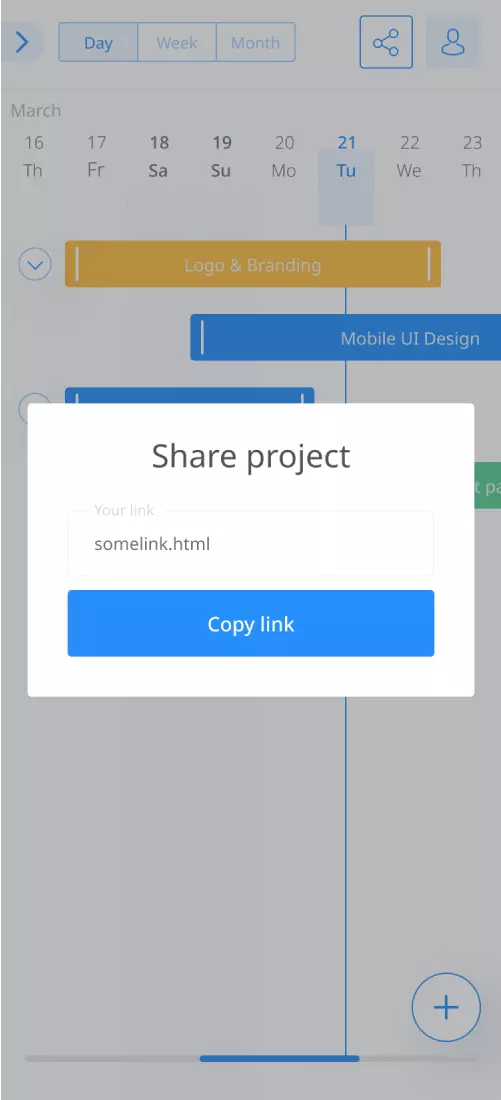
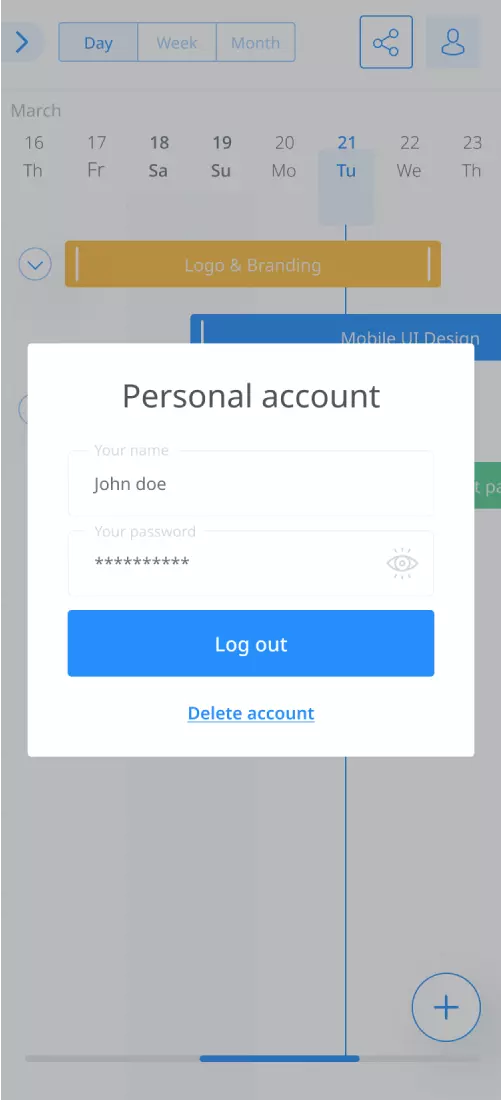
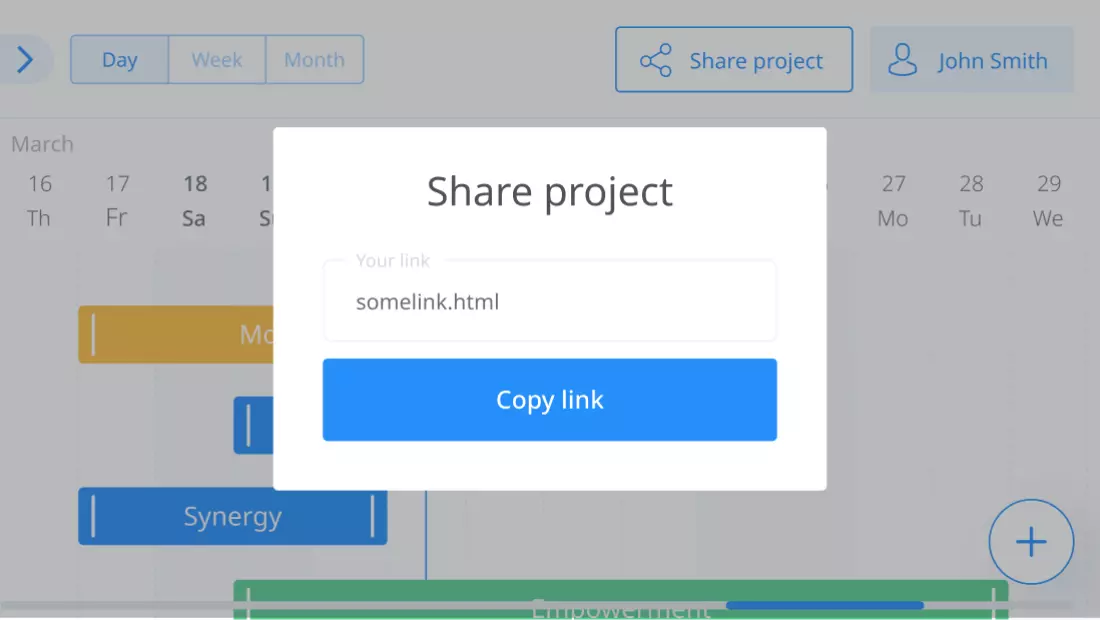
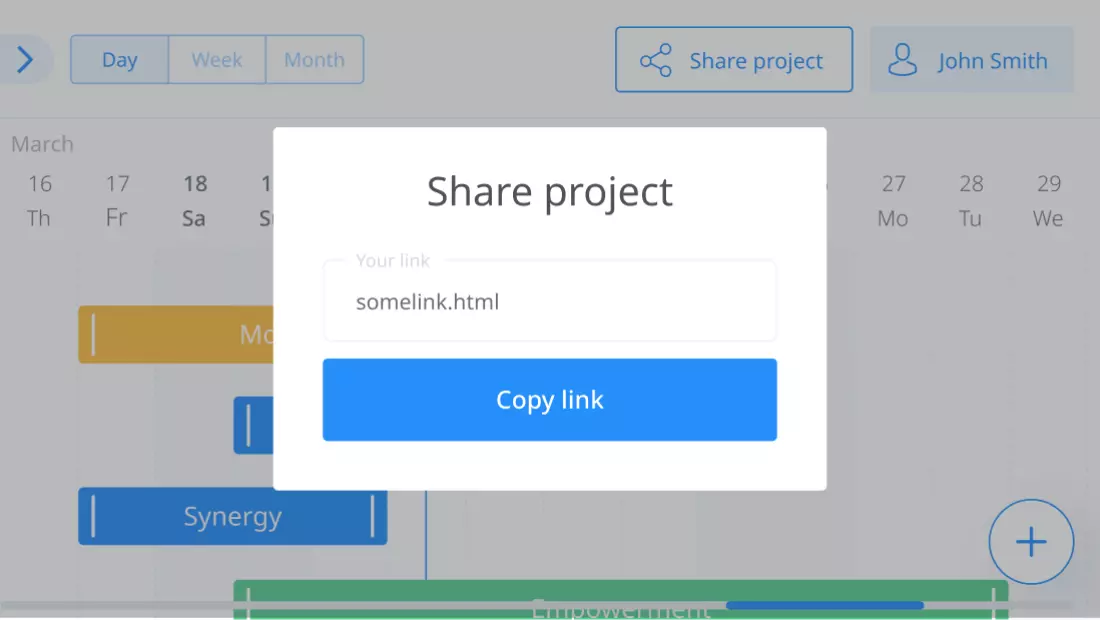
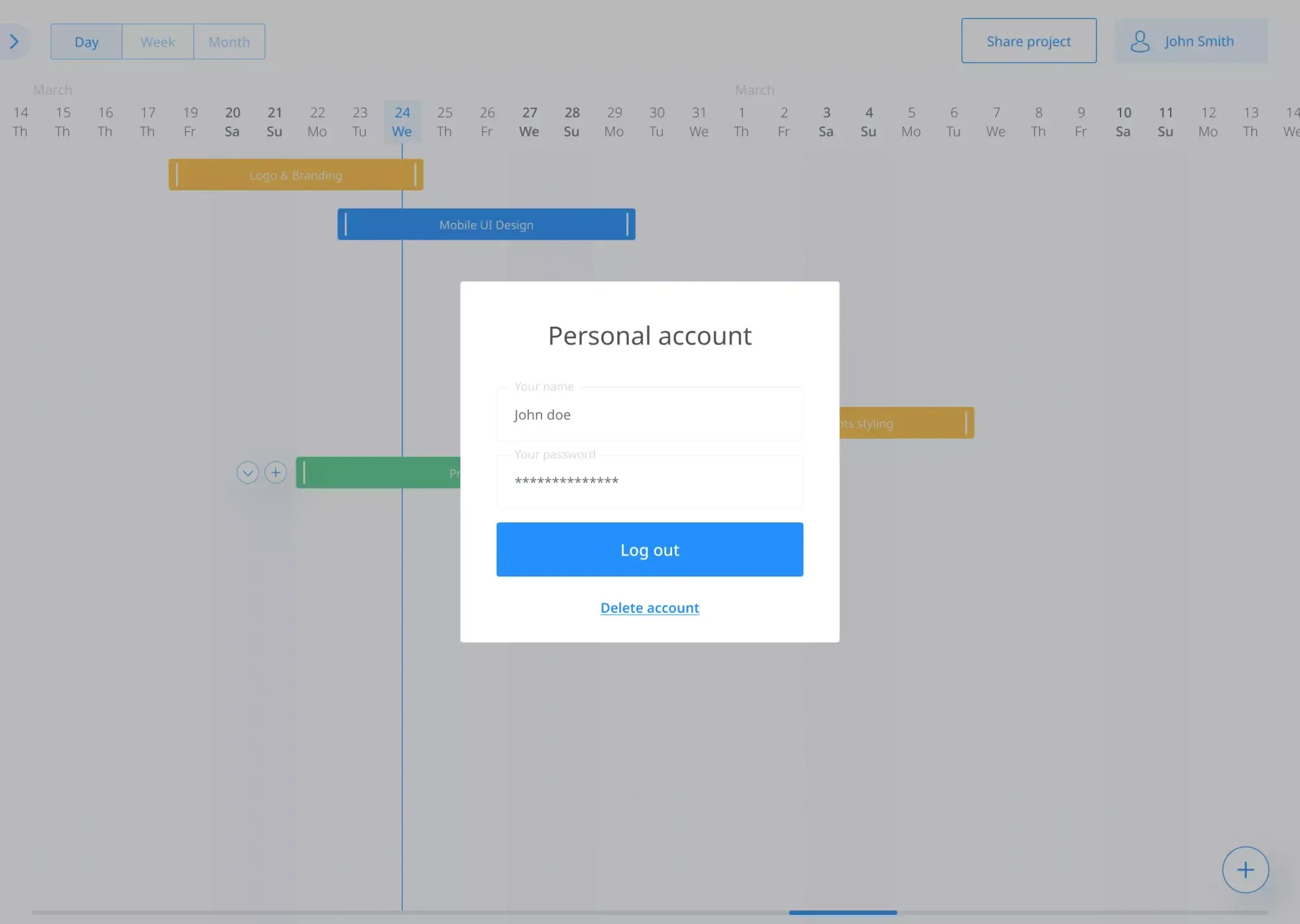
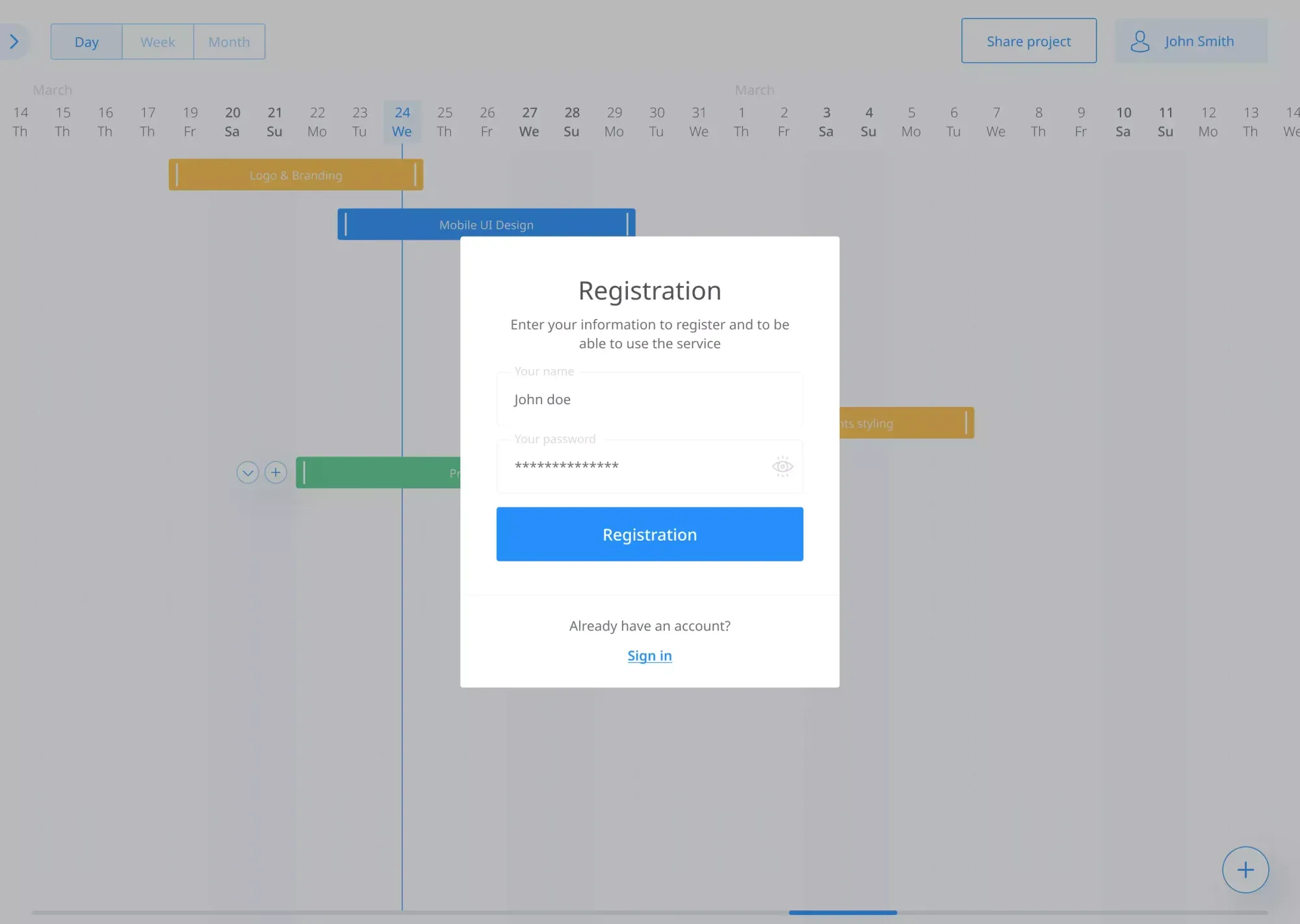
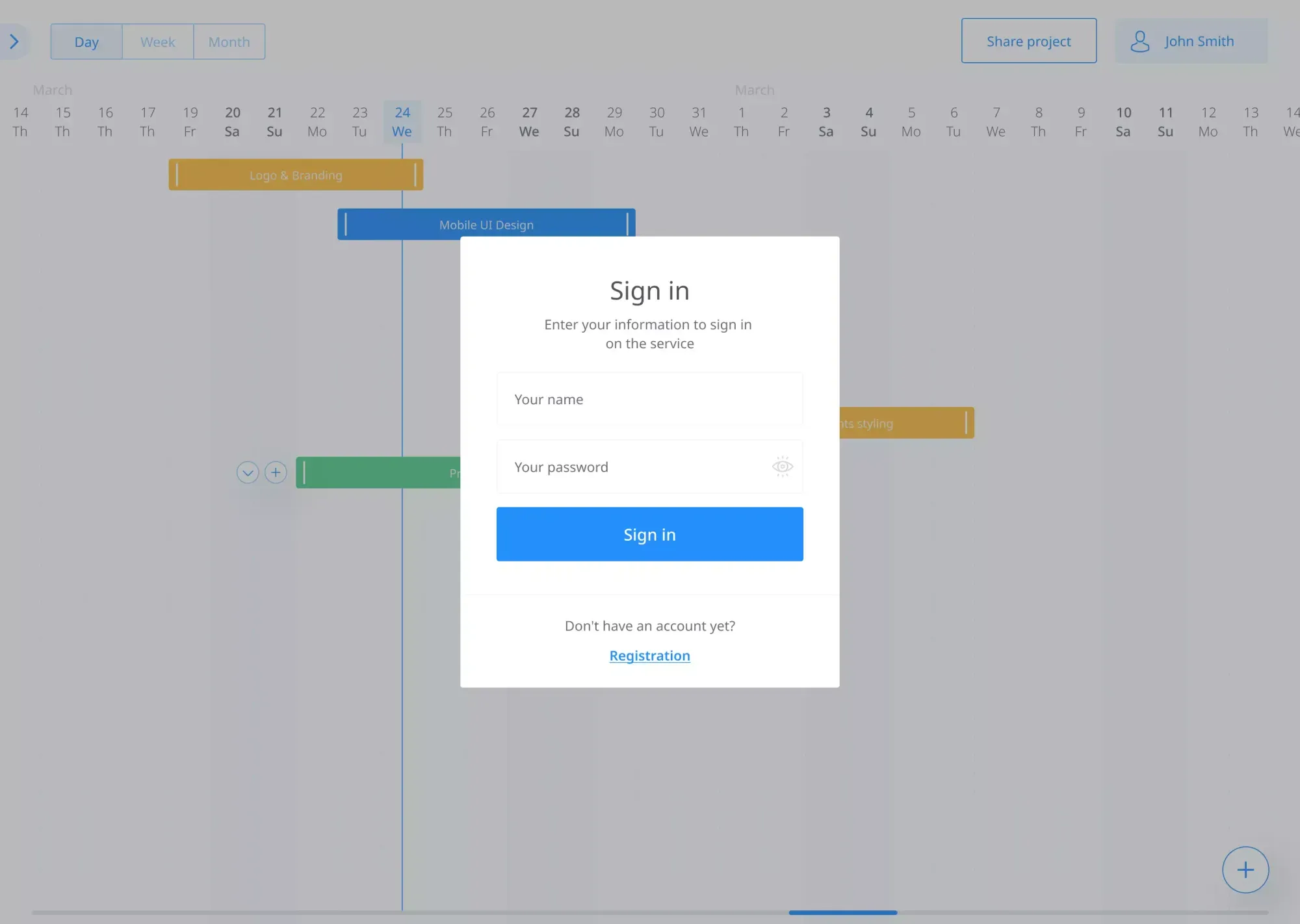
Clean modal dialogs for copying a read-only project share link, quick user registration, account sign-in, and profile settings management.
Share project
User profile
Registration
Sign in
Responsive mobile screens make the Gantt chart easy to navigate on smartphones: users can toggle between day, week, and month views, expand the task tree, edit deadlines, and share project links on the go.
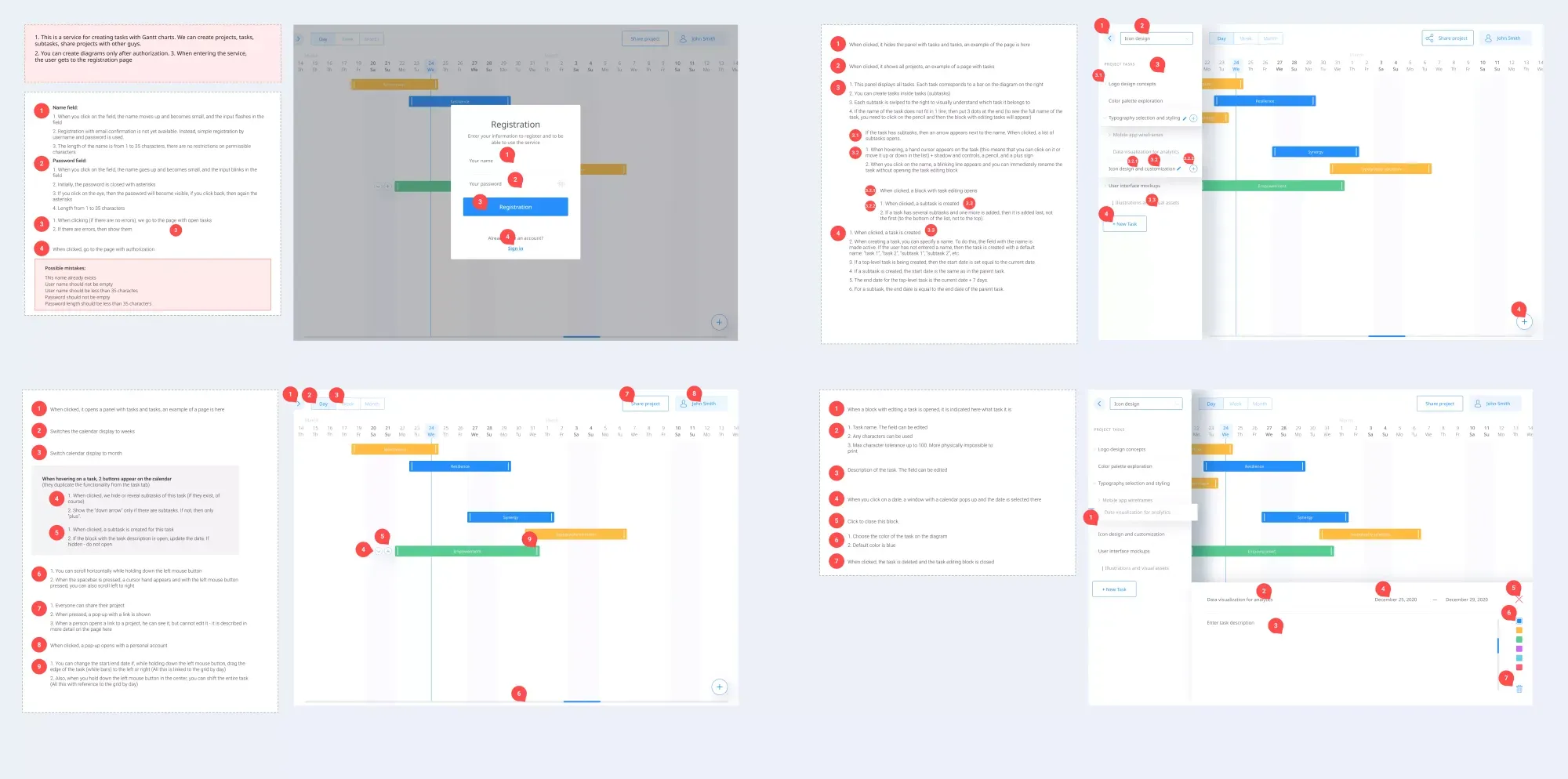
Annotated UI specification prepared for the development team, detailing input field states, validation error messages, subtask creation logic, and drag-and-resize behavior on the calendar grid.