service
SaaS Onboarding Platform Design simpl.cx
Challenge
Design the simpl.cx SaaS platform UX/UI for building interactive video onboarding journeys, including a customer portal, admin panel, and embeddable JS widget.
Scope
Analysis
Prototypes
Design
Customer portal
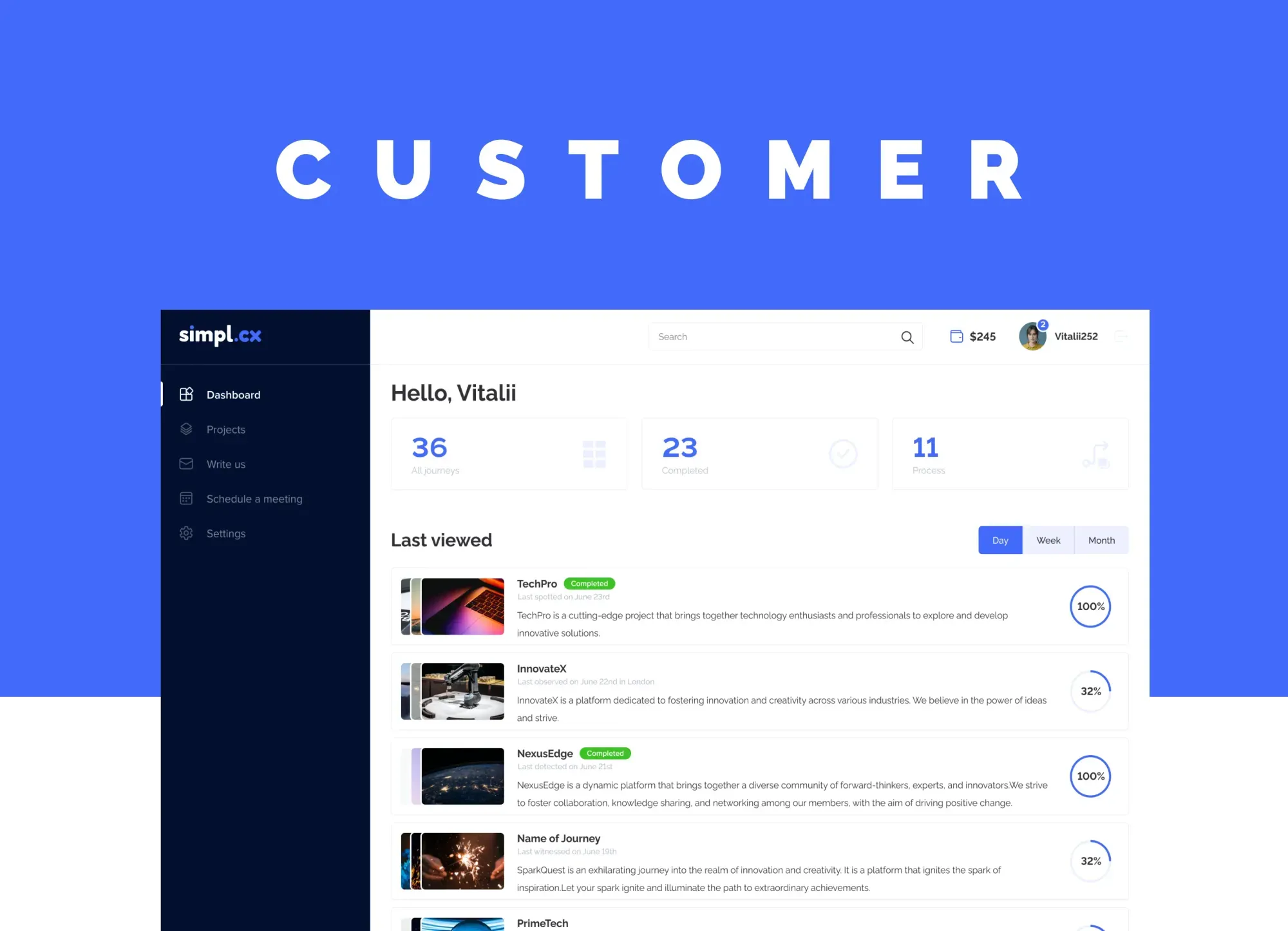
The customer dashboard provides a quick overview of all assigned onboarding journeys, showing completed tracks versus those currently in progress. Recently viewed project cards feature circular progress indicators so users can easily resume where they left off.
Sign in and registration
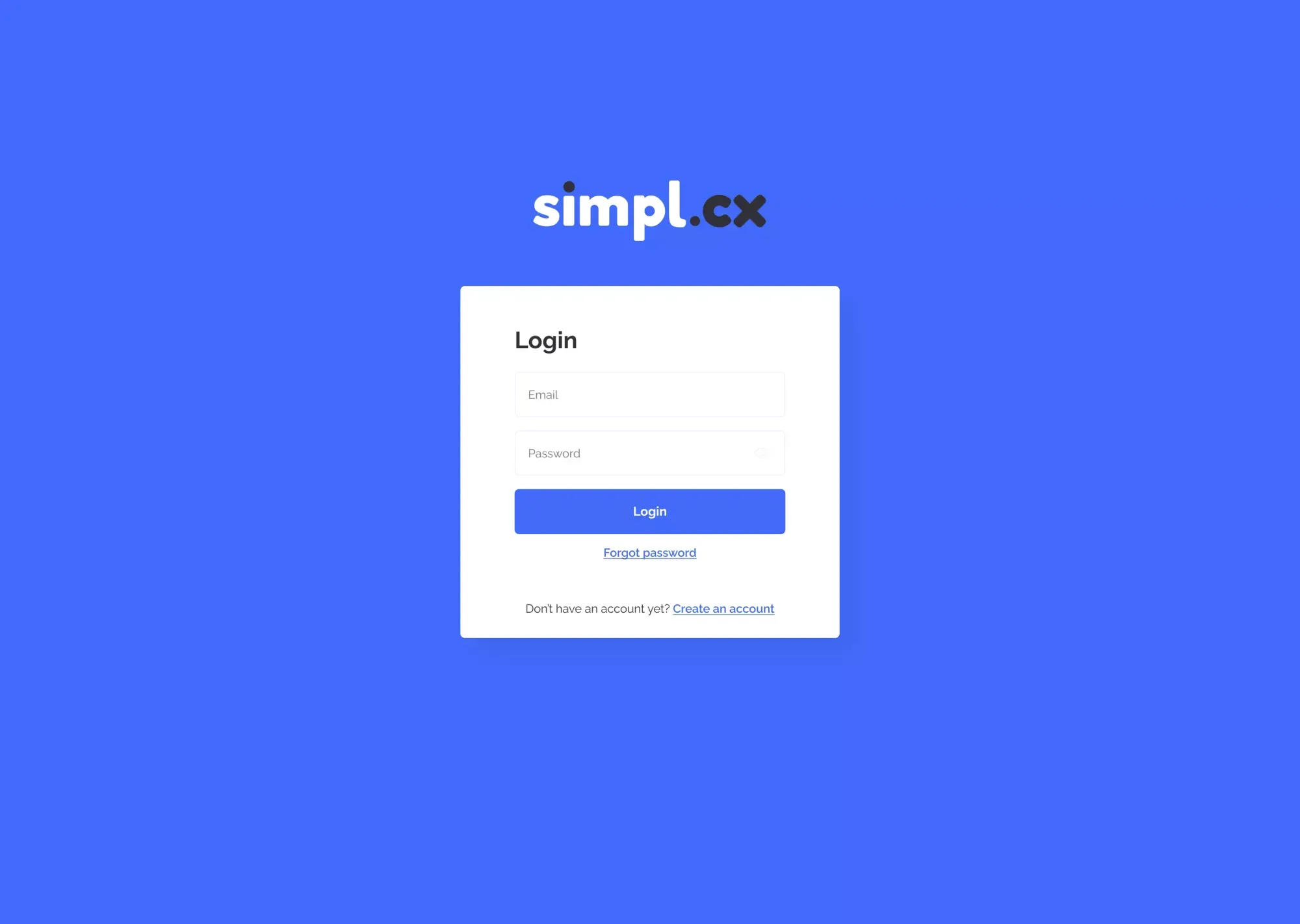
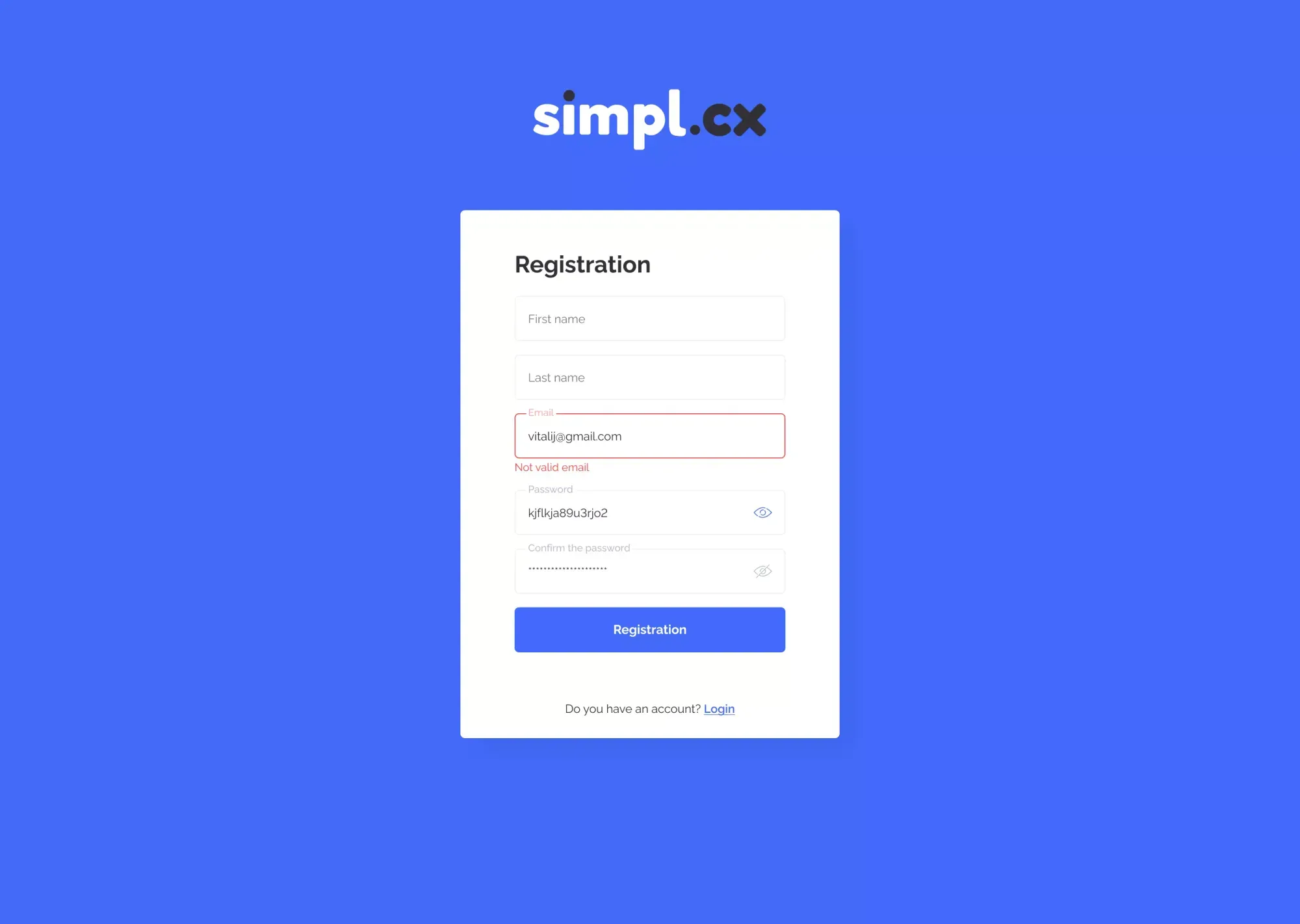
Clean sign-in and registration screens for the customer portal designed in a bright layout with signature blue accents. Minimal form fields and clear validation get users into their onboarding flows within seconds.
Sign in
Registration
Projects
The Projects section in the customer portal organizes all available training programs and product tracks. Opening a project reveals categorized video journeys complete with duration details and completion statuses.
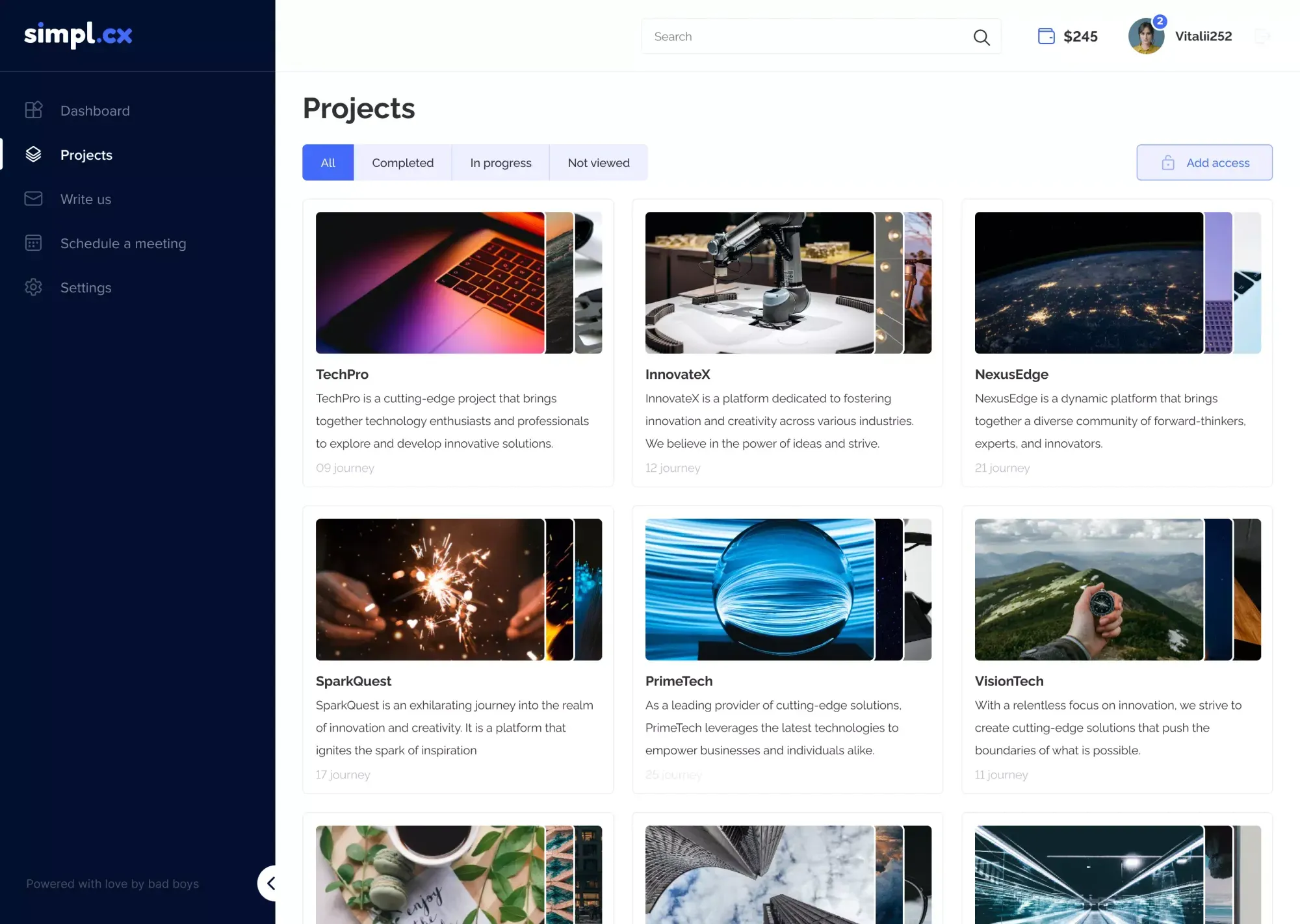
All projects
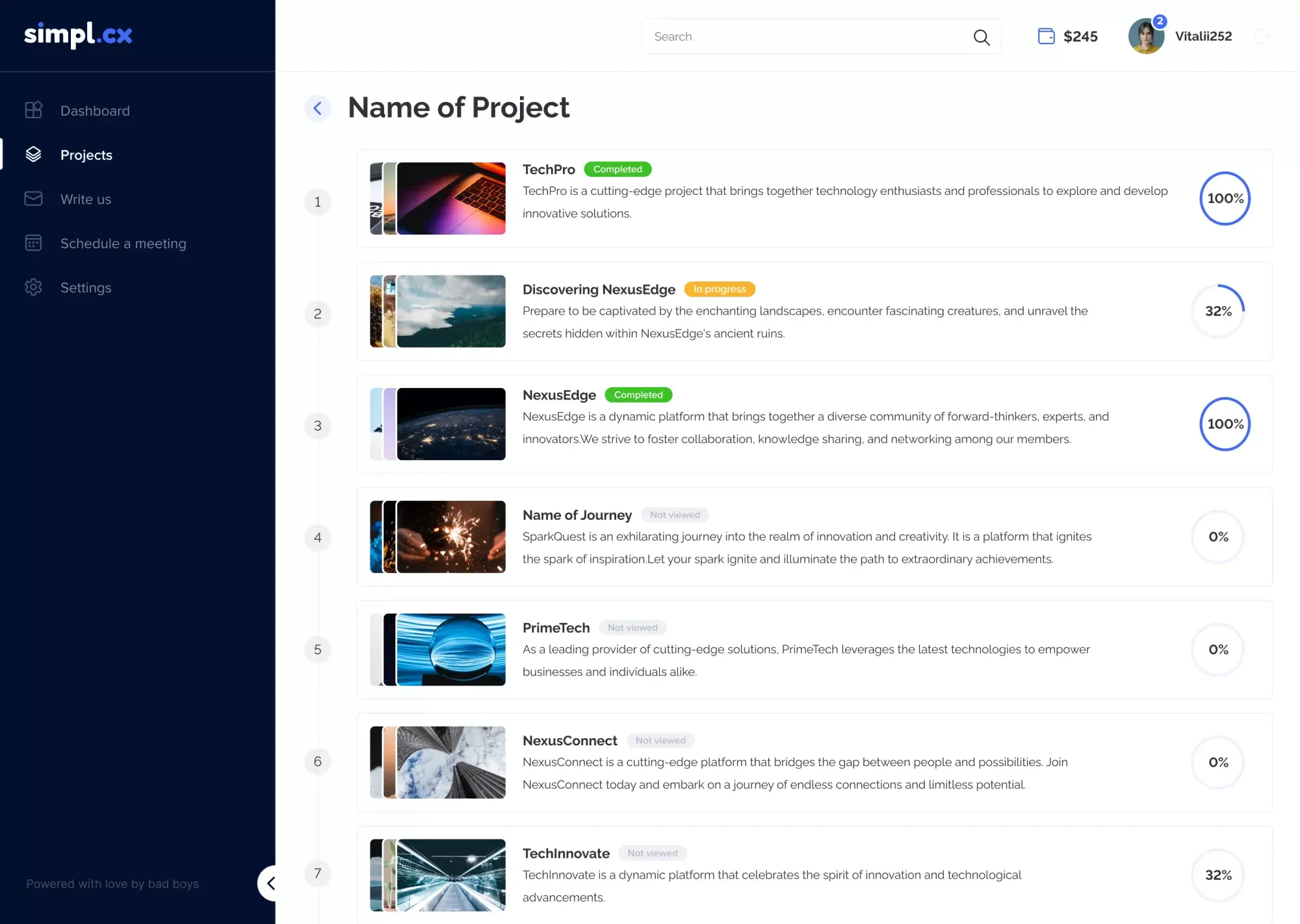
Project page
Journey view
The interactive journey player combines step-by-step video lessons with a stage progress bar, descriptions, downloadable resources, and checkpoint quizzes. If users need assistance, they can submit a help request or schedule a meeting directly from the player view.
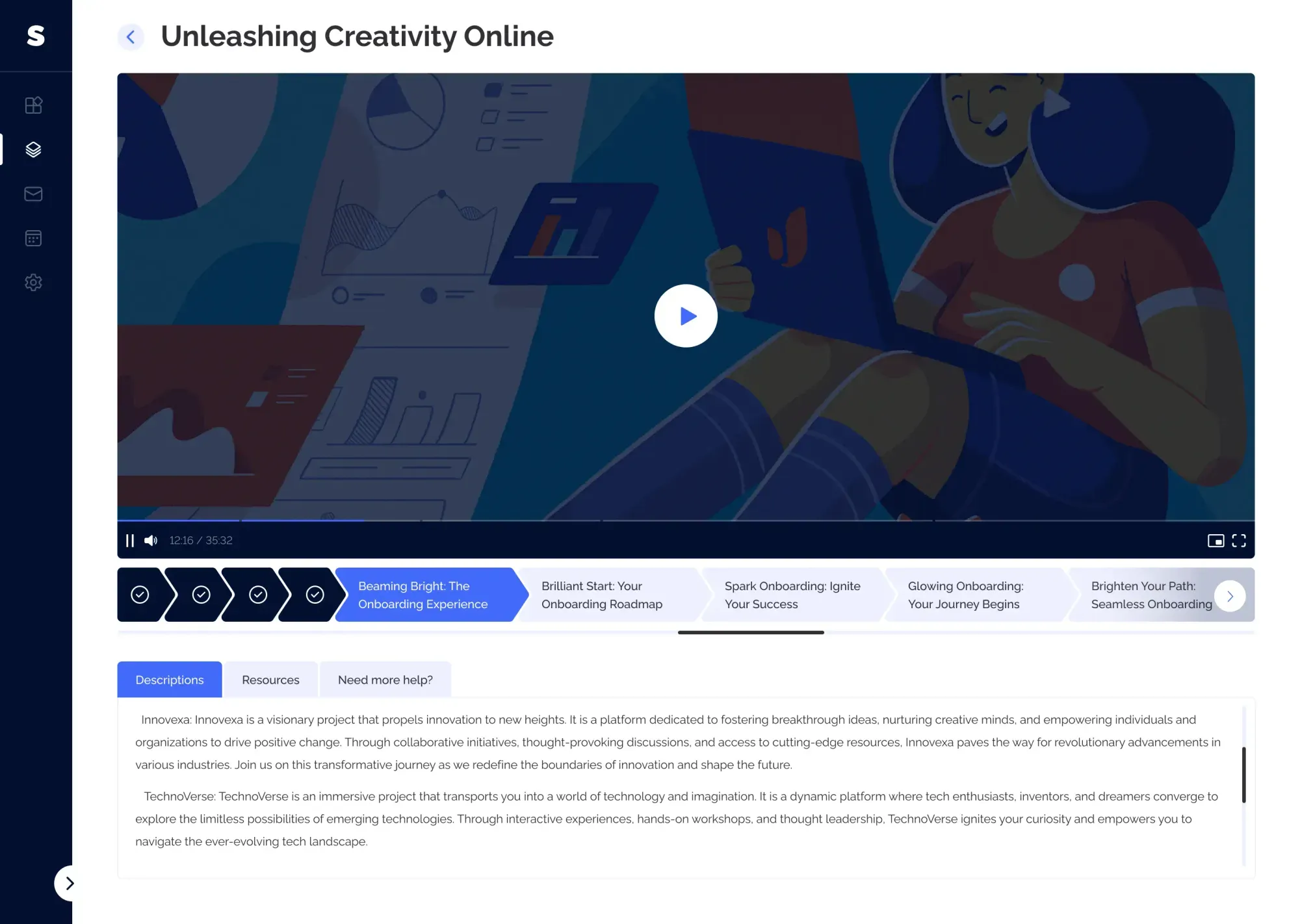
Journey player
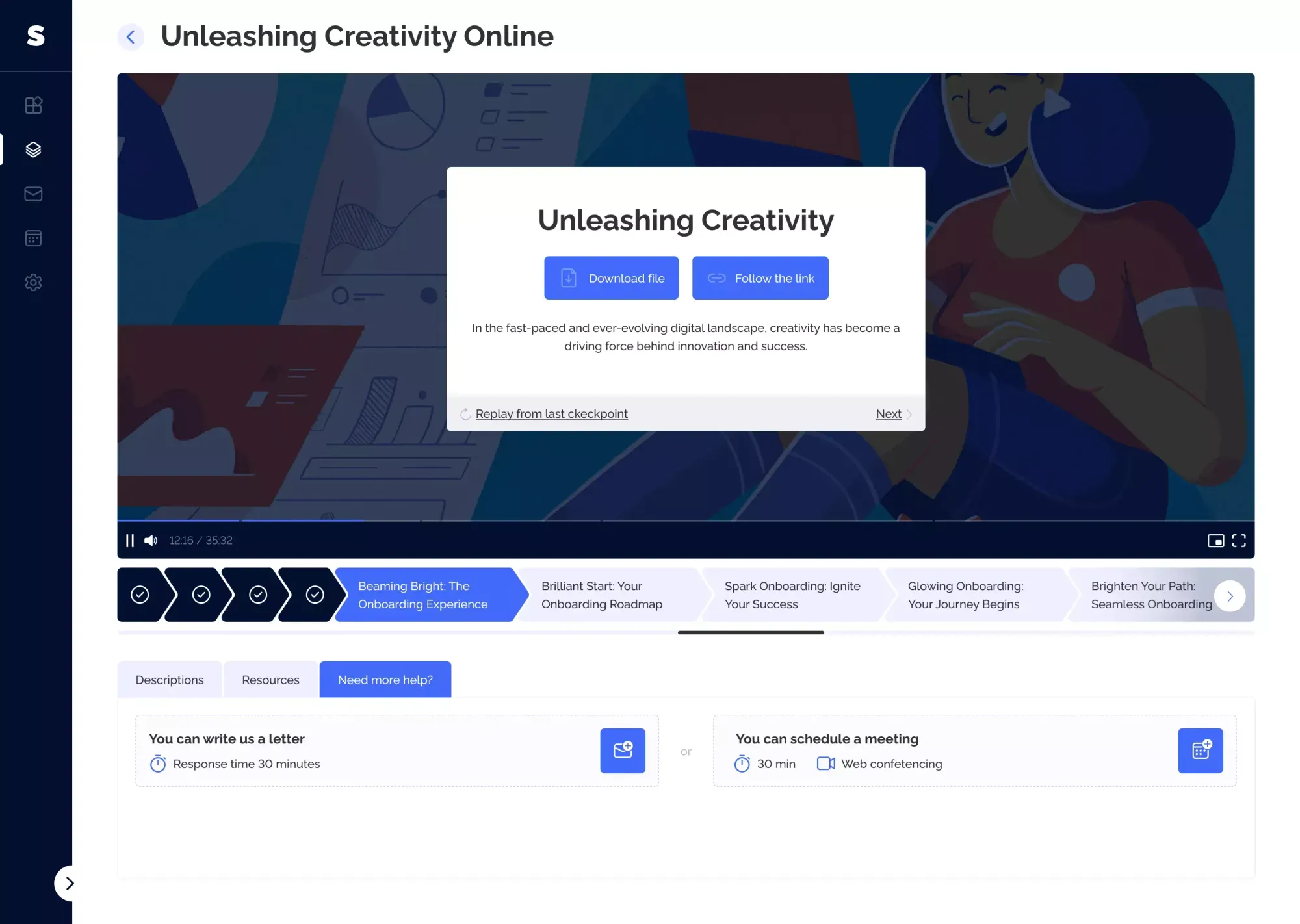
Help request
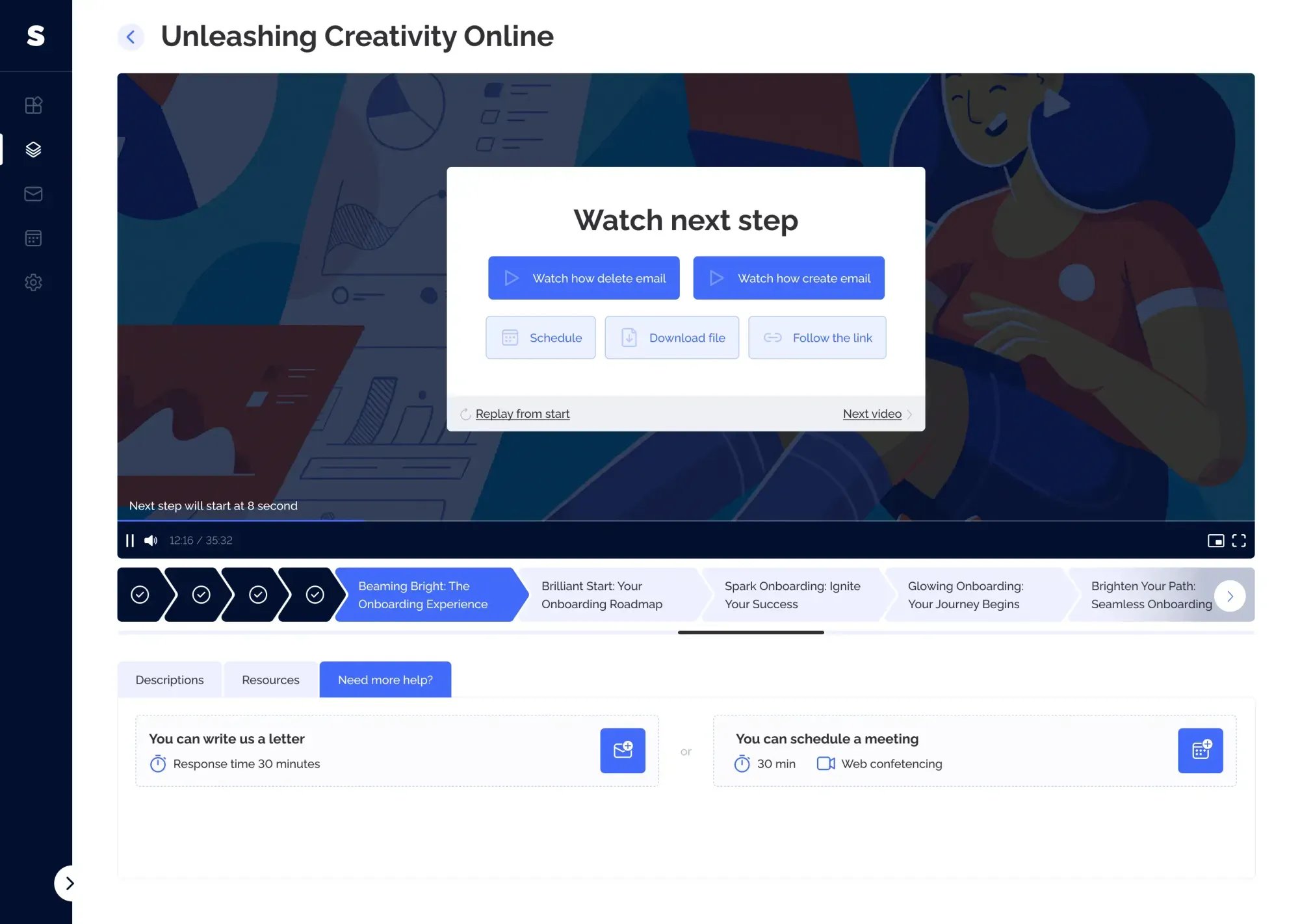
End of video
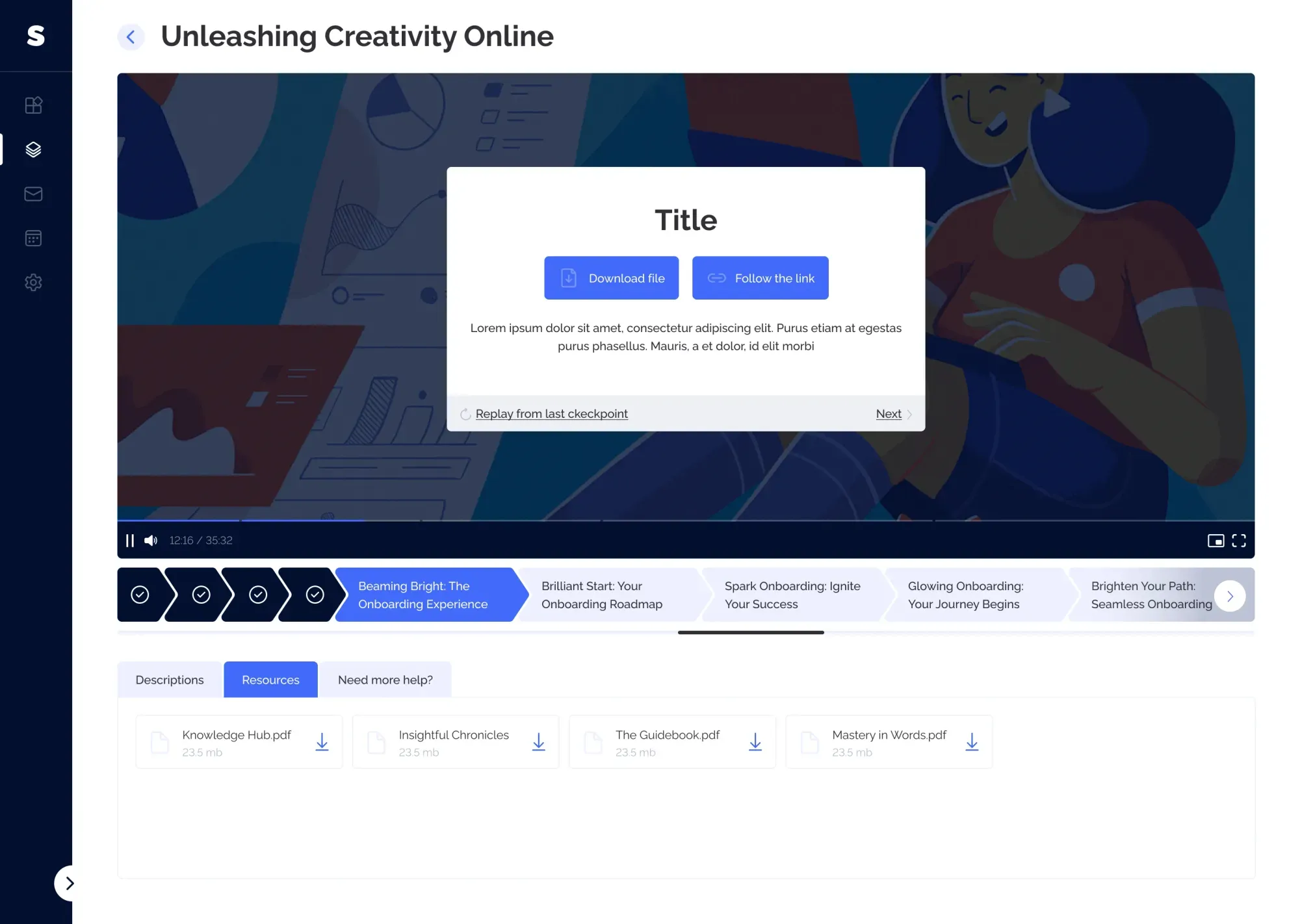
Checkpoint and resources
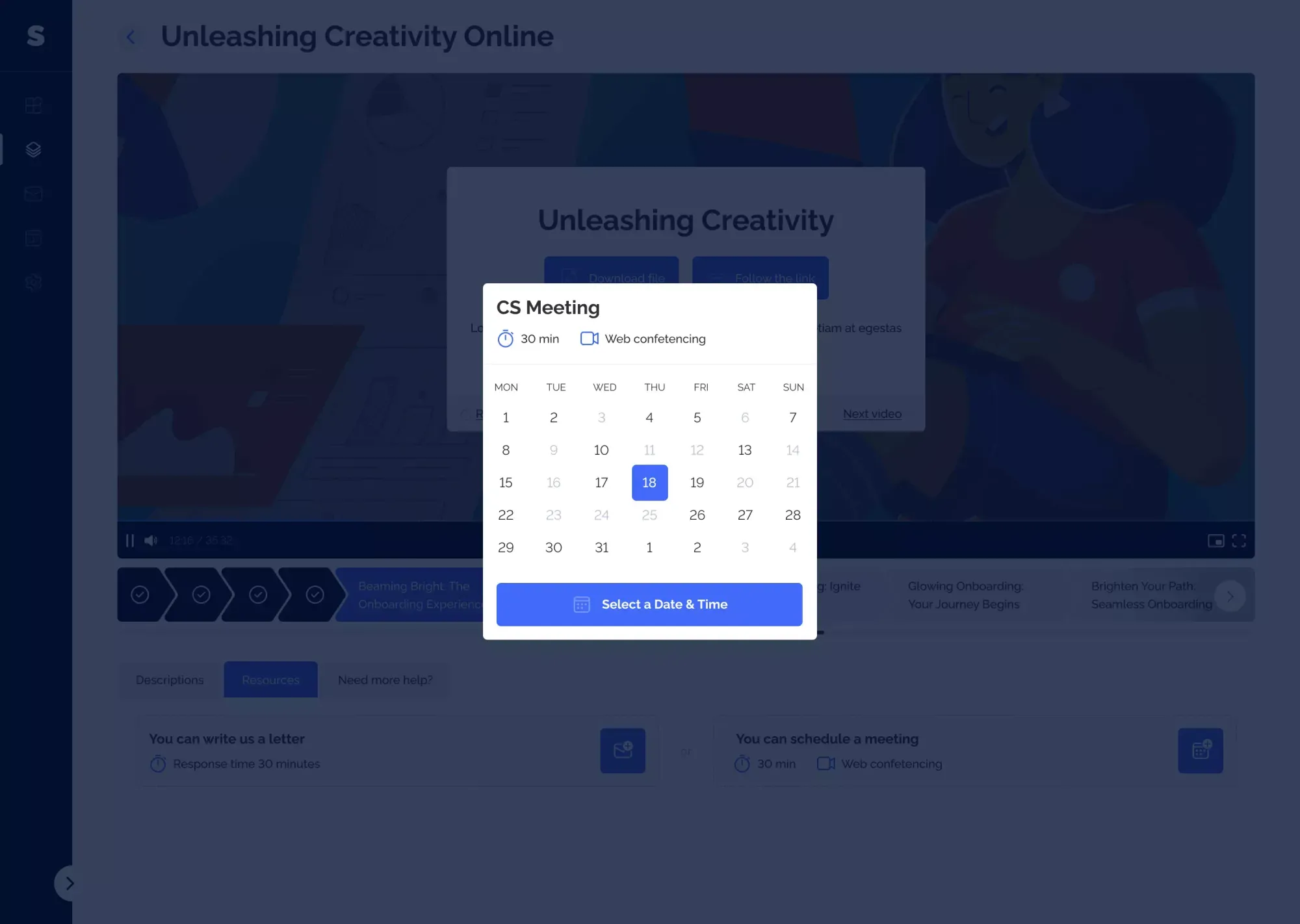
Meeting scheduler
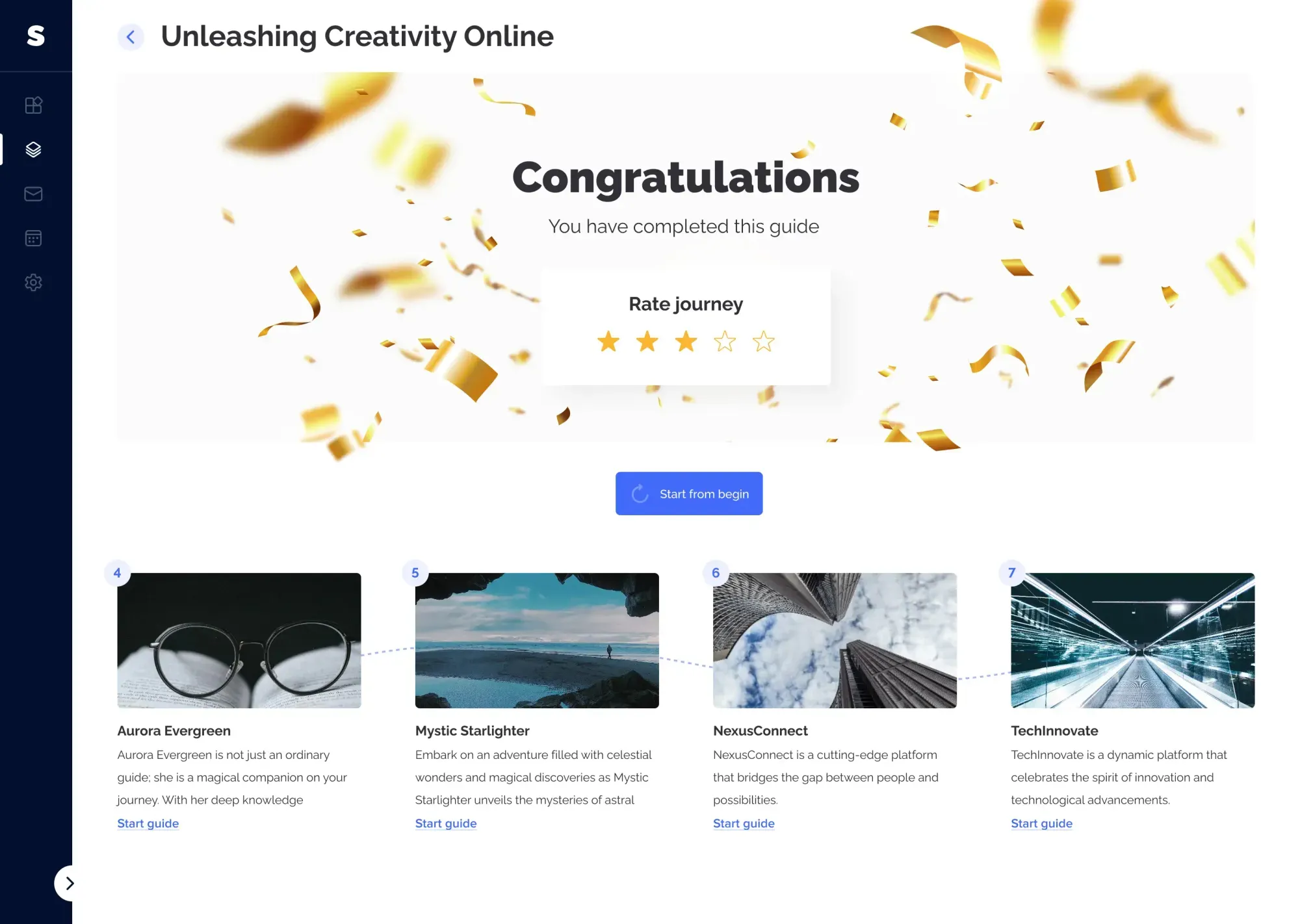
End of journey
Other pages
Supporting customer portal screens cover personal profile settings, password security updates, and sharing project access with team members.
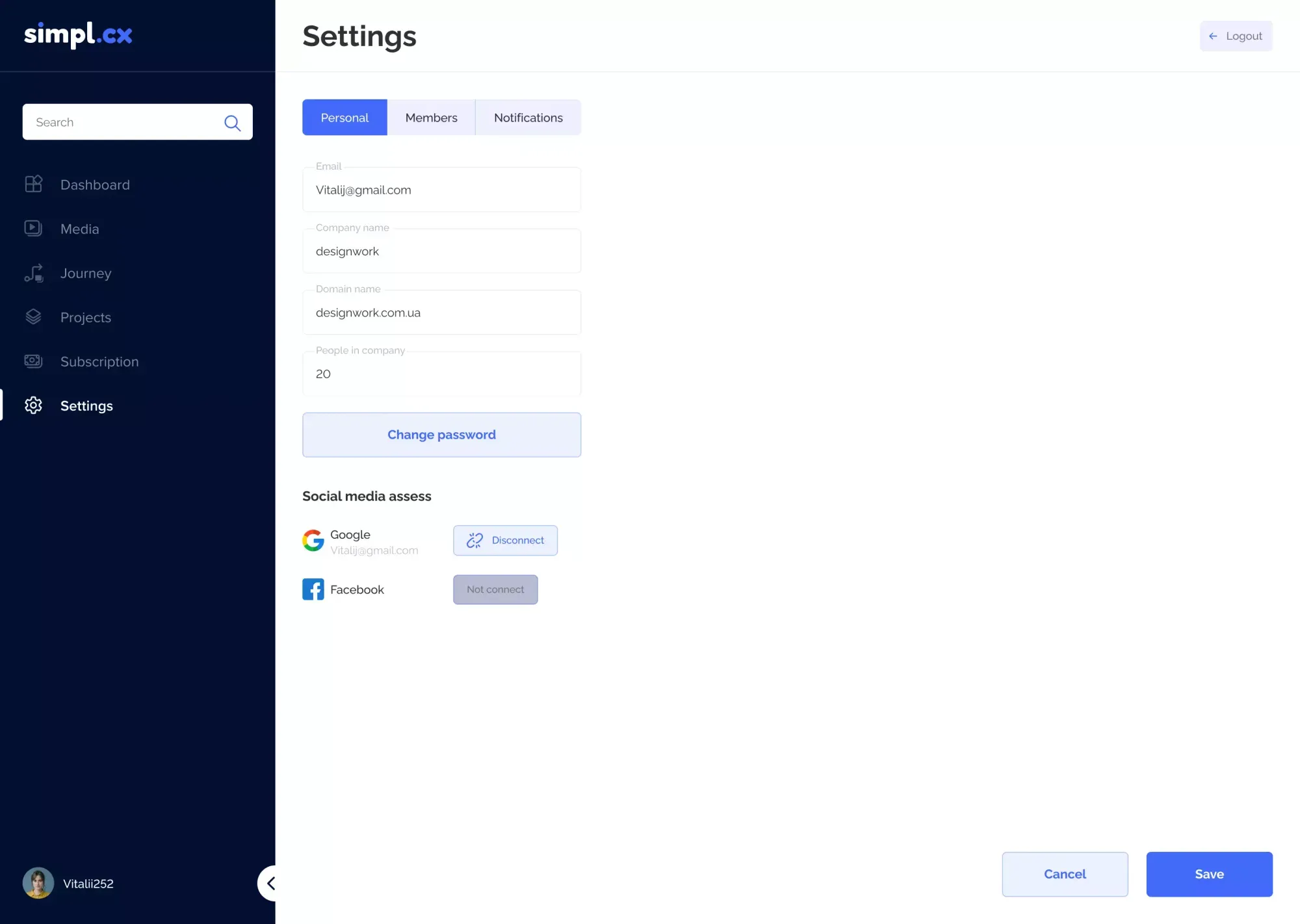
Profile settings
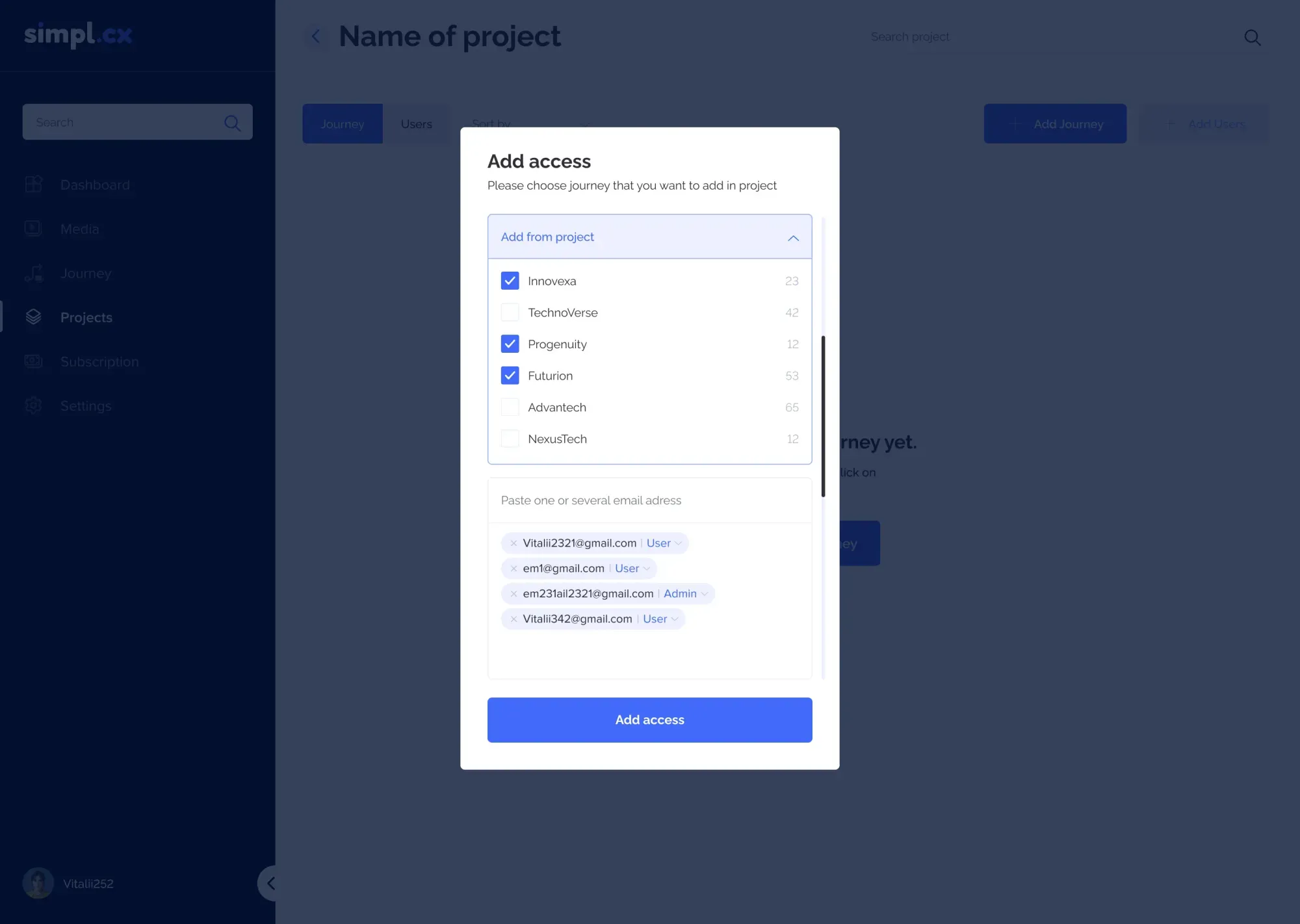
Grant access
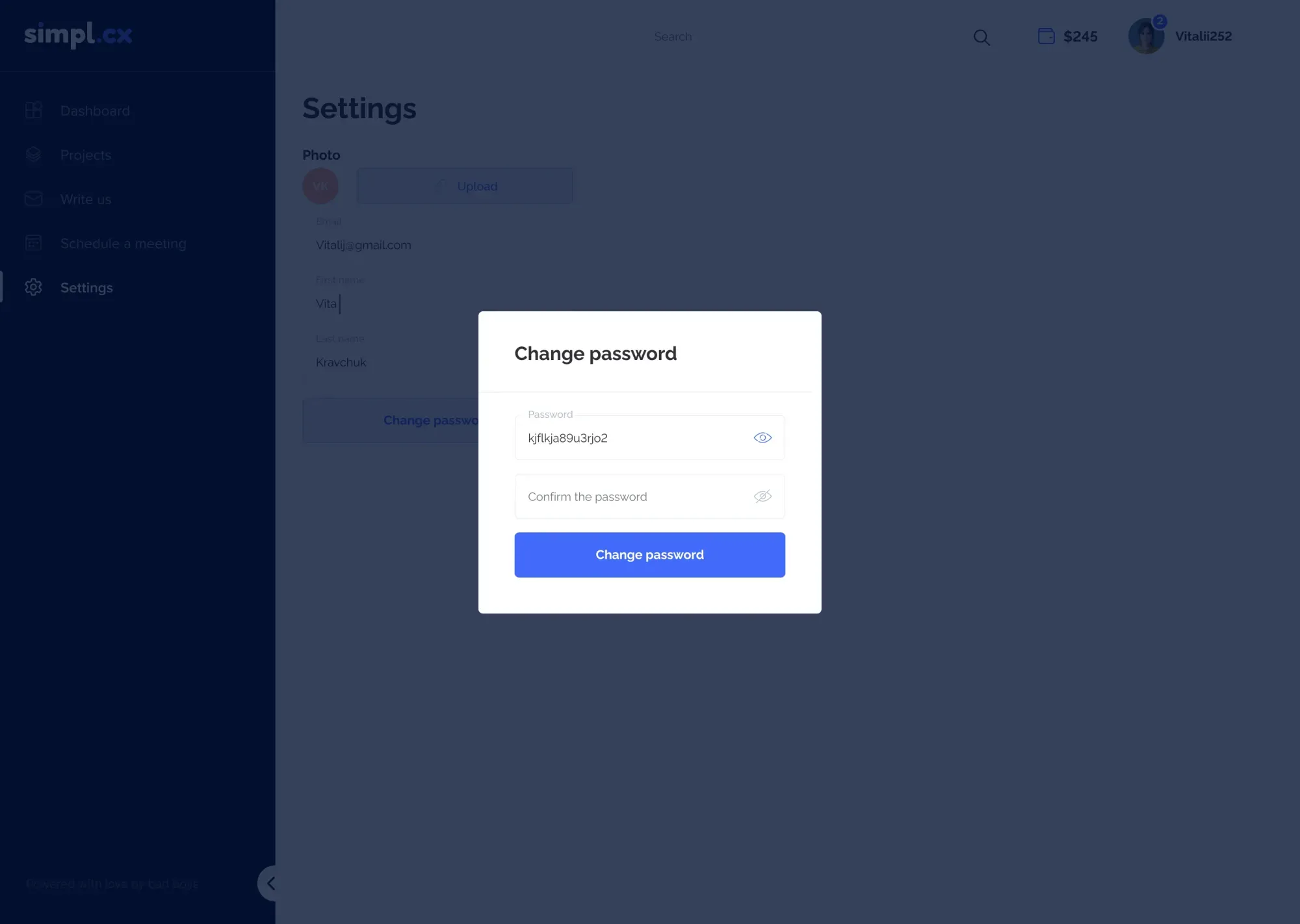
Change password
Embedded JS widget
A key product feature is the lightweight JS widget that embeds directly over any client website or web app. Users can launch interactive video guides, read step descriptions, access resources, and request support without leaving their workspace.
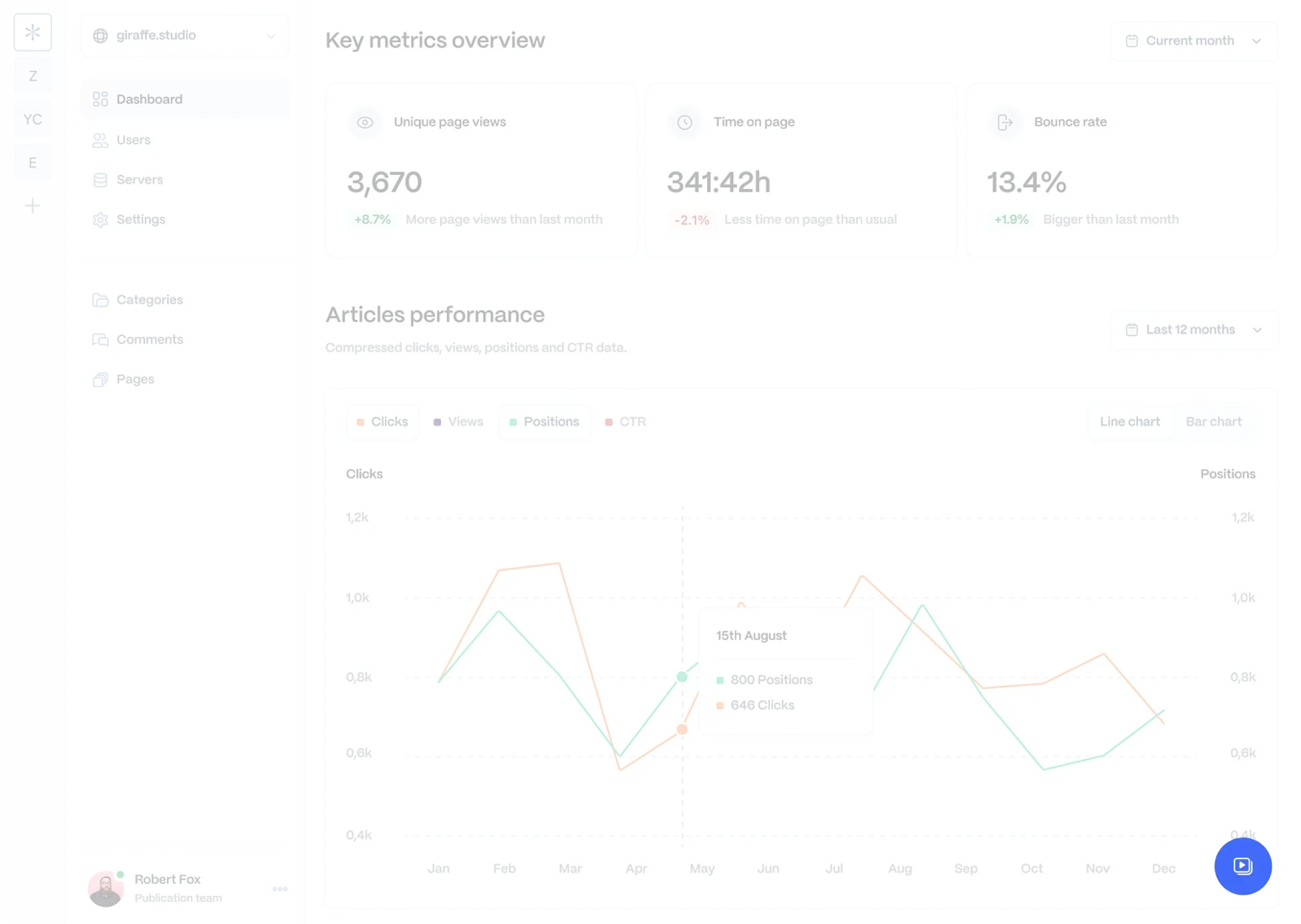
Collapsed widget button
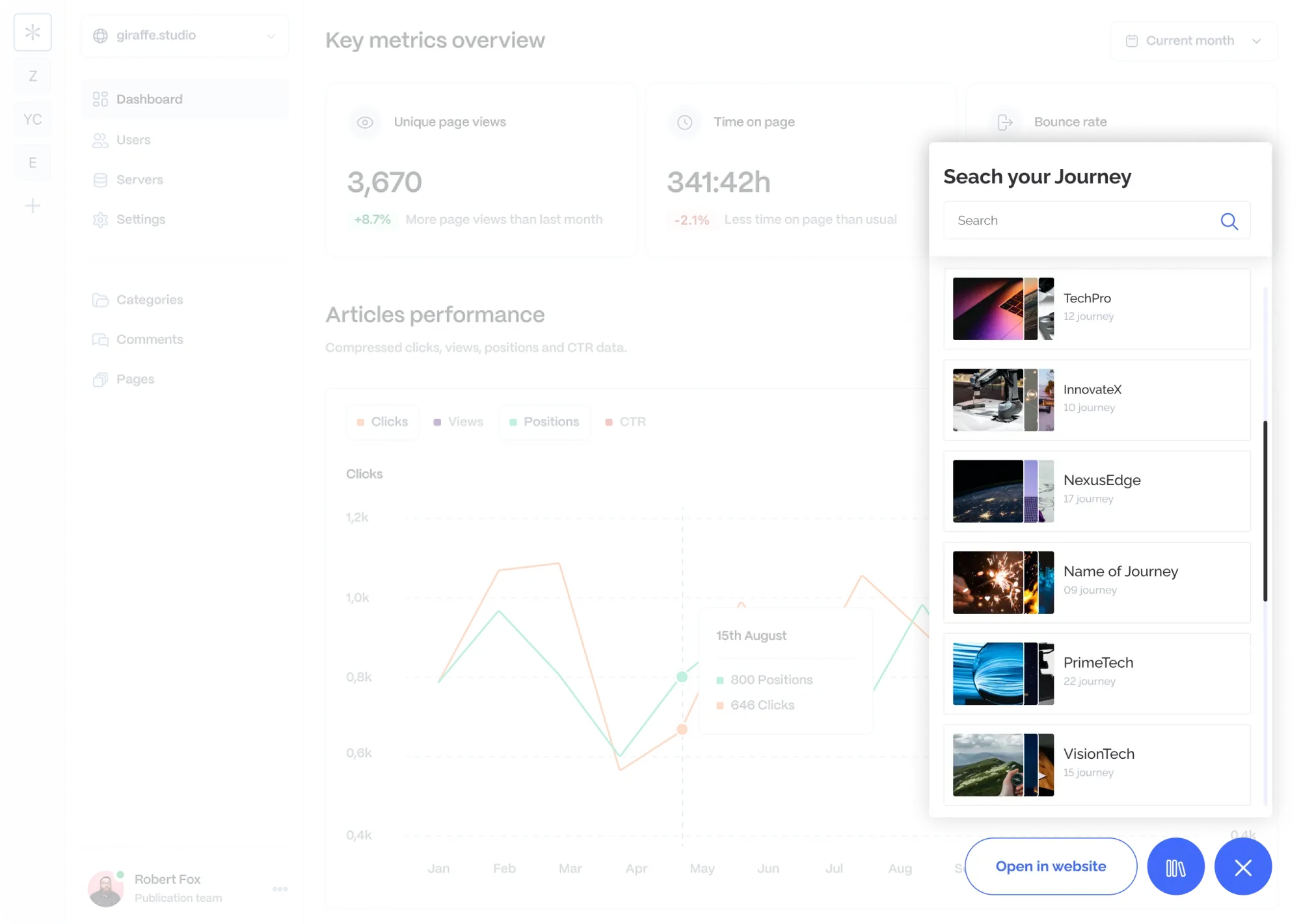
Category selection
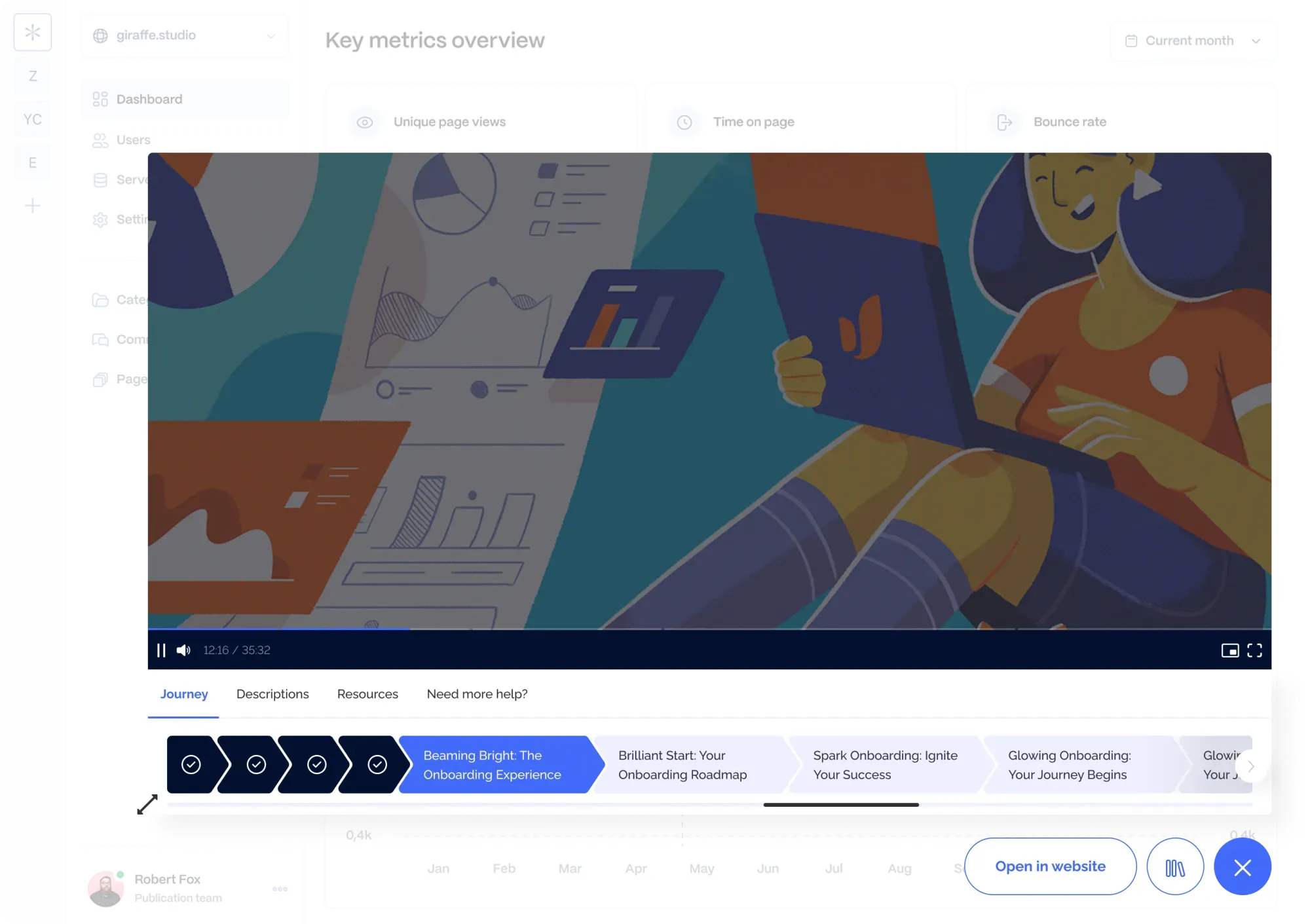
In-widget video player
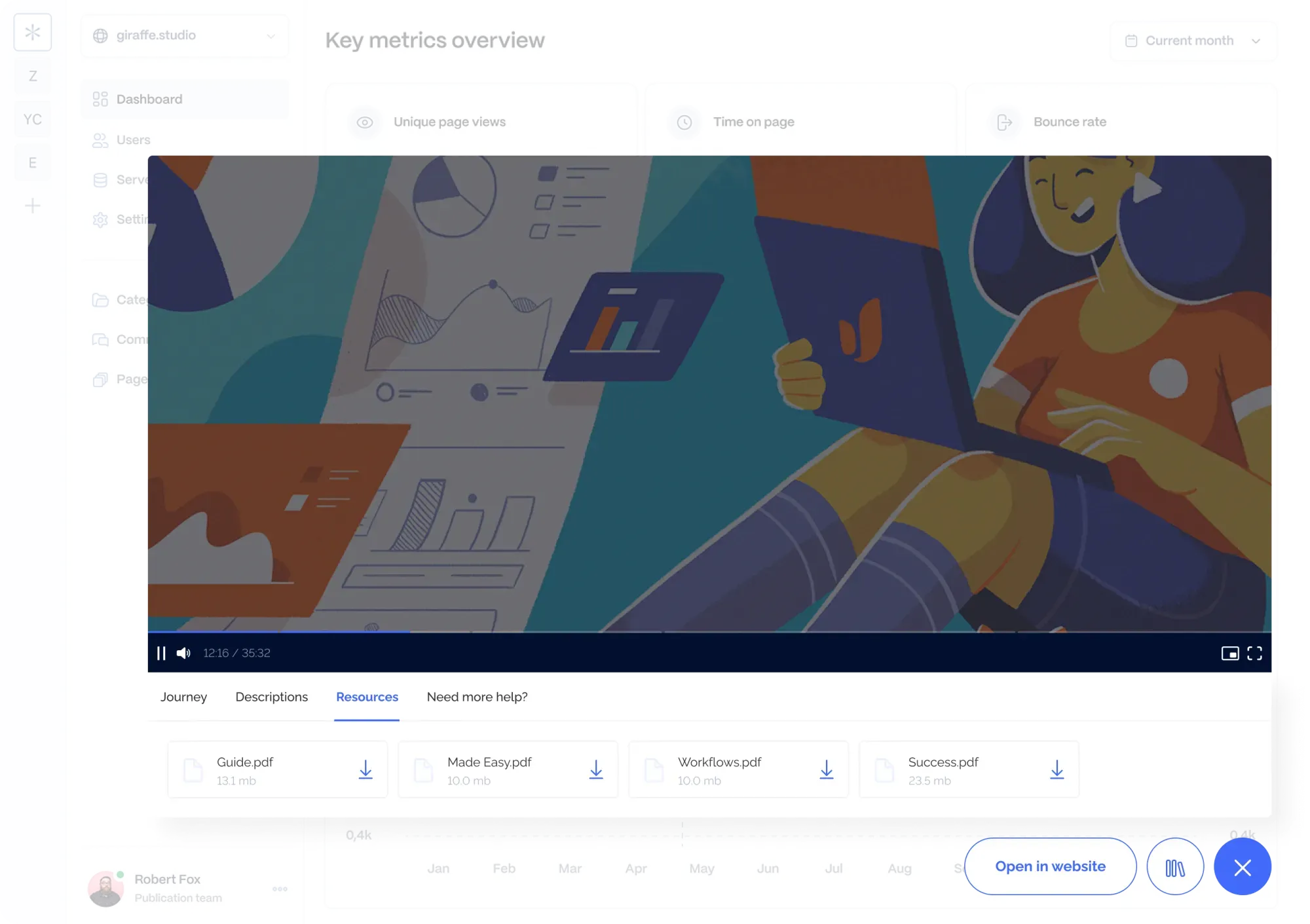
Attached resources
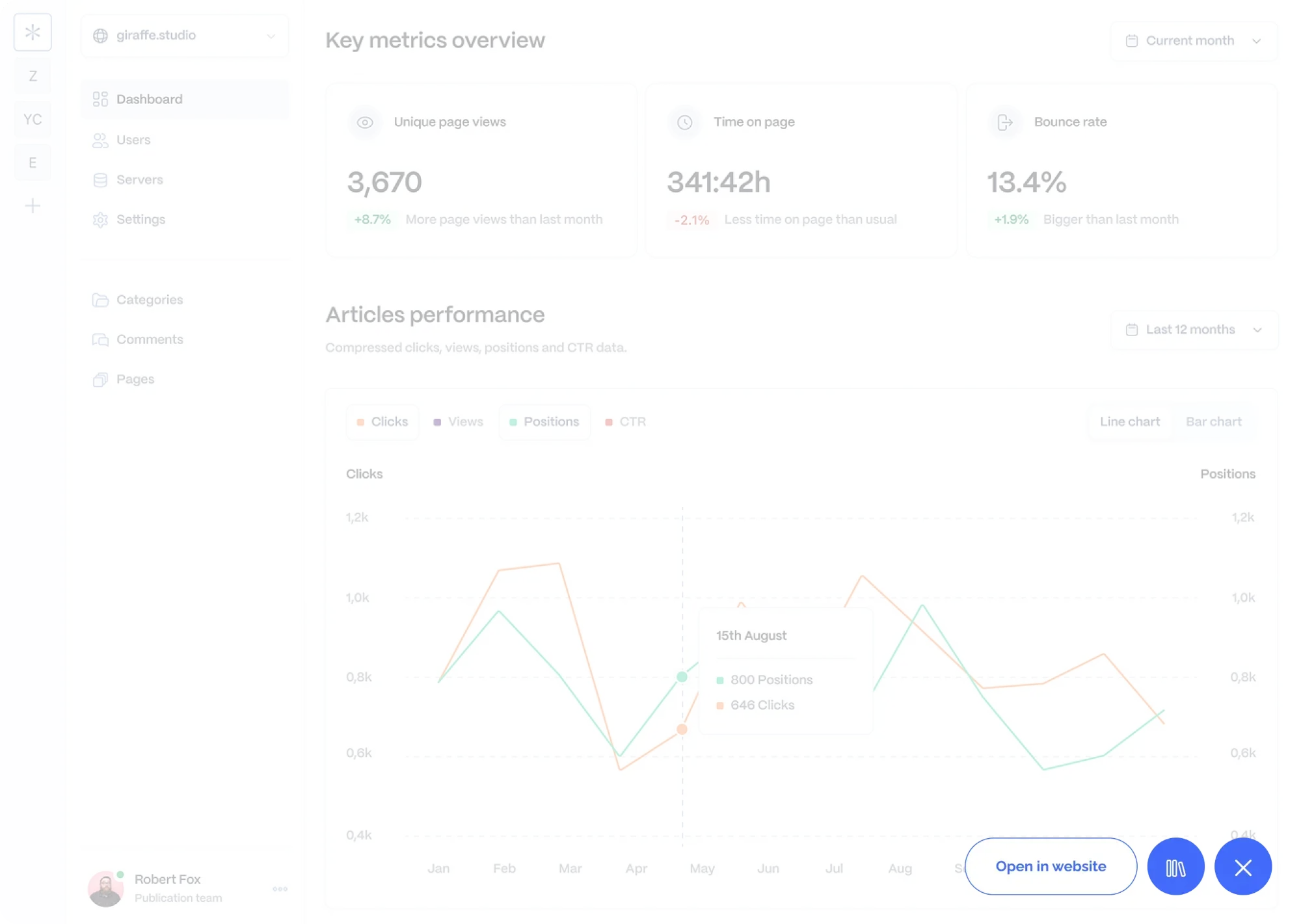
Widget launcher menu
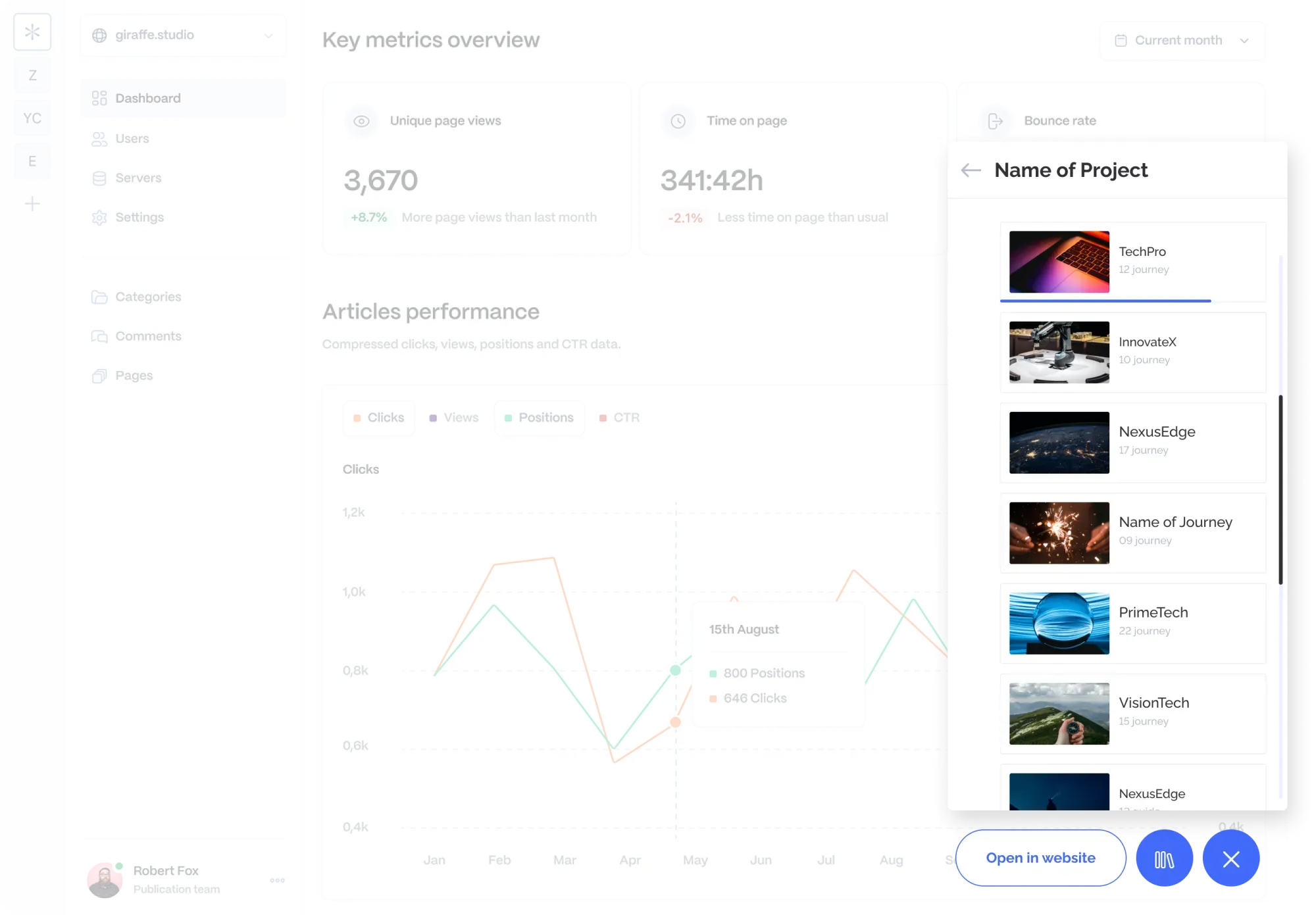
Journeys list
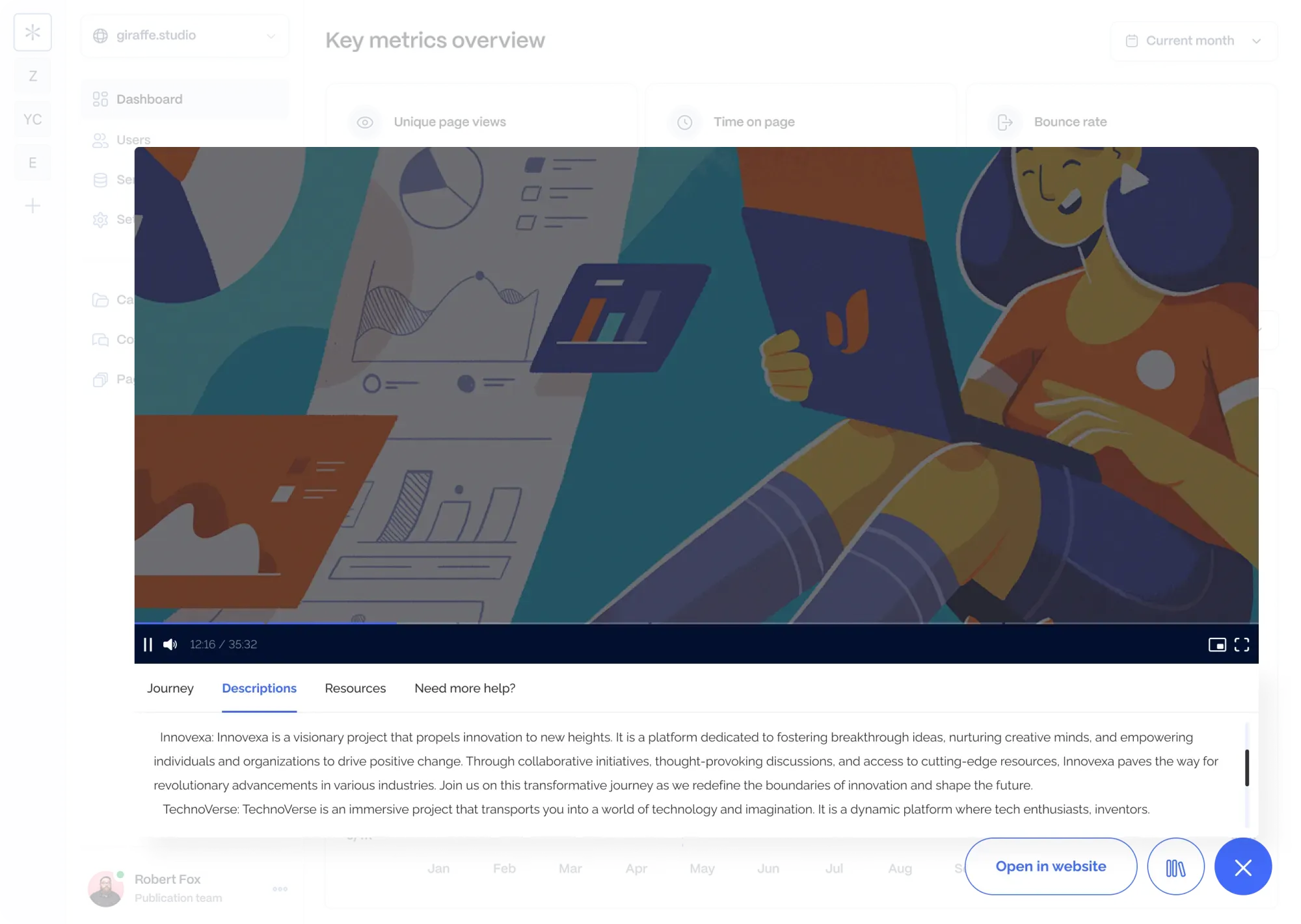
Step description
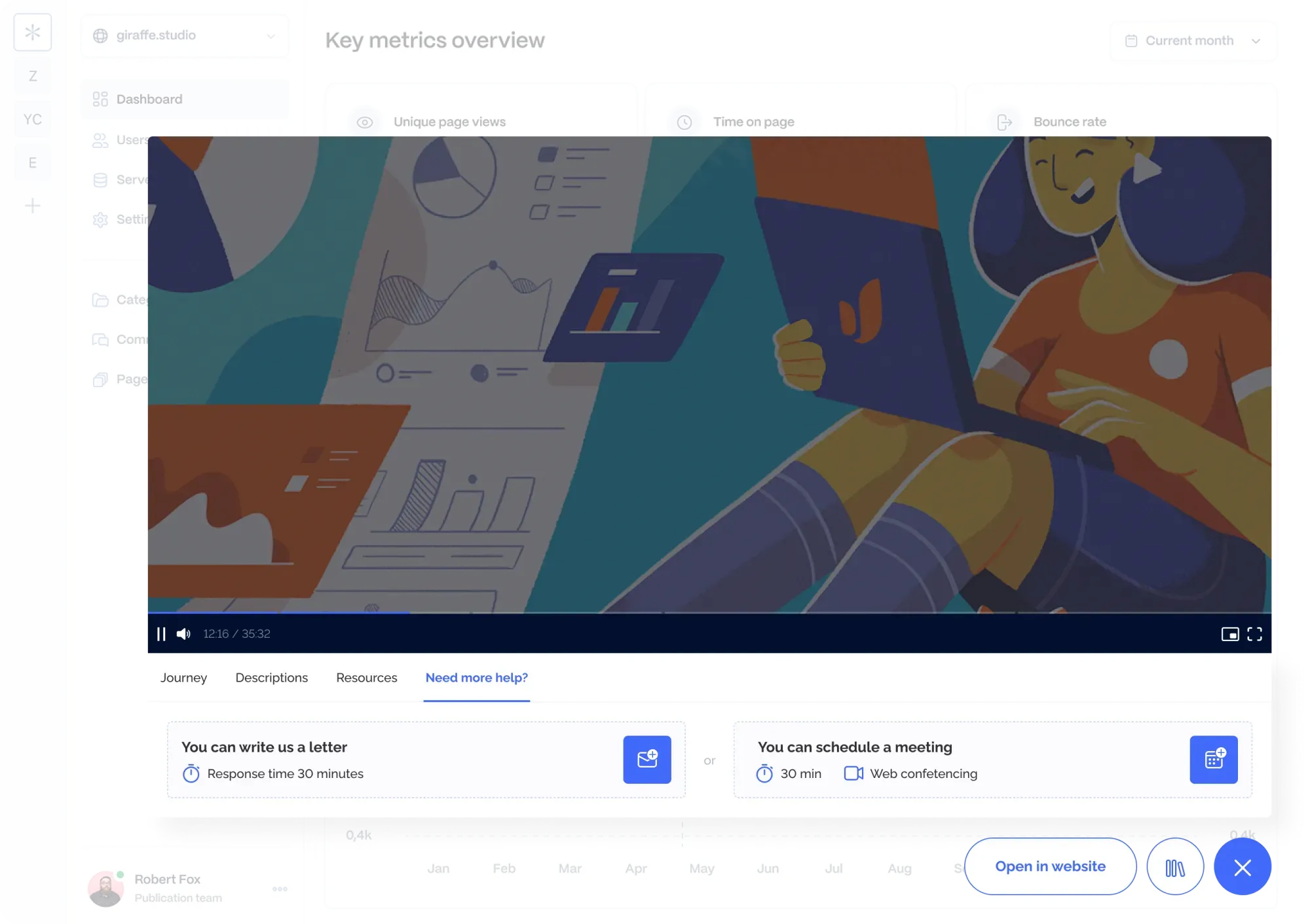
Support form
Let's Work Together.
Ready to bring your vision to life? Let's team up on your next project and create something unforgettable together.
Admin panel
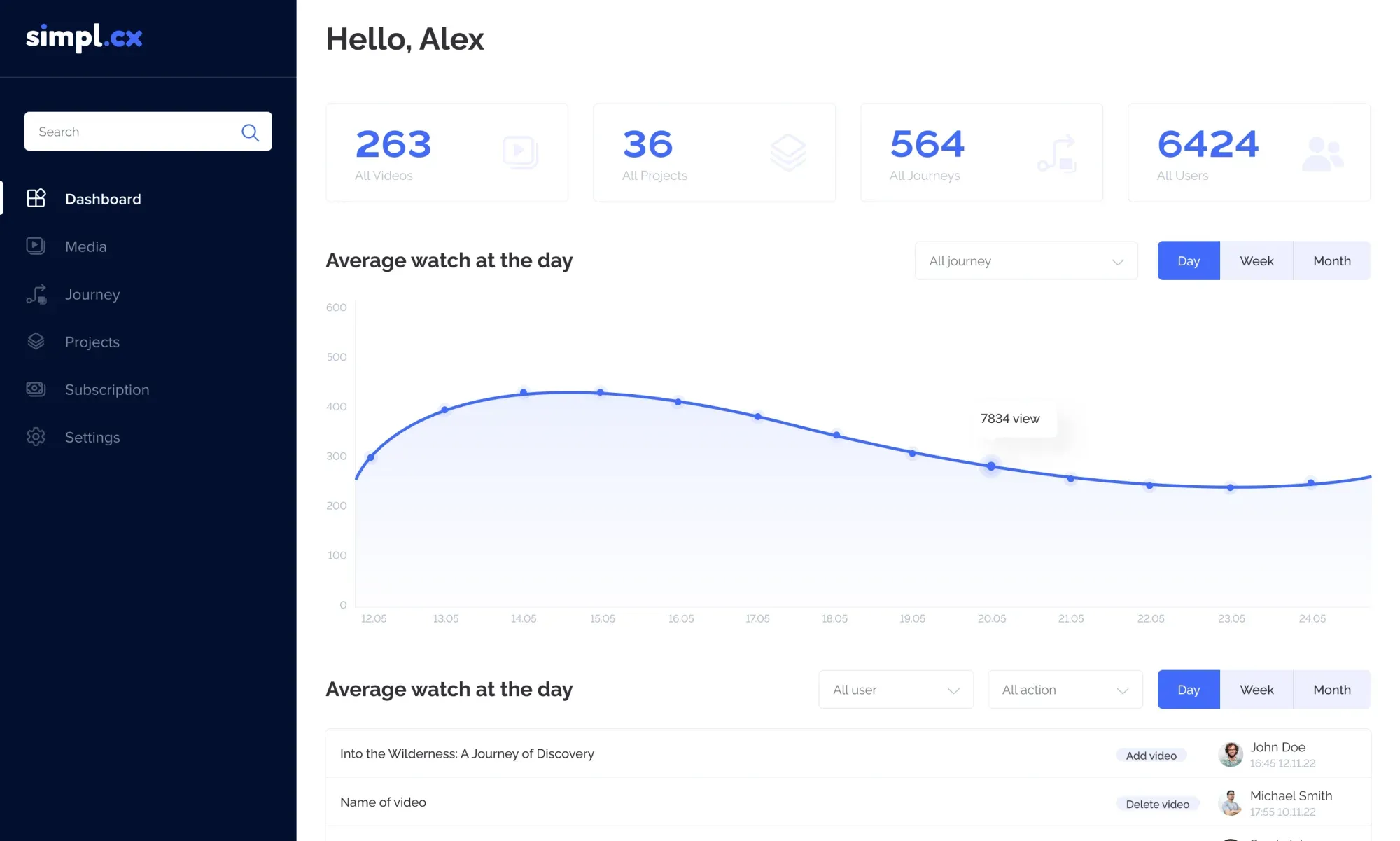
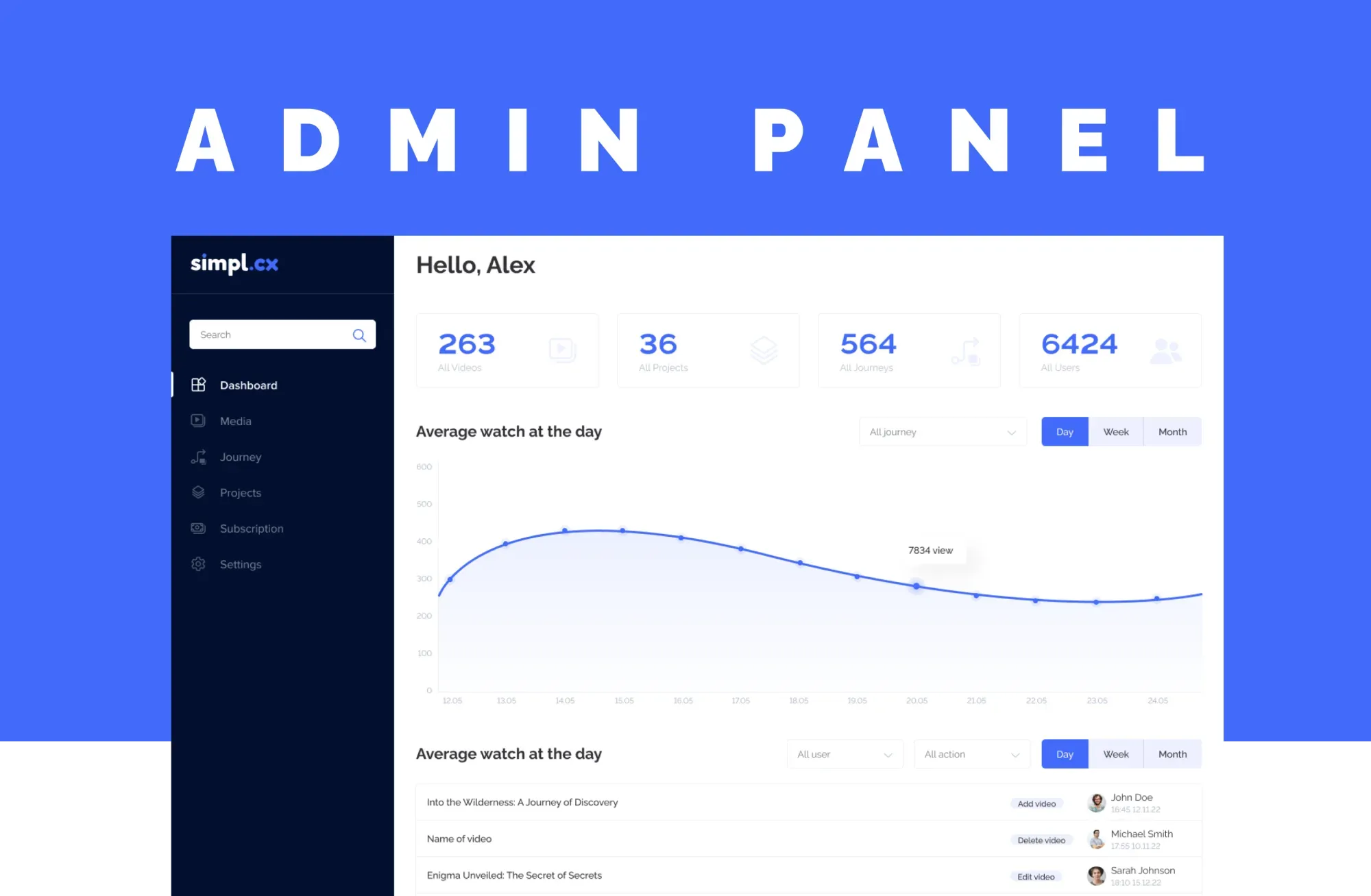
The admin dashboard aggregates platform-wide analytics: total uploaded videos, active projects, created journeys, and registered users. An interactive daily/weekly/monthly watch-time chart and a real-time team activity feed help track user engagement.
Admin sign in and registration
Dedicated sign-in and account creation forms for platform administrators and content creators.
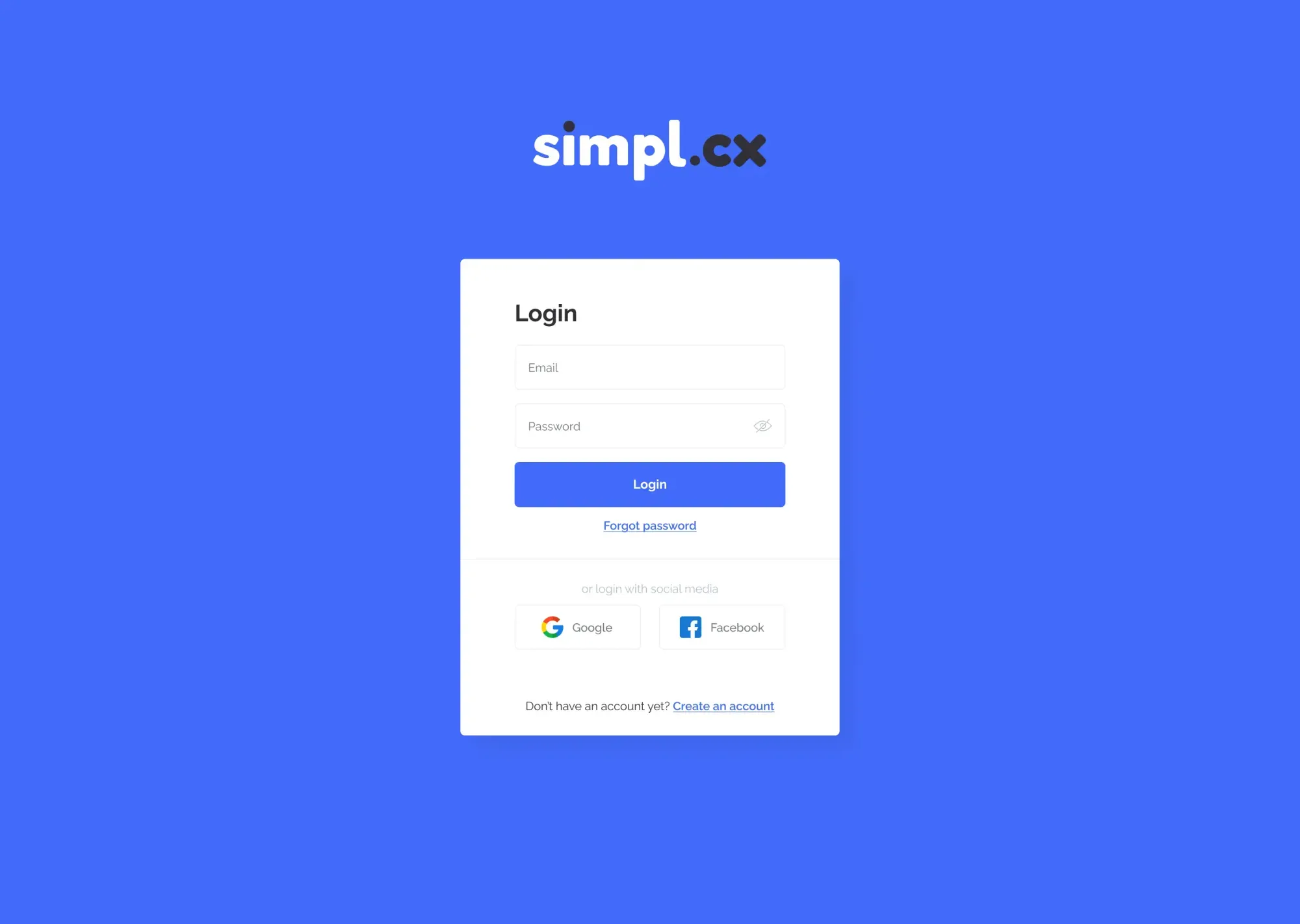
Admin sign in
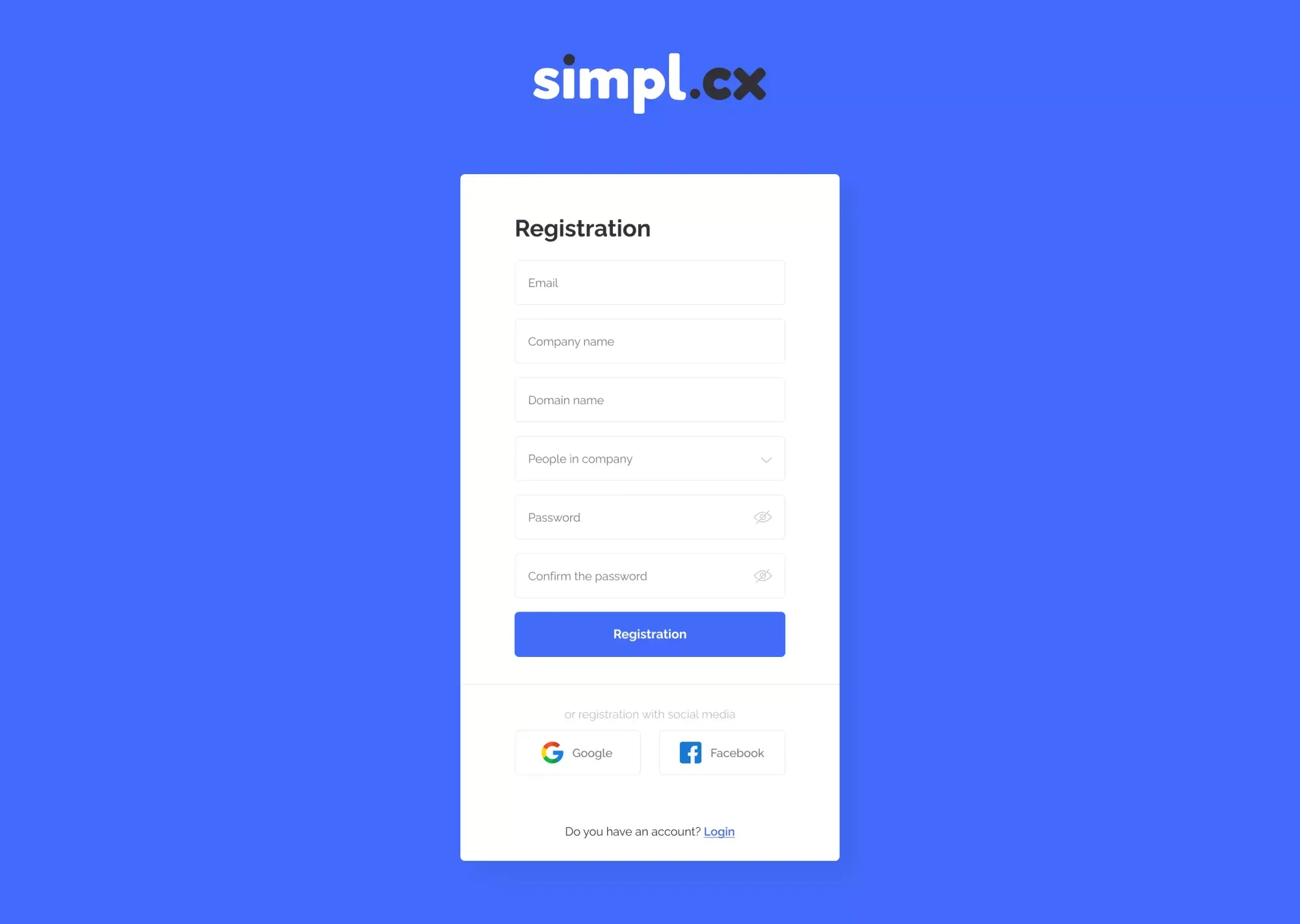
Creator registration
Media library
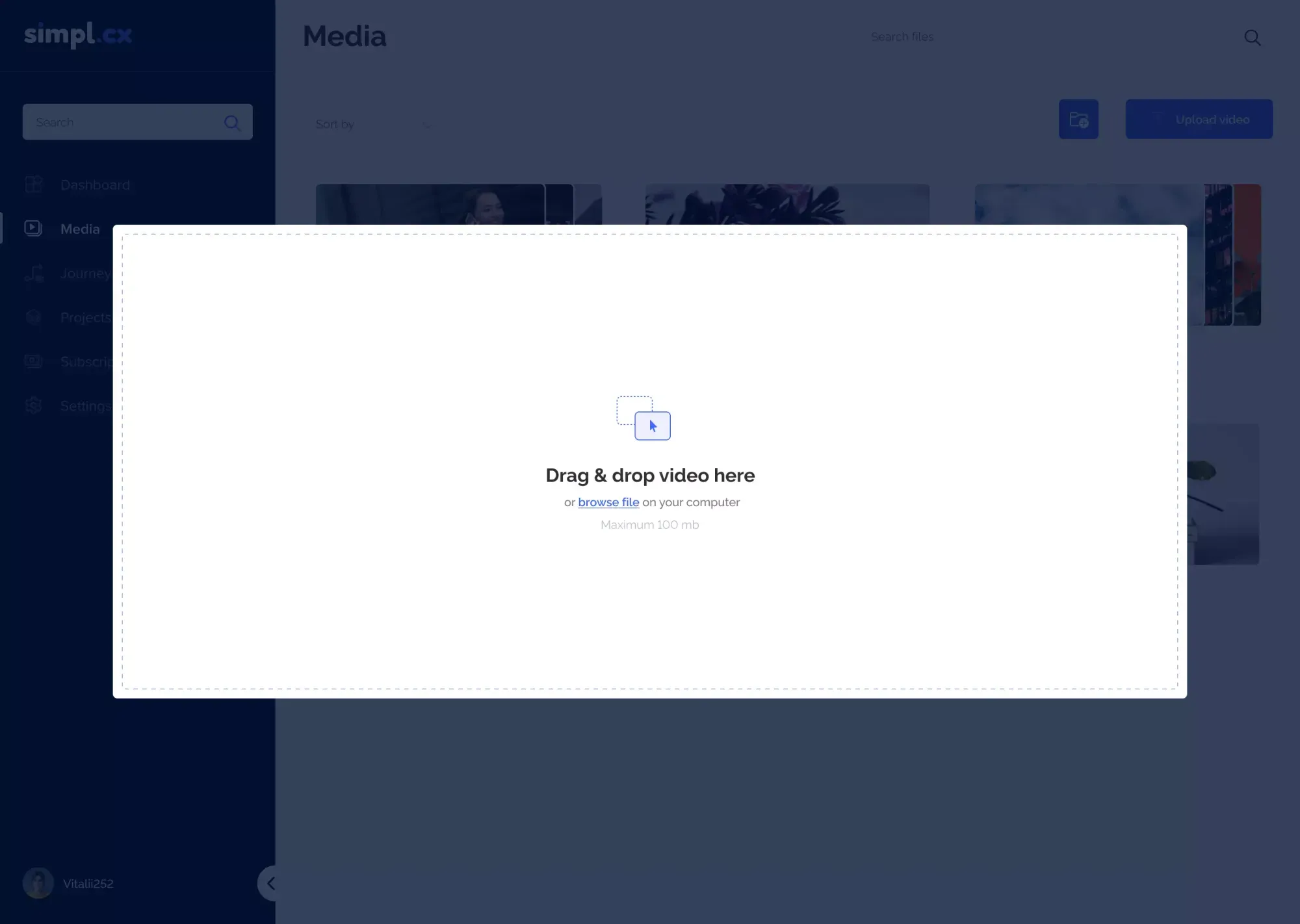
The built-in media library lets creators organize videos and presentations into folders, upload new assets via drag-and-drop, and reuse them across multiple onboarding journeys.
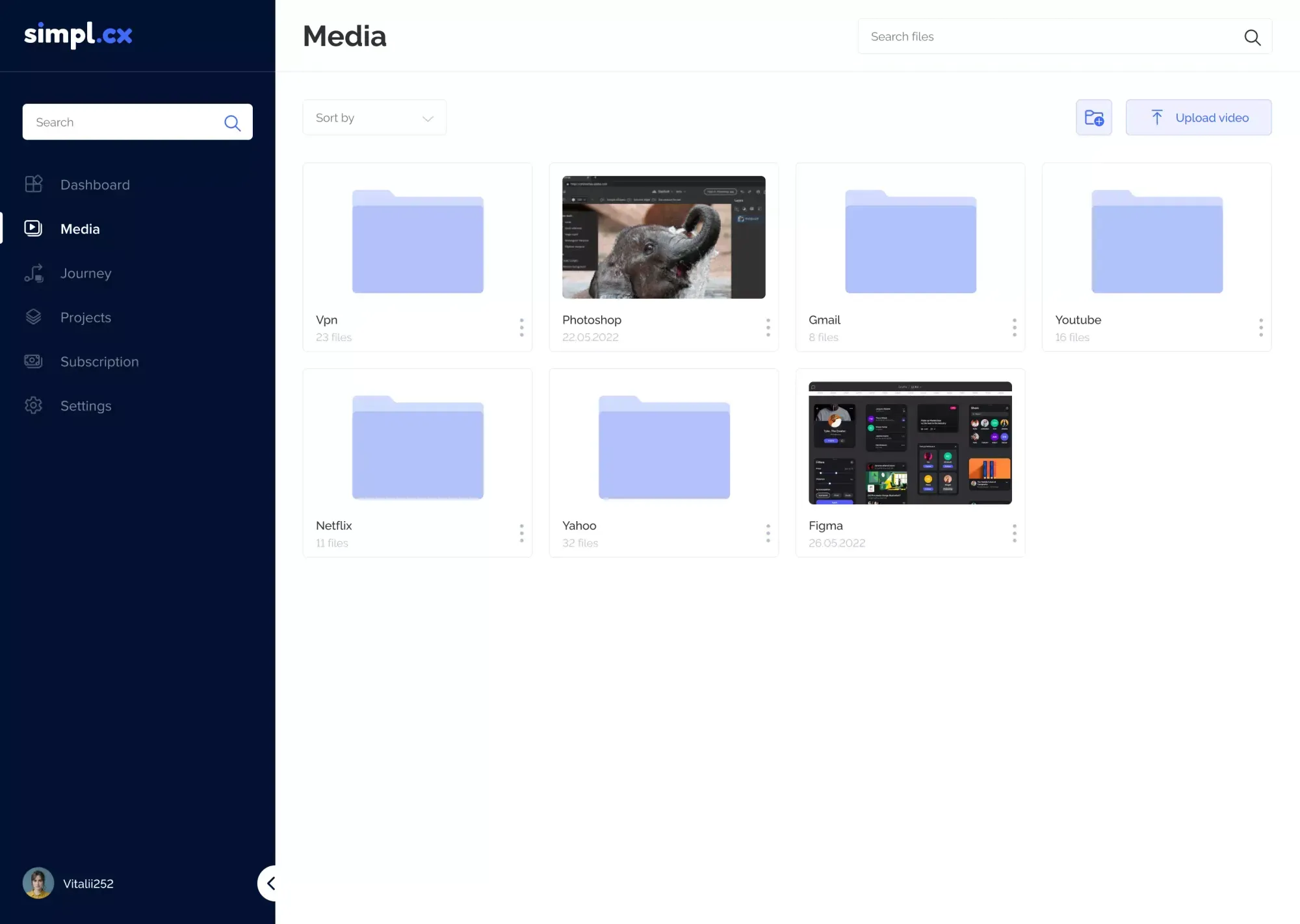
All media files
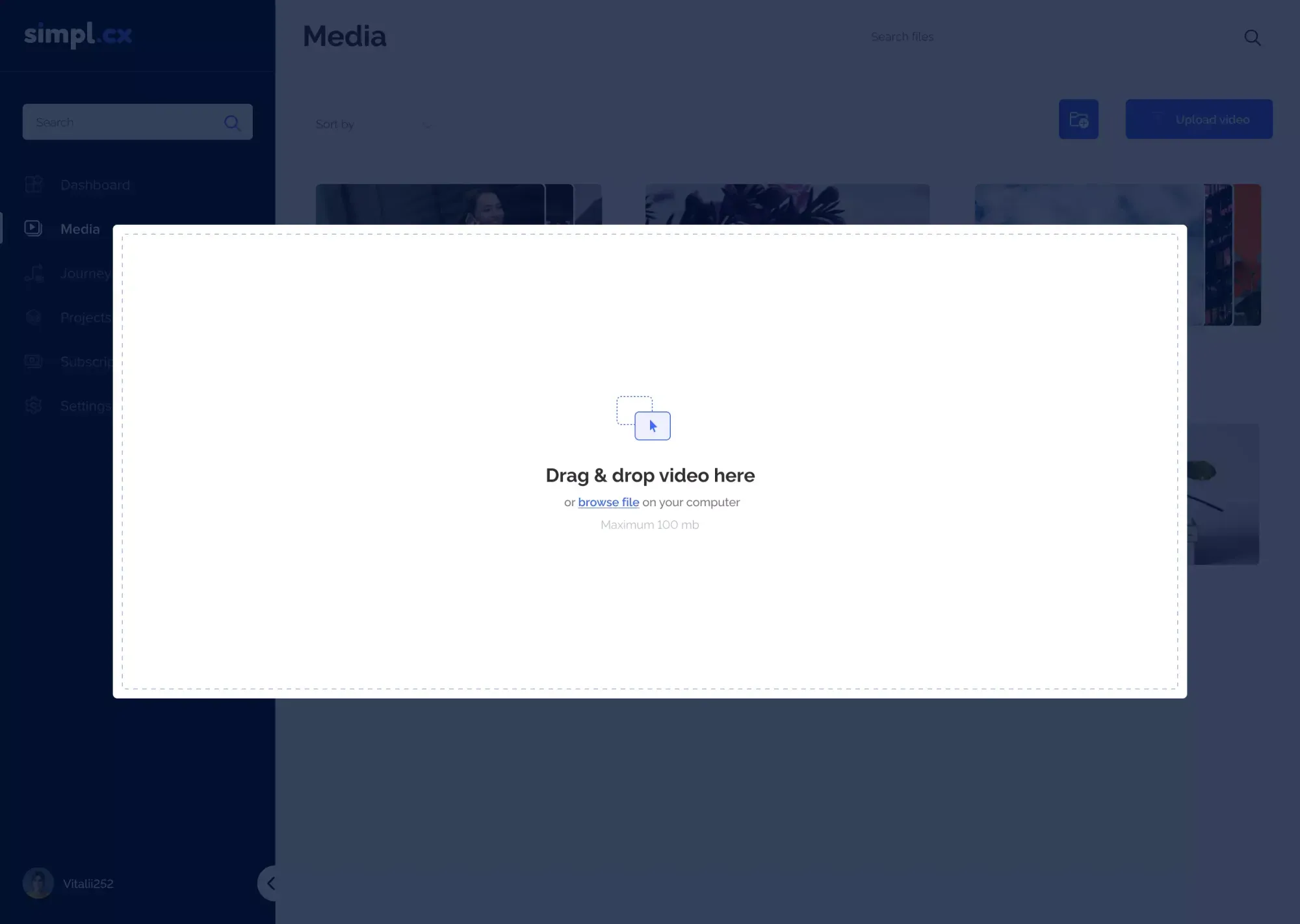
Upload video
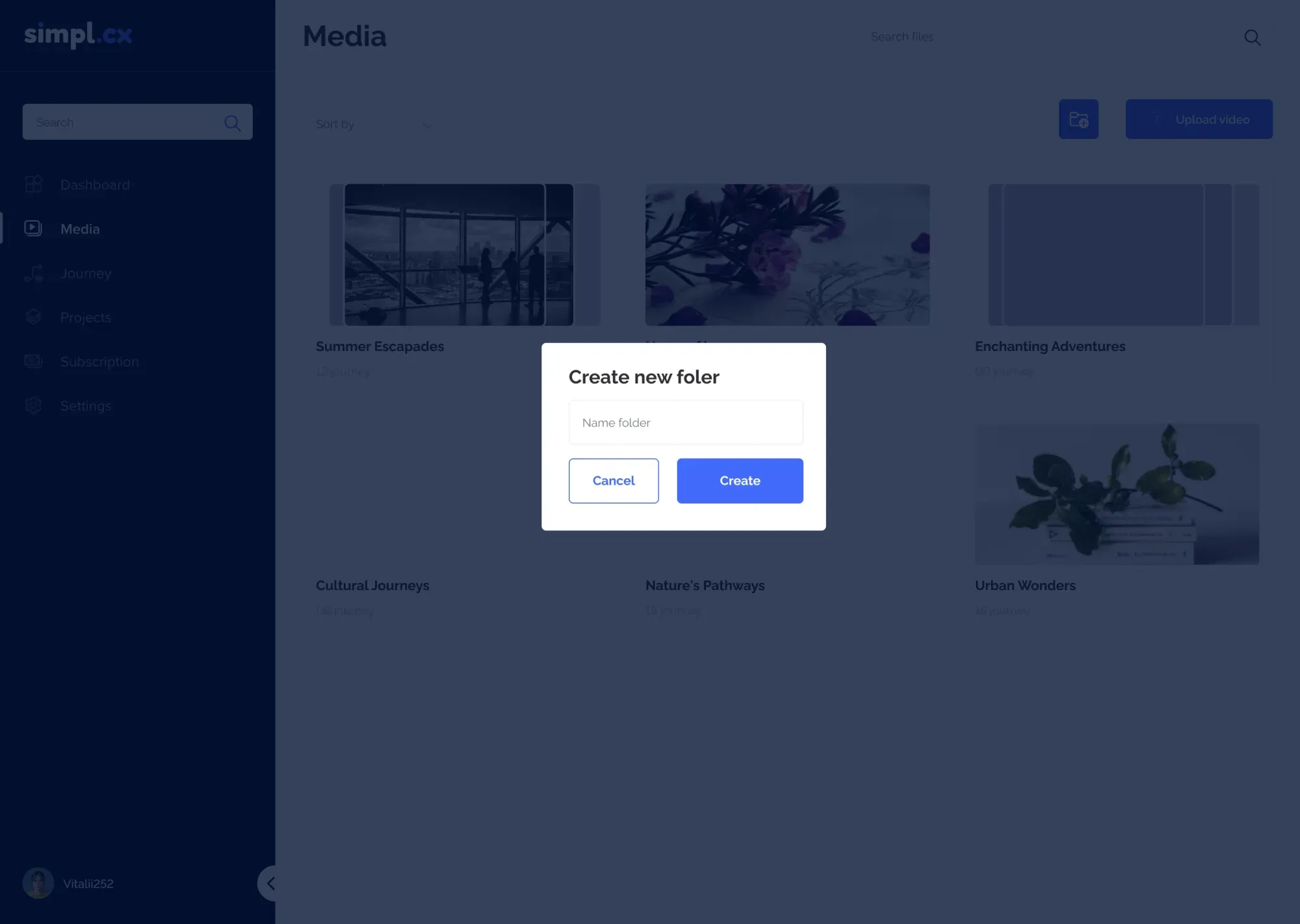
Create folder
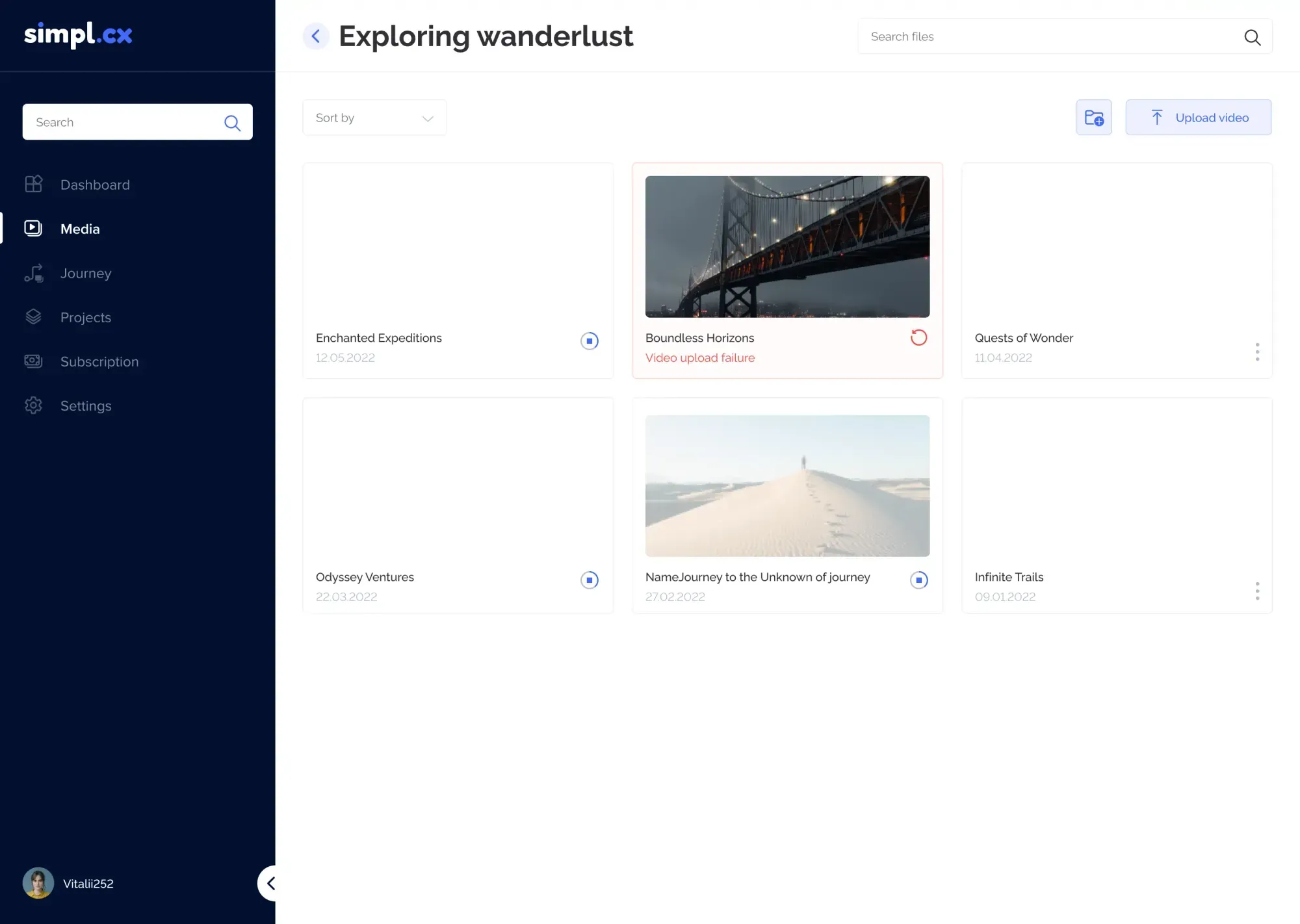
Folder contents
Journeys directory
We designed all states of the Journeys directory, from the initial empty state and category creation to the filterable table of published and draft onboarding flows.
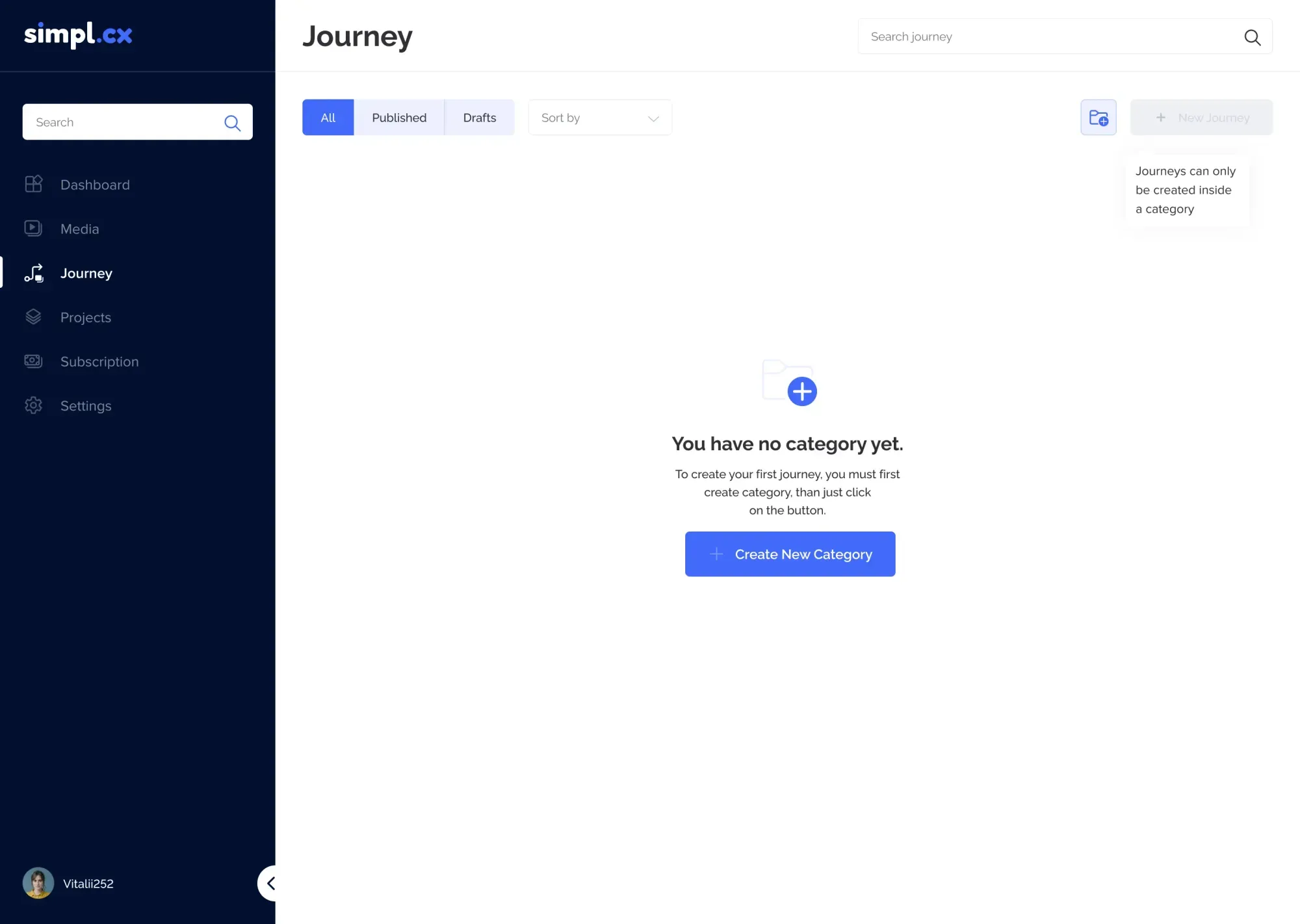
Empty state
Categories list
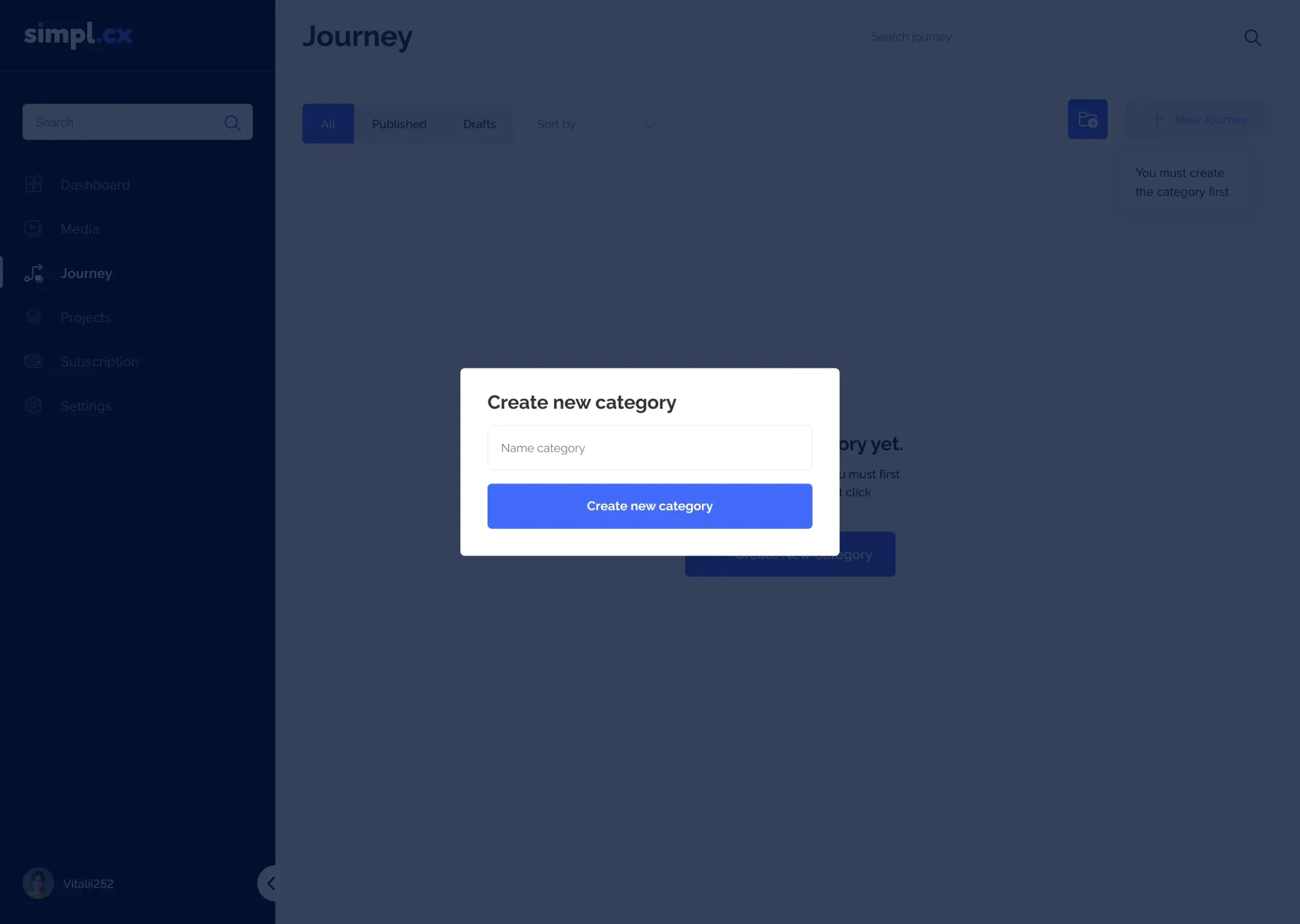
Create category
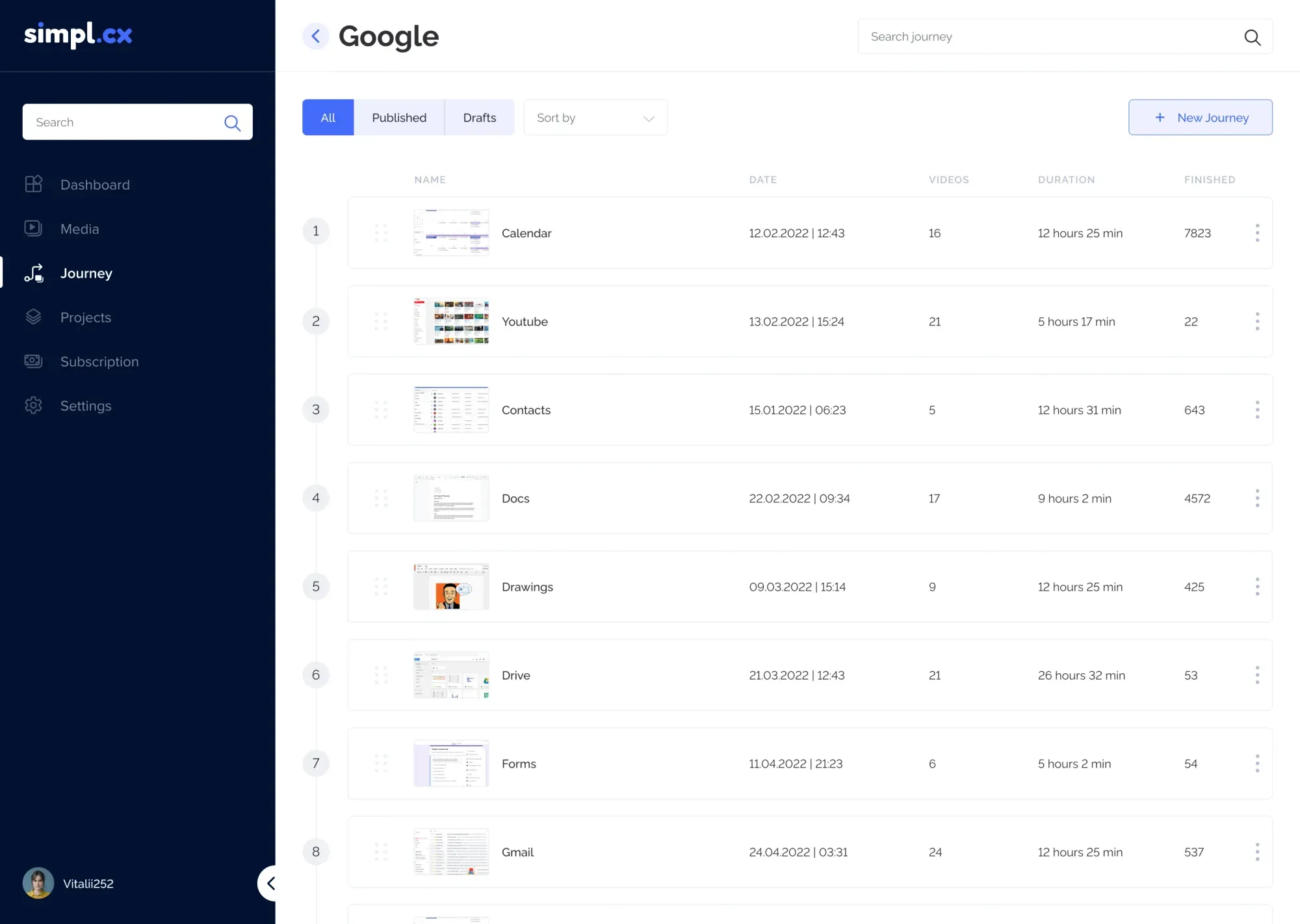
Journeys in category
Journey builder & editor
The step-by-step editor makes building interactive journeys effortless: creators name the track, attach videos from the media library, add resource links, and configure quiz checkpoints to test user comprehension.
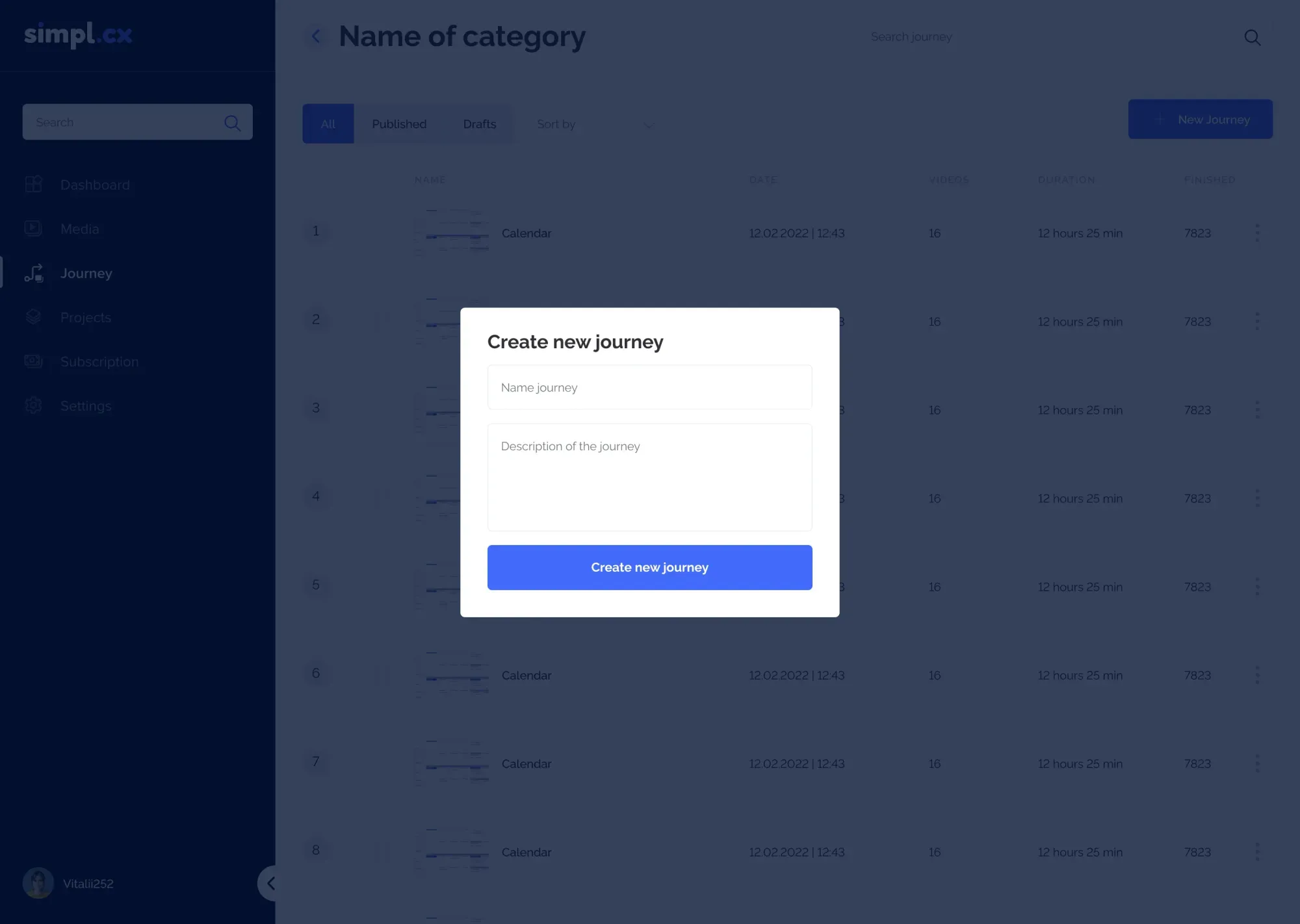
Create journey
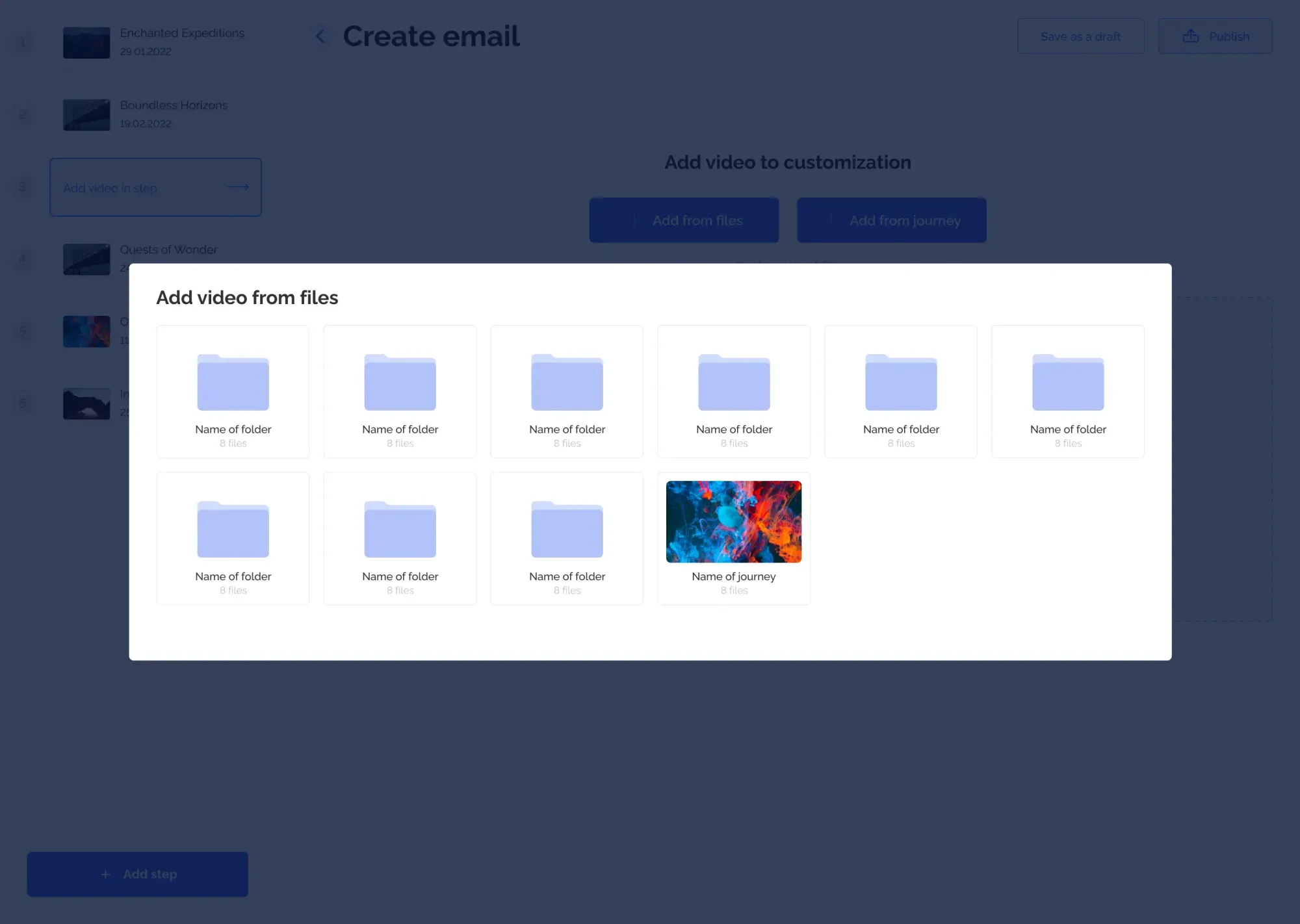
Select video from files
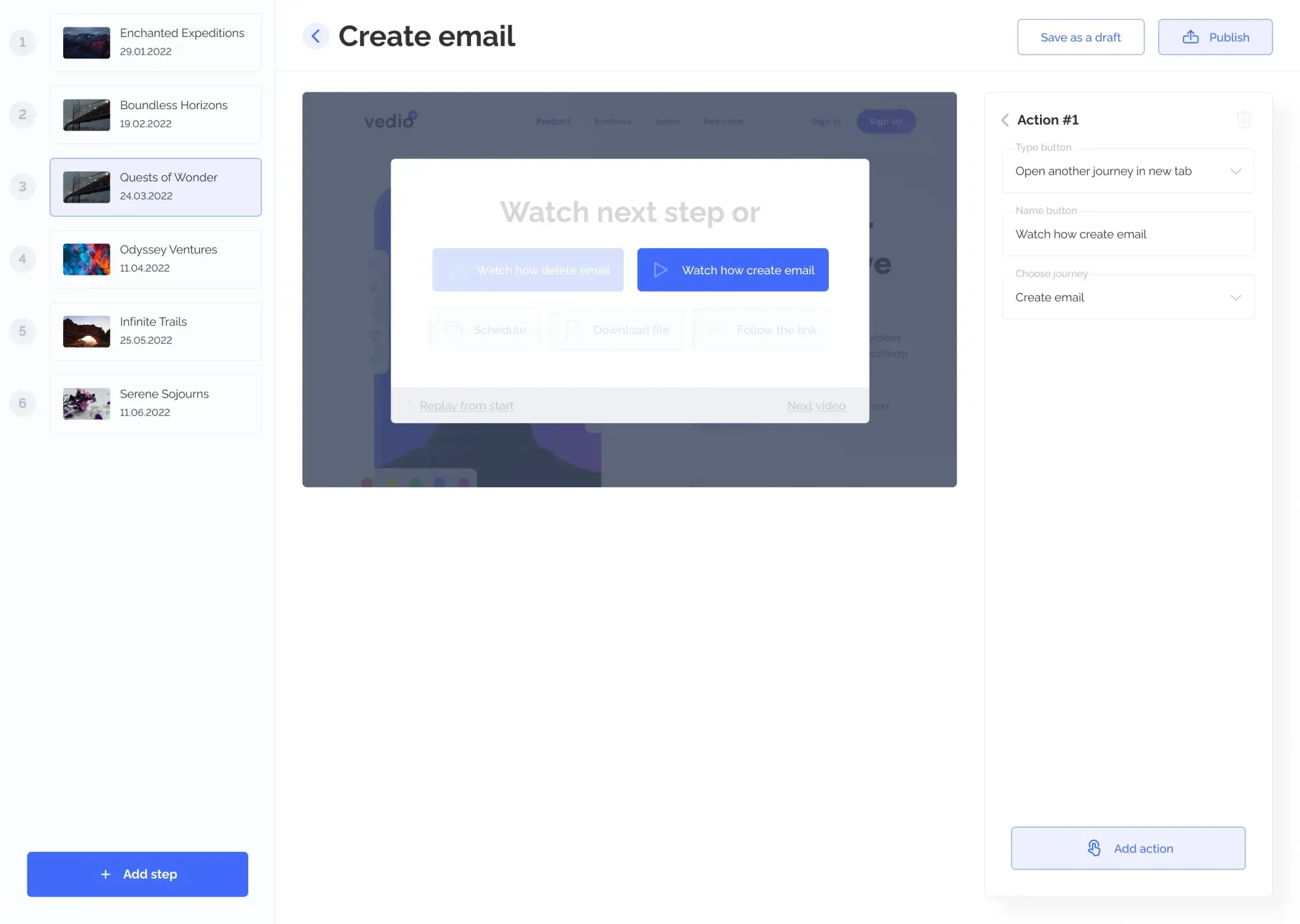
Quiz configuration
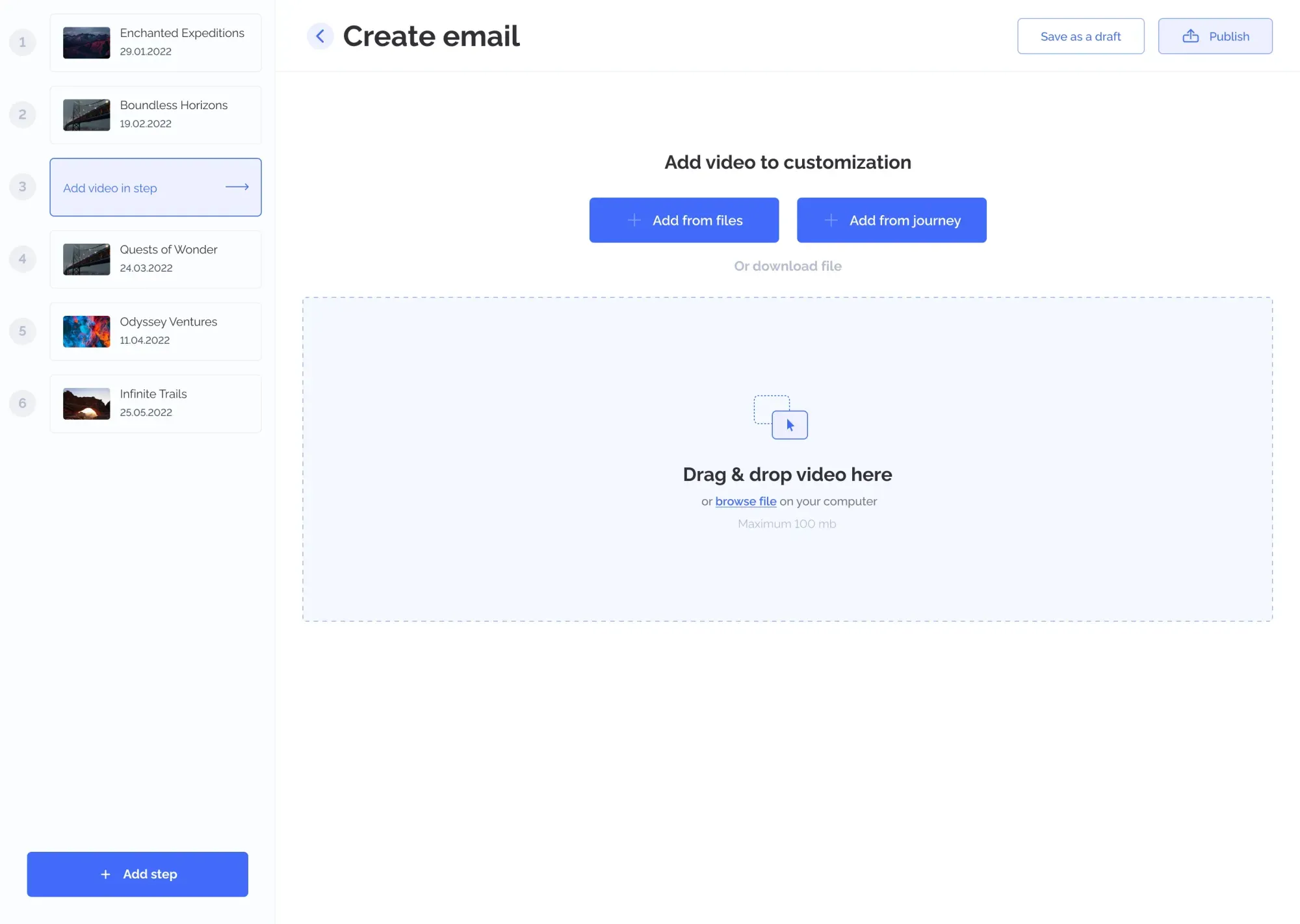
Blank editor
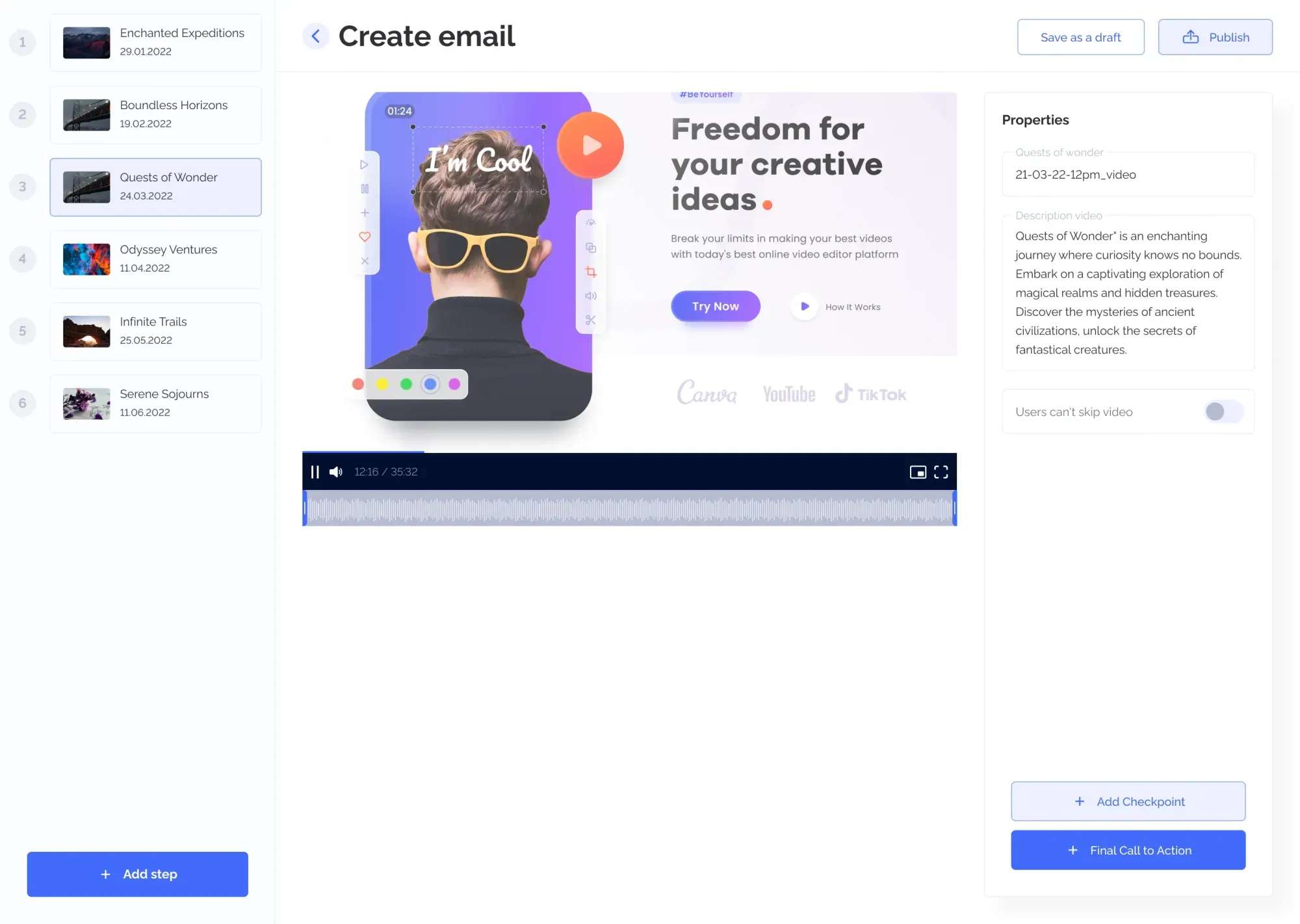
Added video step
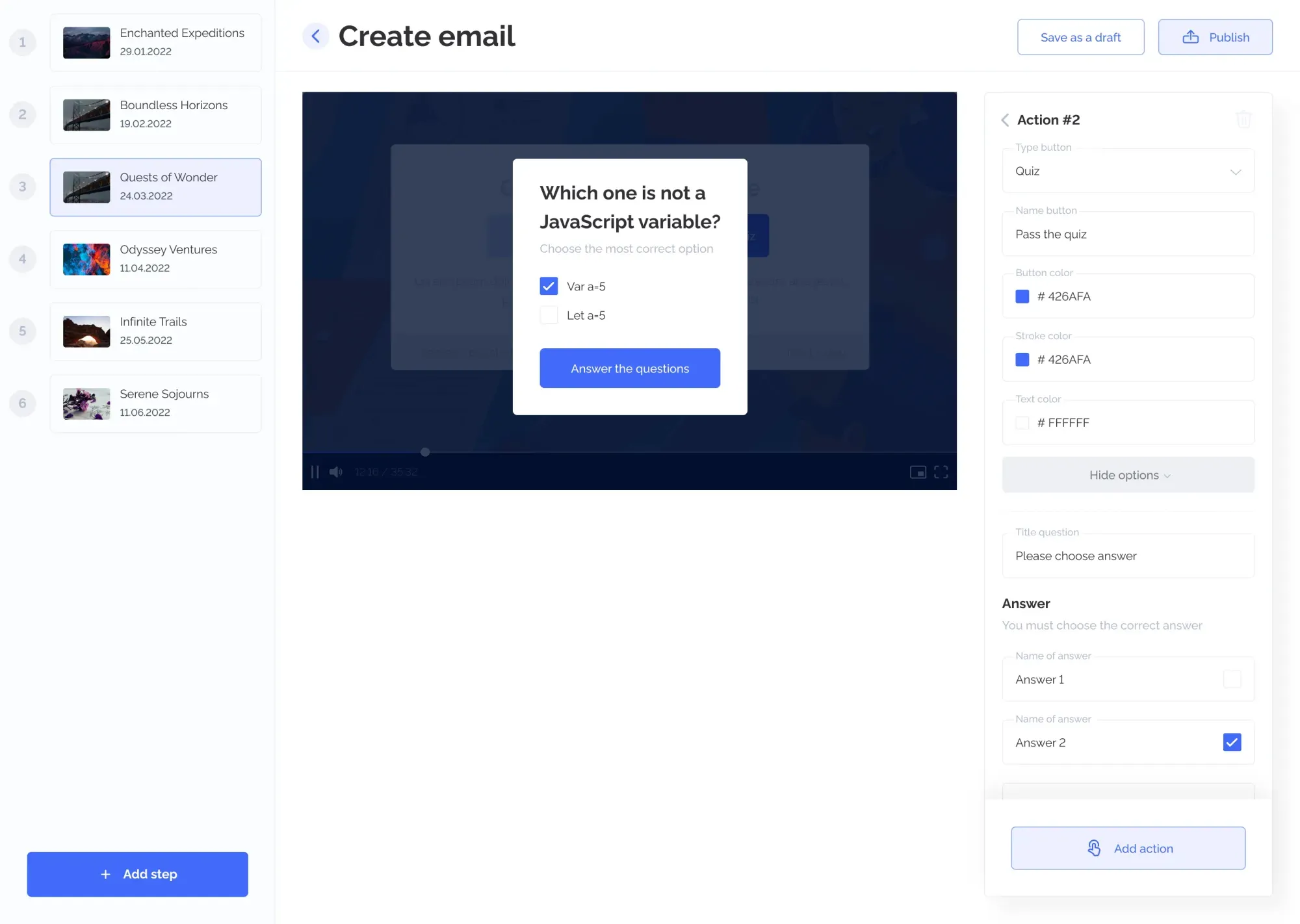
Add checkpoint quiz
Final call to action in journey
At the end of a journey, creators can configure a custom Final Call to Action—such as opening a target URL, booking a call, or submitting an email form—along with unsaved-changes protection modals.
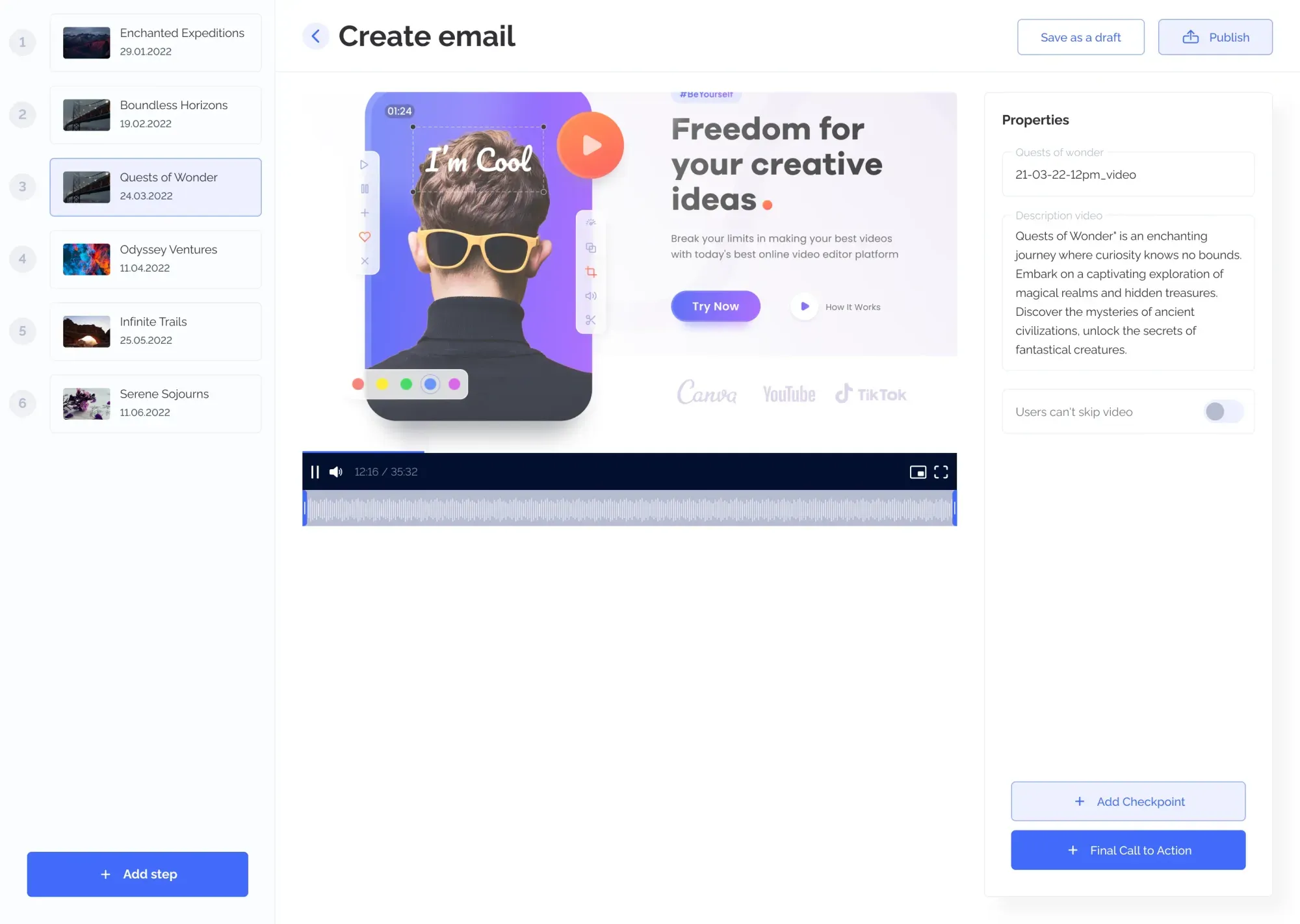
Journey timeline
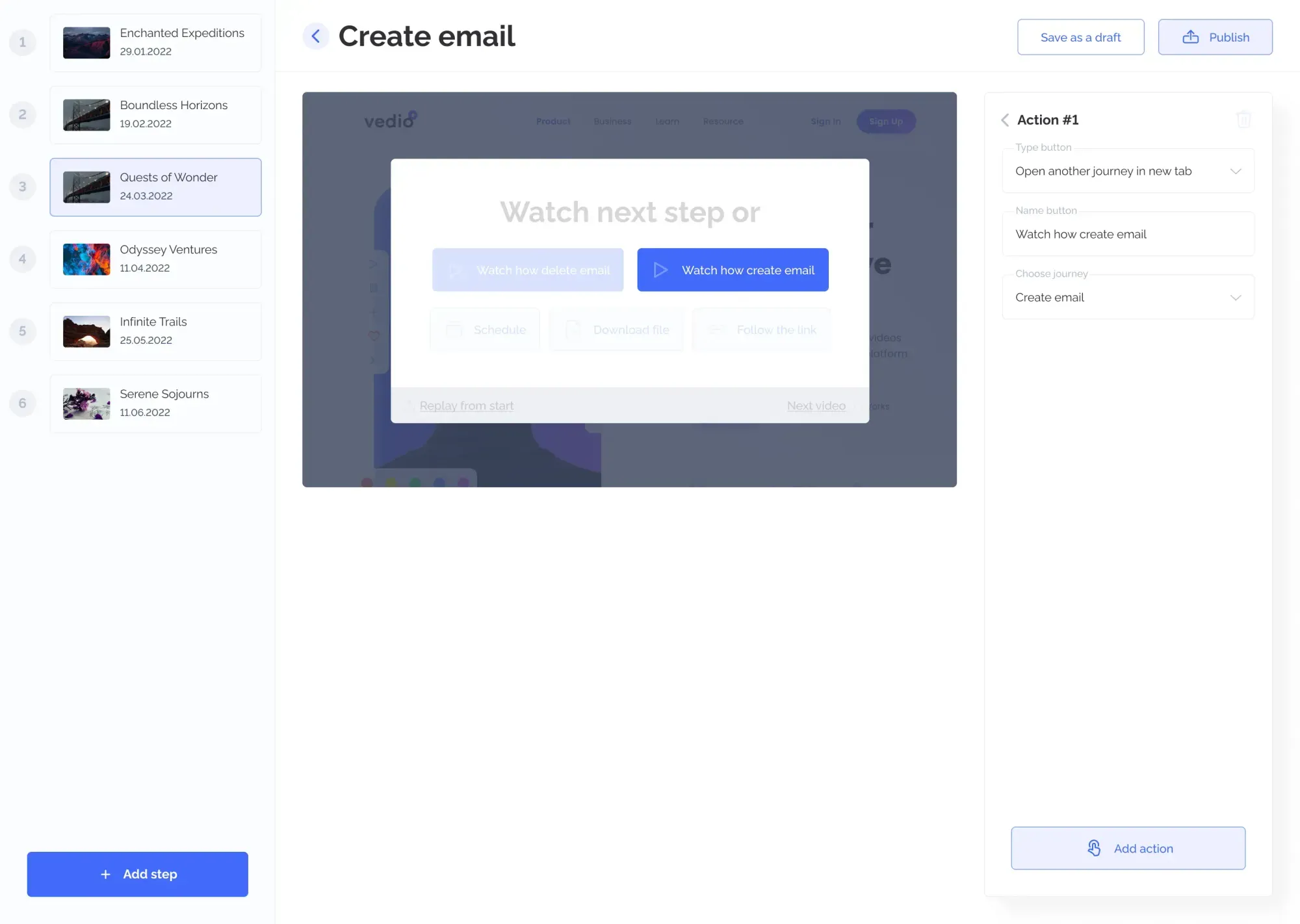
CTA preview
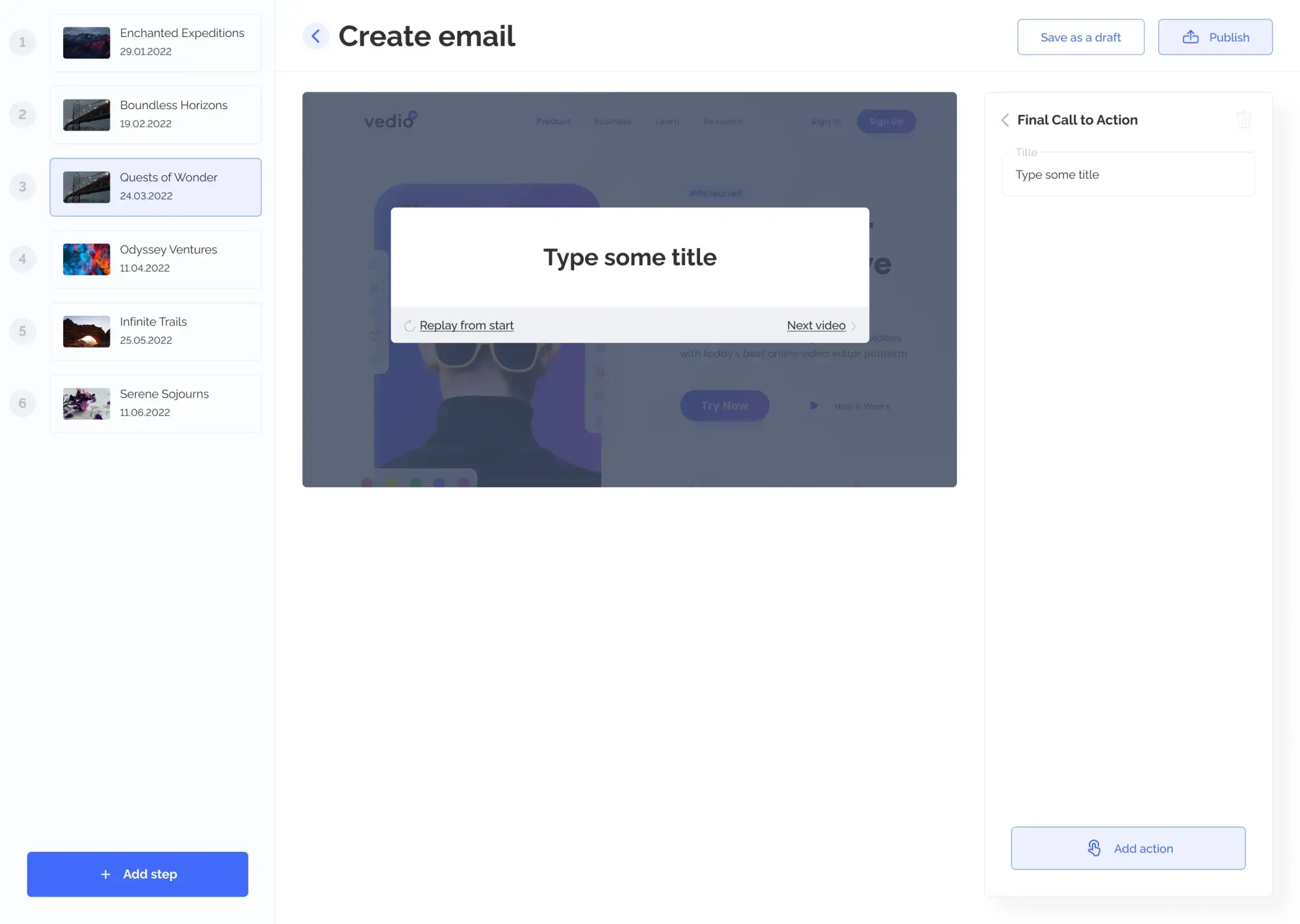
Final CTA setup
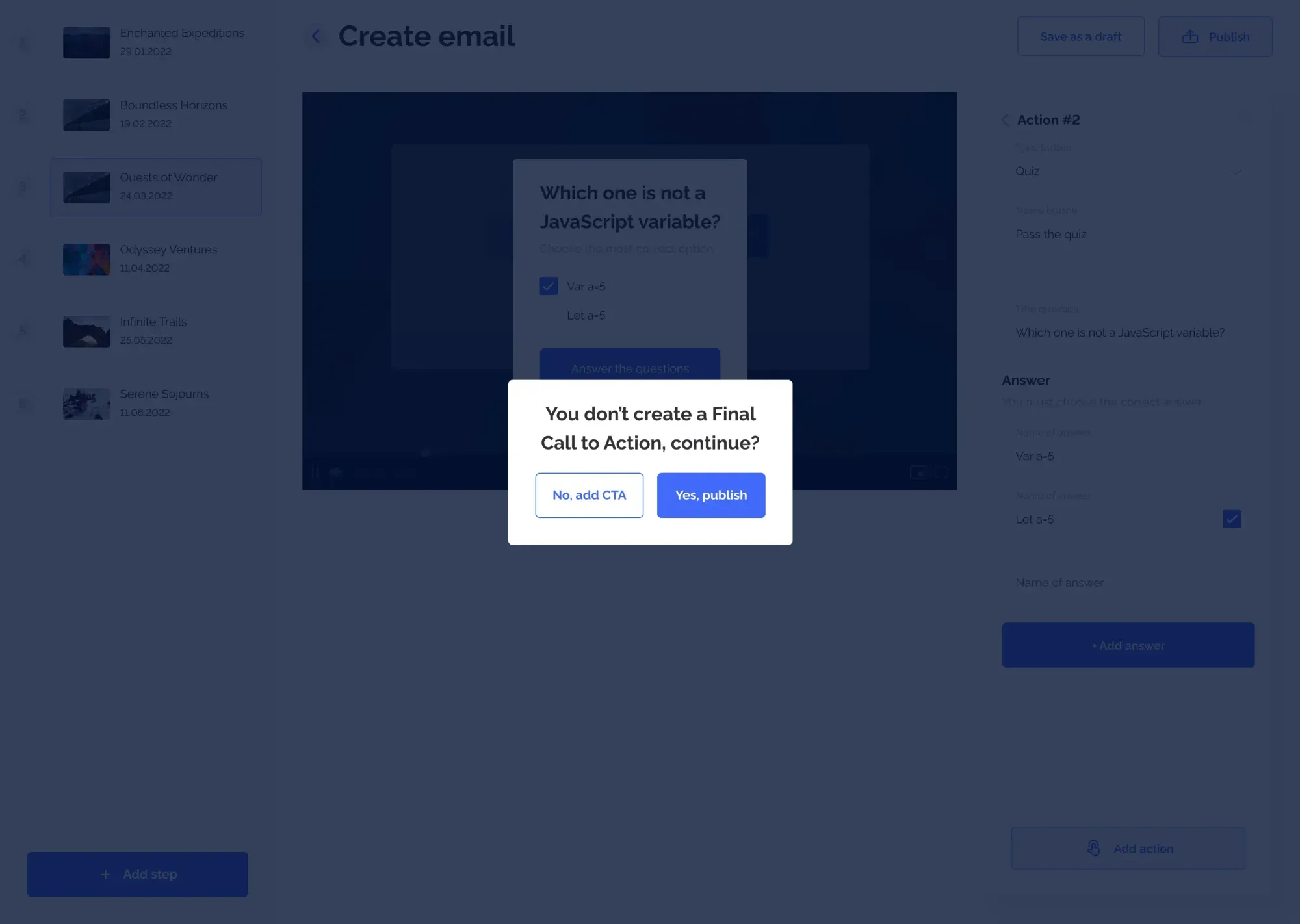
Unsaved changes modal
Admin project management
In the admin Projects section, managers bundle individual journeys into dedicated workspaces for different products or client teams and generate embed codes.
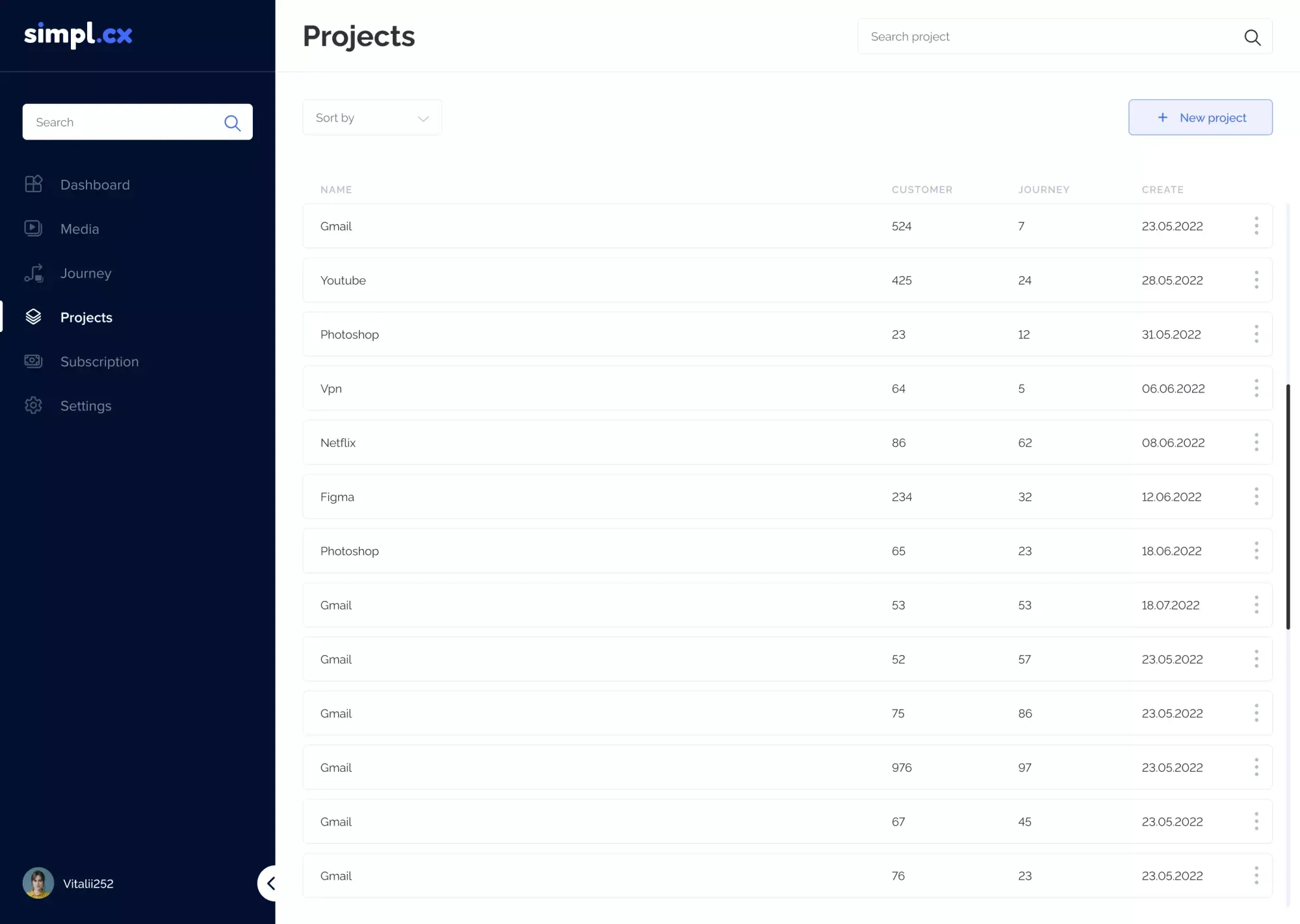
Projects list
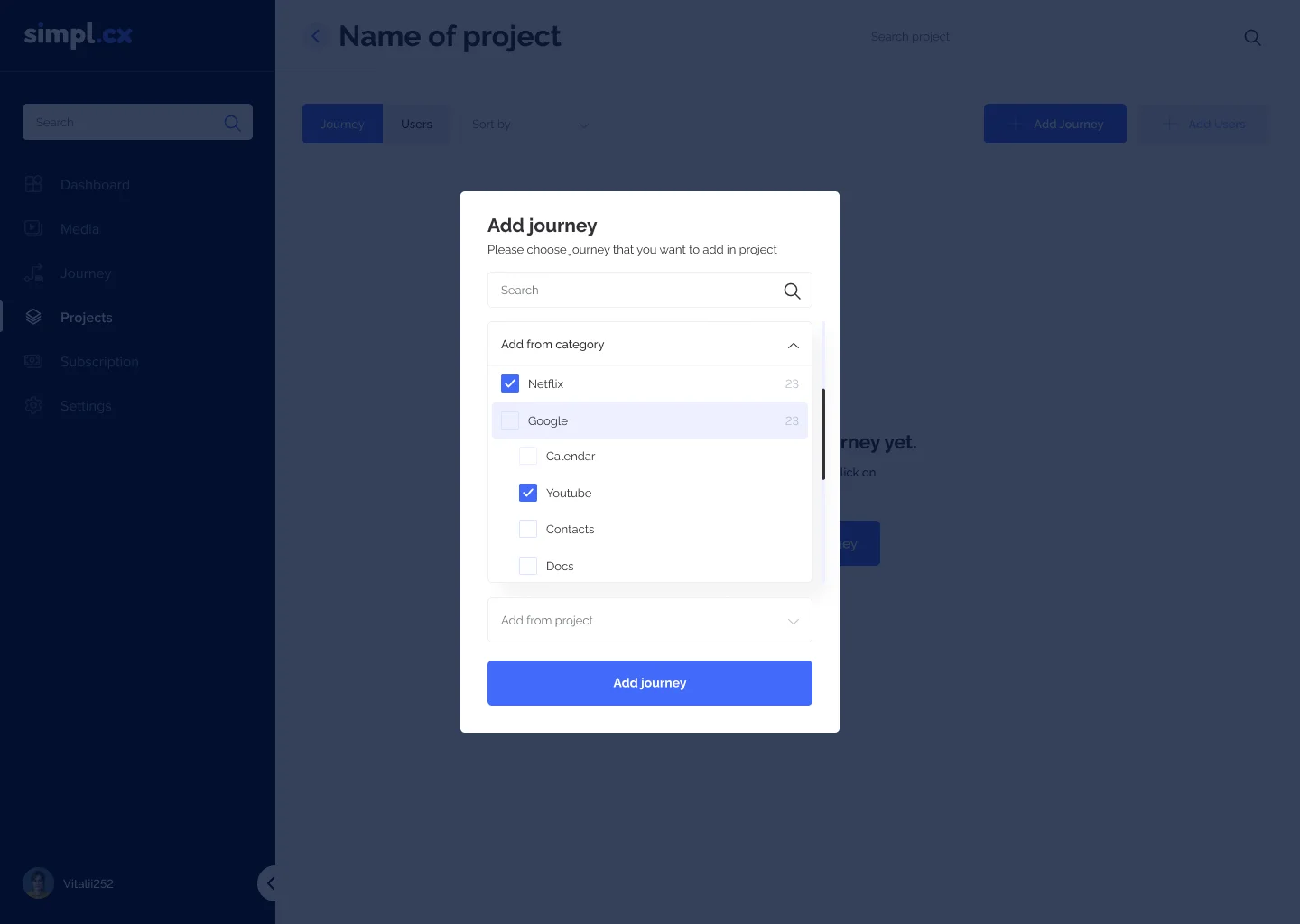
Add journey
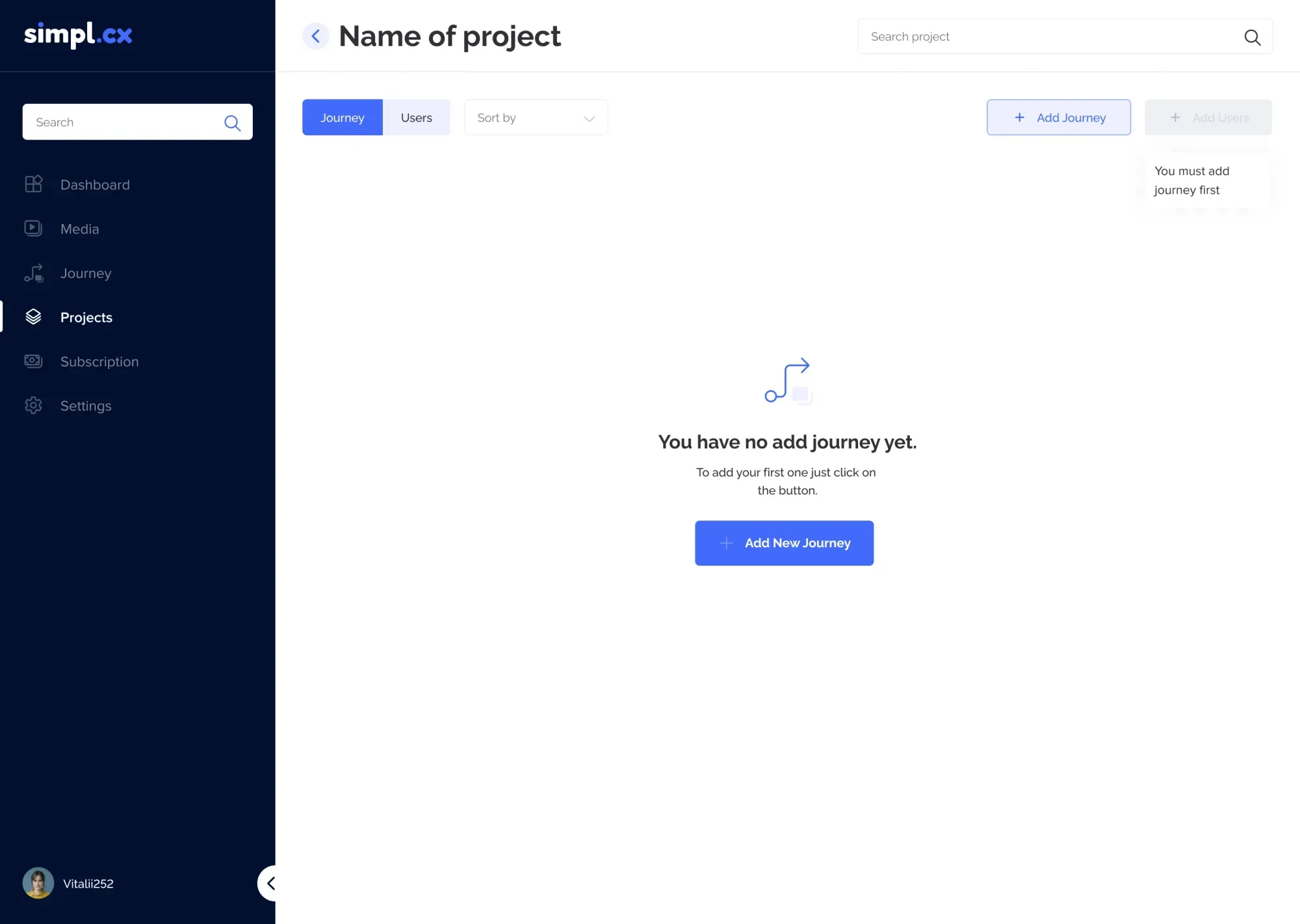
Empty project
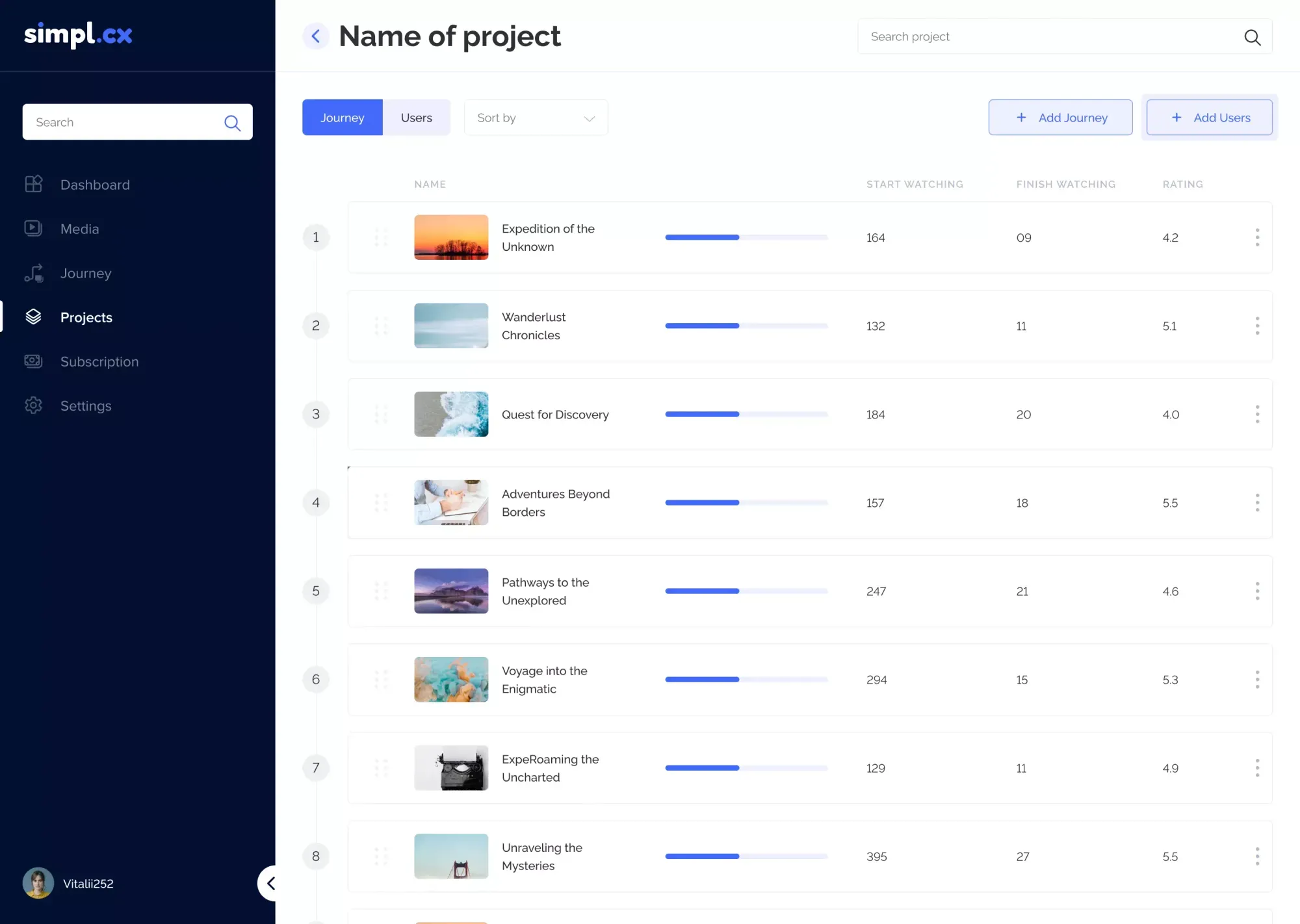
Populated project
Subscription and settings
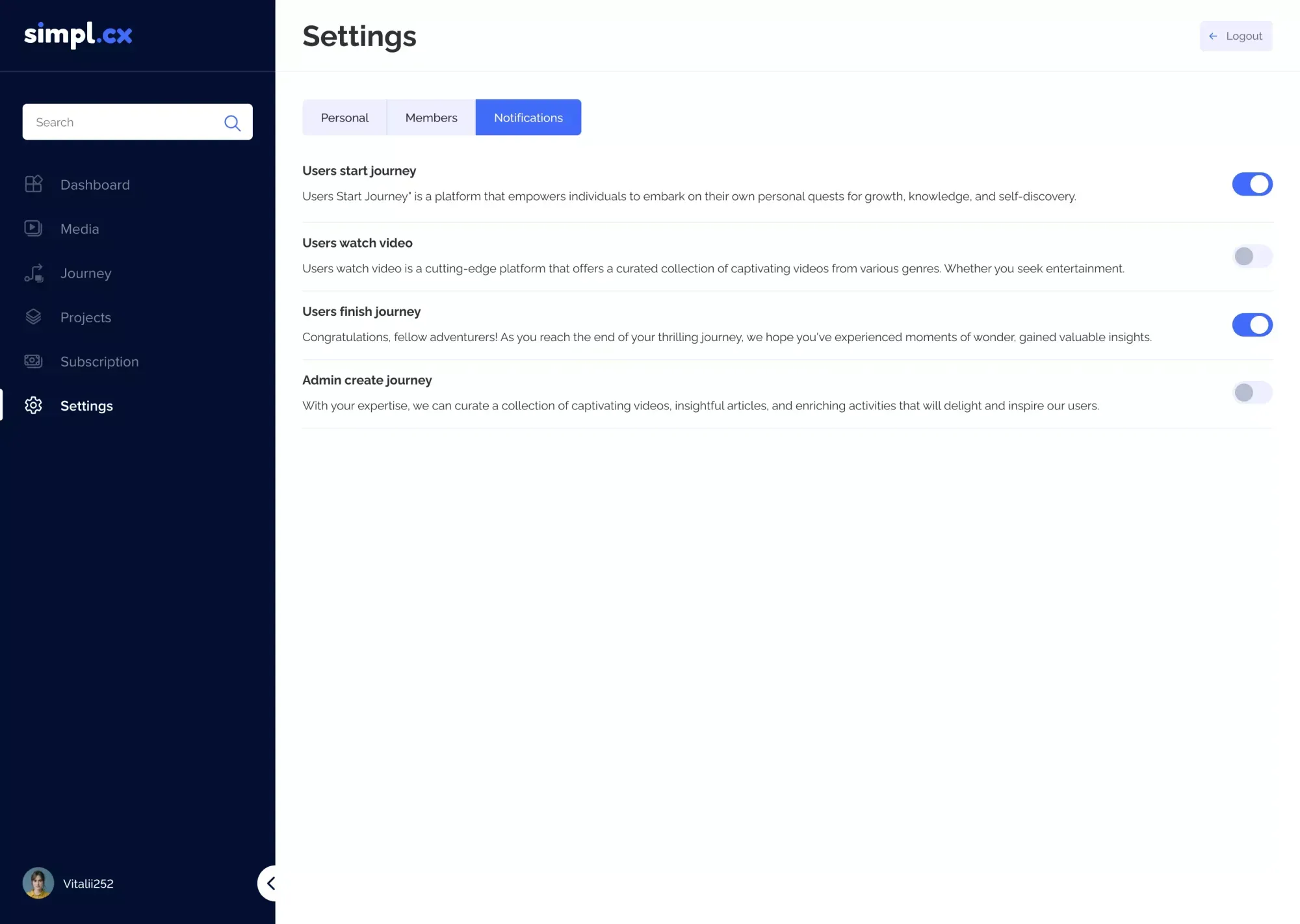
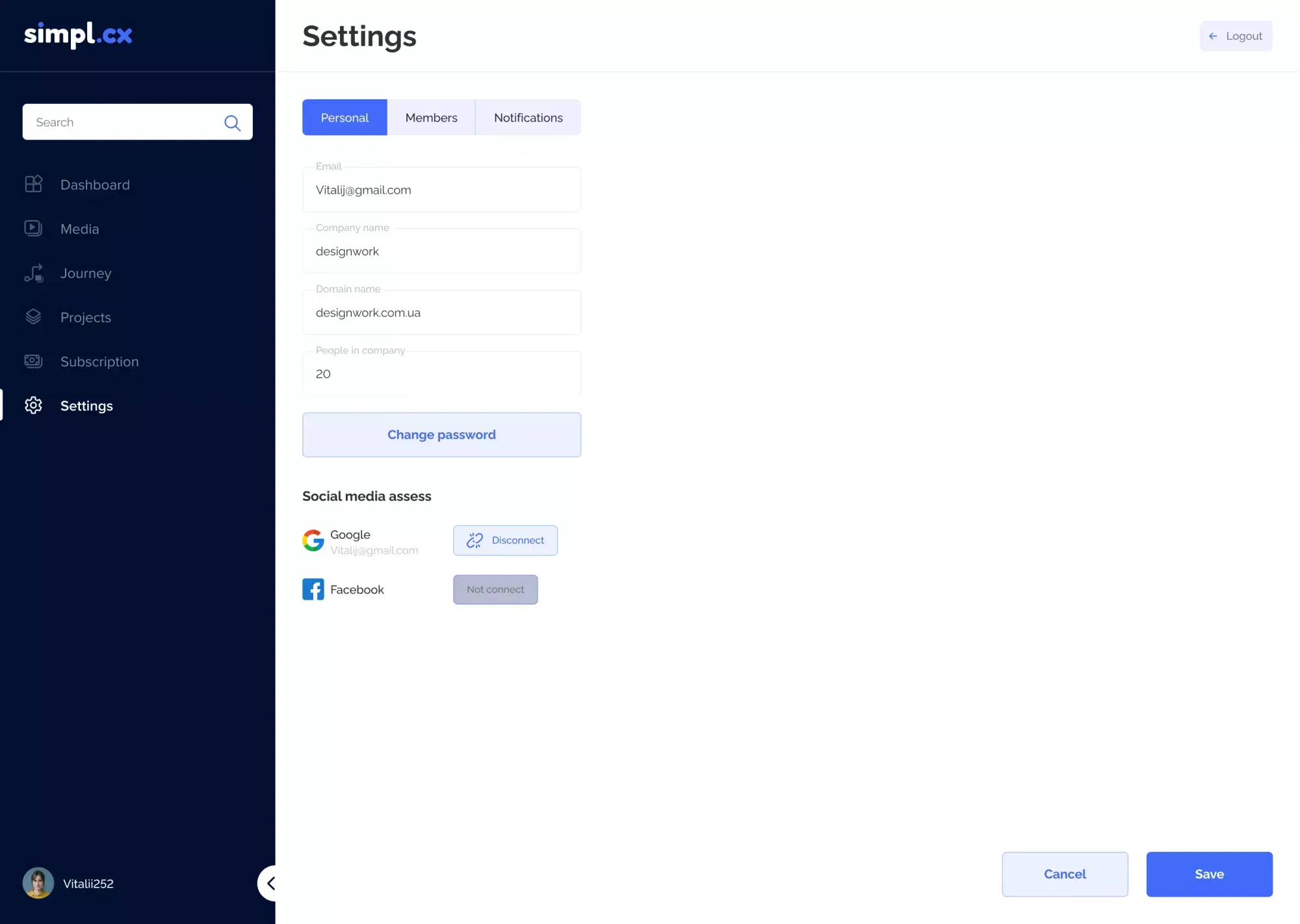
Account management screens cover SaaS subscription plan selection, team member invitations, role permissions, and personal profile settings.
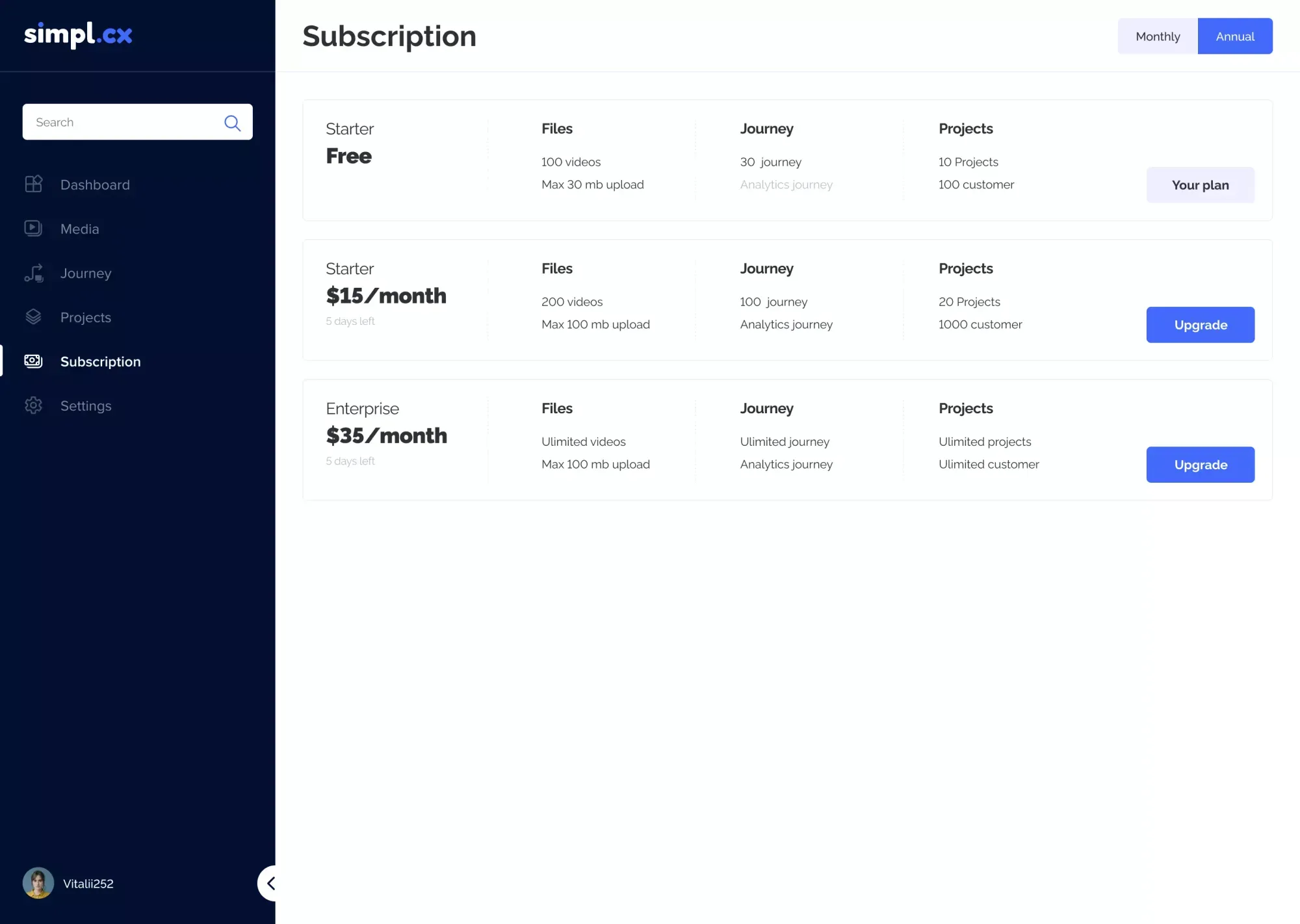
Subscription plans
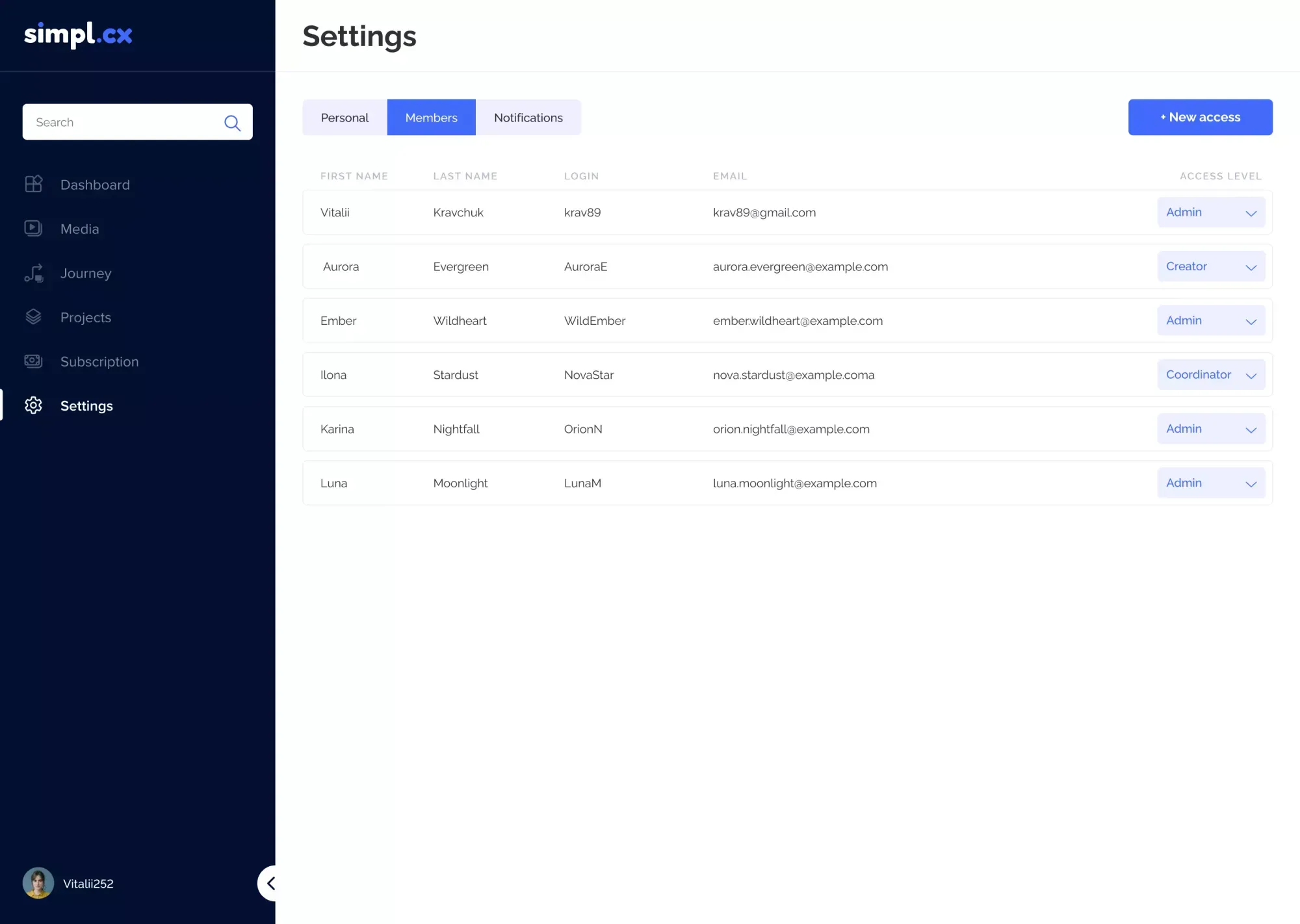
Team members
Personal details
Account settings
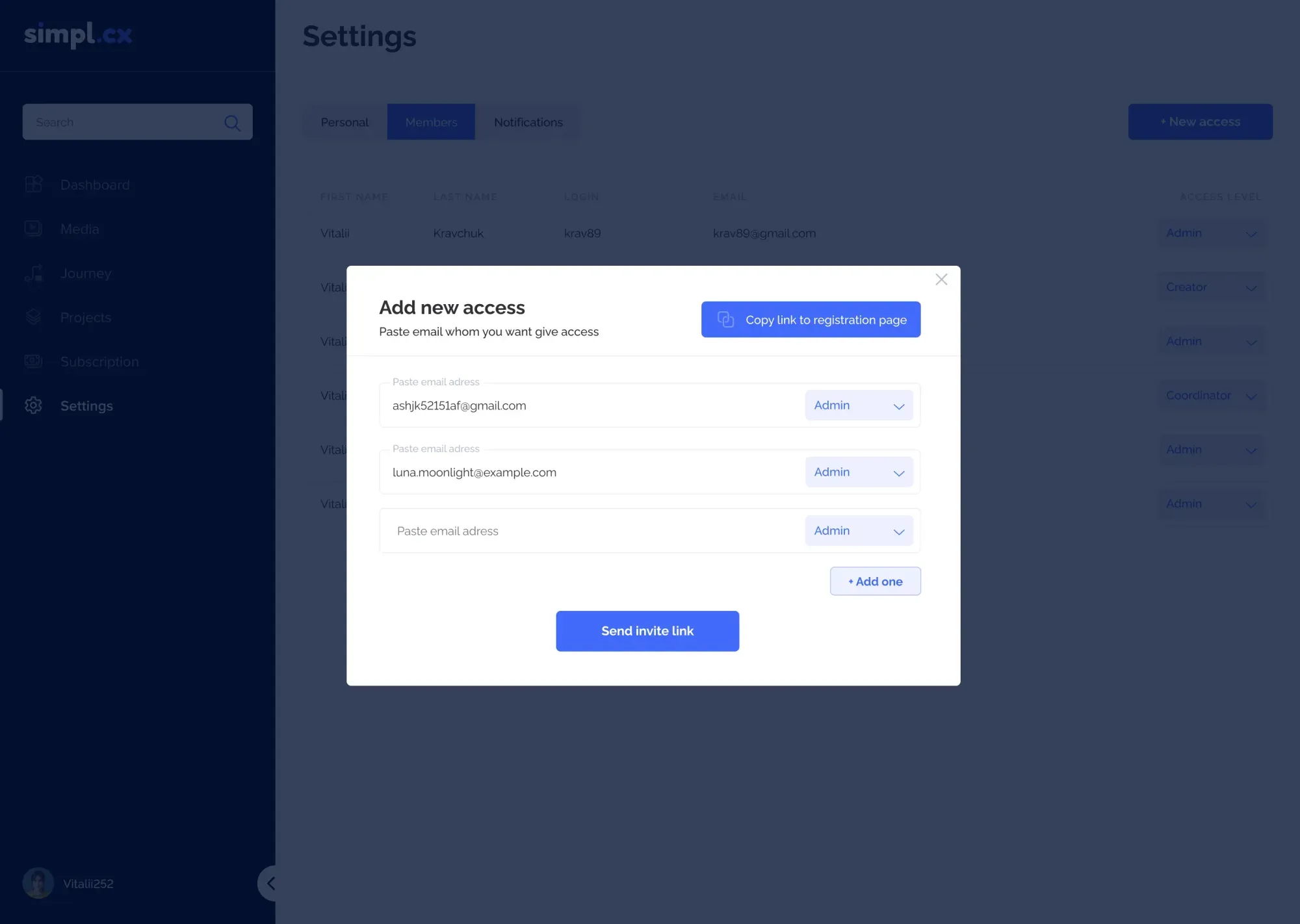
Invite member


